Multi-Shift Dashcam Recording Tips for Reliable Coverage
Multi-Shift Dashcam Recording Tips for Reliable Coverage
TL;DR:
- Proper setup of loop recording, power supply, and storage management is essential for continuous multi-shift dashcam recording. Drivers must configure clip lengths, install hardwired power solutions, and use high-endurance SD cards to ensure footage remains intact over long periods. Regular formatting and proactive footage review help prevent data loss and maintain reliable evidence collection during extended driving shifts.
Multi-shift dashcam recording is defined as continuous, uninterrupted video capture across two or more consecutive driving shifts, requiring deliberate setup to preserve footage quality and evidence integrity. Most drivers treat their dashcam as a plug-and-play device, but that approach fails fast when shifts run 10 to 12 hours or longer. The right combination of loop recording settings, stable power, and proper storage management determines whether your footage survives a full day on the road. These multi-shift dashcam recording tips cover every layer of that setup, from SD card formatting to voltage cutoff thresholds, so you never lose critical footage when it matters most.
1. Configure loop recording for continuous multi-shift coverage
Loop recording is the foundational setting for any multi-shift dashcam setup. It automatically overwrites the oldest footage with new clips, keeping your card from filling up mid-shift. Without it, your dashcam stops recording the moment storage runs out.
The clip length you choose matters more than most drivers realize. 3-minute clips reduce file corruption risk and make reviewing footage far easier than hunting through a single 6-hour file. Longer clips increase the chance that a corrupted file takes out a large block of footage at once.
Set your G-sensor sensitivity to medium for city driving and lower for highway use. The G-sensor locks clips when it detects a hard impact, preventing loop recording from overwriting them. Too high a sensitivity and every pothole creates a locked file, eating up your protected storage.
- Set loop recording to 3-minute clips
- Enable G-sensor event locking at medium sensitivity for urban routes
- Lower G-sensor sensitivity on highways to avoid false triggers
- Verify that locked event clips save to a separate folder
2. Resolve the power problem before your first long shift
Power is the most overlooked factor in multi-shift dashcam setups. A dashcam draws between 200 and 500 mA per hour, which can drain 10–15% of a 50Ah car battery over a 12-hour shift. That number climbs fast if you add parking mode on top of active driving hours.
Relying on a cigarette lighter socket creates two problems. The socket cuts power when you turn off the ignition, ending your recording. It also provides no protection against battery drain during parking mode.
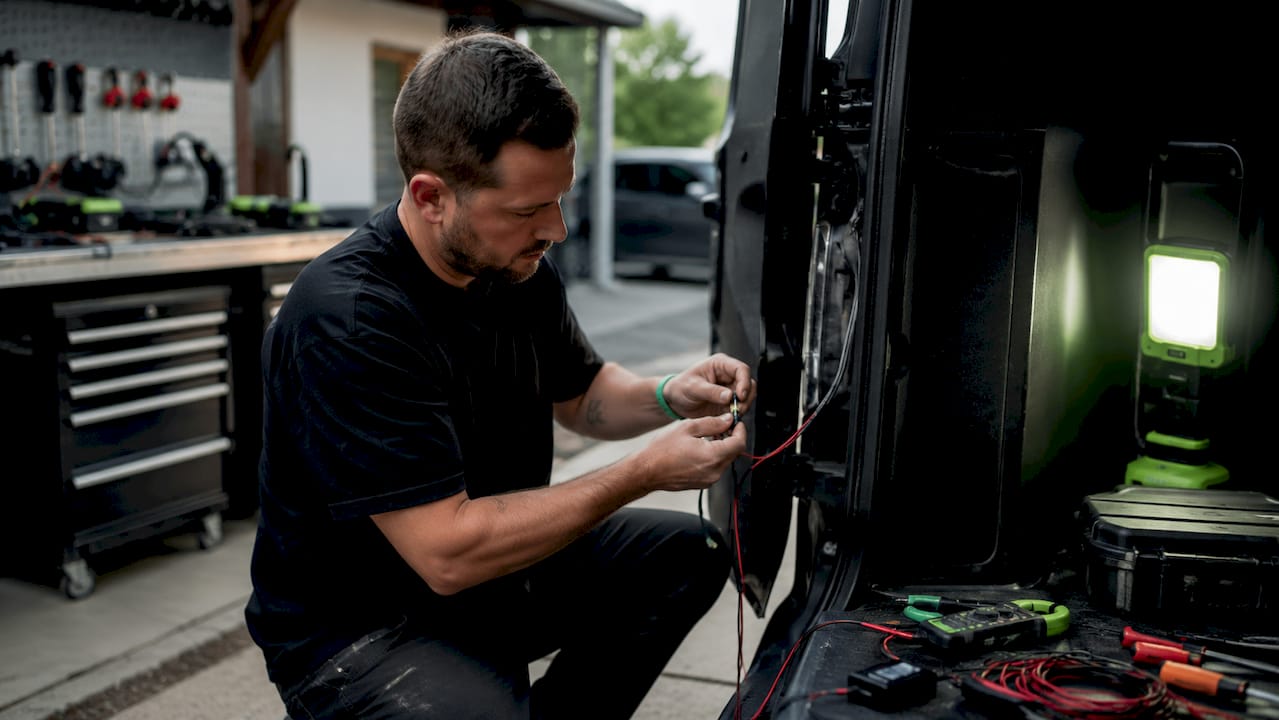
A hardwired kit with voltage cutoff solves both issues. It connects directly to the fuse box, keeps the dashcam running after ignition off, and cuts power automatically when battery voltage drops below a set threshold. That threshold protects your starter battery from going flat overnight.
- Hardwire directly to the fuse box for uninterrupted power
- Avoid cigarette lighter sockets for any shift longer than 8 hours
- Use a dedicated lithium-ion battery pack for parking mode coverage up to 24–48 hours
- Check battery health before installing any hardwired kit
Pro Tip: Set your voltage cutoff between 11.8V and 12.2V. Standard lead-acid batteries need the higher threshold; newer high-capacity batteries can tolerate the lower end.
3. Choose the right storage for extended recording sessions
Storage failure is the second most common reason multi-shift footage goes missing. Standard consumer microSD cards are not built for the constant read-write cycles that continuous dashcam recording demands. They degrade faster and corrupt more often than high-endurance cards rated specifically for dashcam use.
Card capacity depends directly on your shift length and resolution setting. A 64GB card covers roughly 8–10 hours at 1080p before loop recording kicks in. Drivers running 12-hour shifts at higher resolutions need 128GB or 256GB cards to maintain a meaningful footage buffer before overwriting begins.
Formatting your SD card inside the dashcam every 2–4 weeks prevents file corruption and extends card lifespan. Formatting resets the file system to the camera’s native format. Deleting files externally through a computer does not do the same thing and leaves fragmented data that causes write errors over time.
- Use high-endurance microSD cards rated for continuous recording
- Match card size to shift length: 64GB for short shifts, 128–256GB for full-day coverage
- Format the card inside the dashcam every 2–4 weeks, not through a computer
- Verify timestamp accuracy after every format to confirm settings held
Pro Tip: After formatting, record a short test clip and review it immediately. This confirms the card is writing correctly before you rely on it for a full shift.
For drivers managing footage across multiple vehicles, cloud storage for fleet dashcams adds a reliable offsite backup layer that local storage alone cannot provide.
4. Mount your dashcam for maximum field of view
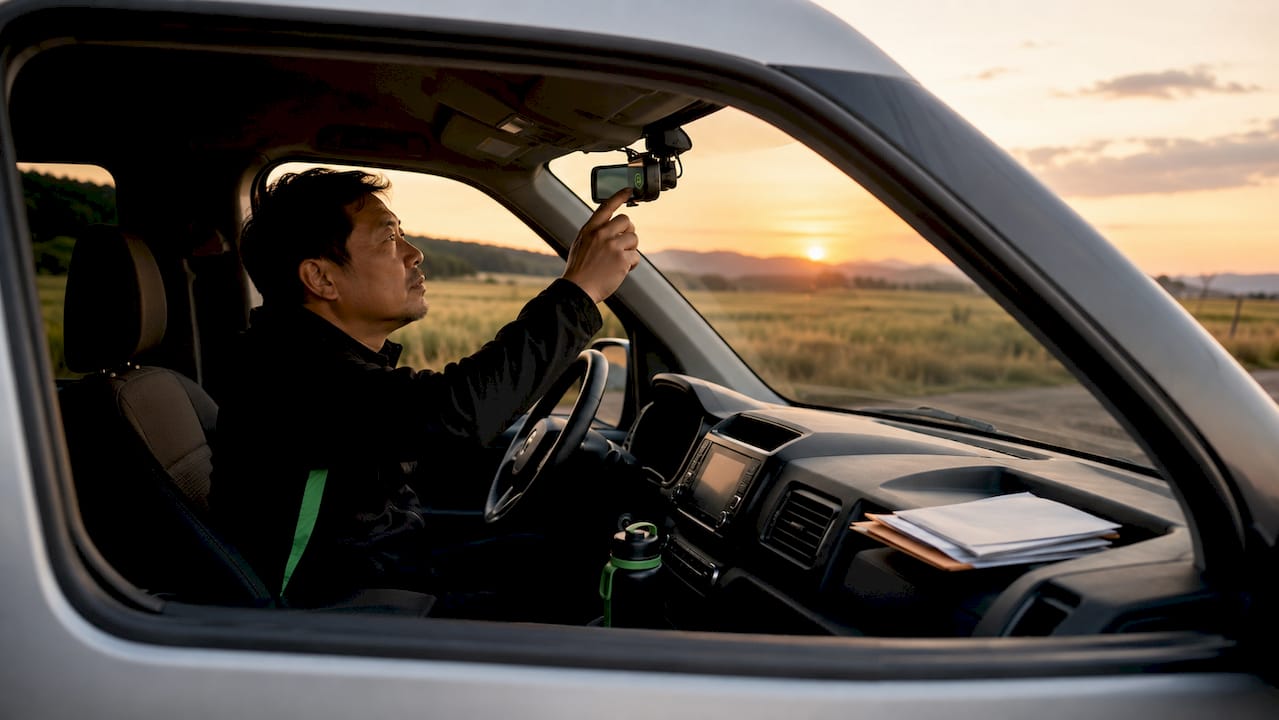
Camera placement determines the quality of every clip you record. Mounting behind the rearview mirror, centered on the windshield, captures both the immediate roadway and the horizon line without obstructing your sightlines. That position also reduces vibration compared to dashboard or A-pillar mounts.
Multi-channel setups add rear and interior cameras to the front unit. Fleet safety experts treat multi-channel recording as non-negotiable for professional drivers because it closes the blind spots that a single front camera misses entirely. A rear camera captures tailgating and rear-end collisions. A cabin camera documents passenger behavior for ride-share and delivery drivers.
Avoid placing the camera where it competes with a GPS mount or blocks the sun visor. Both positions create glare and vibration that degrade footage quality over long shifts. For long-haul setups, the dashcam setup guide for truck cabs covers placement strategies specific to larger vehicles.
- Mount behind the rearview mirror, centered on the windshield
- Add a rear camera to cover tailgating and rear collisions
- Keep the lens clear of GPS devices, sun visors, and window tinting edges
- Check alignment after every wash or temperature extreme
Pro Tip: Use a hardwired installation to eliminate the cable slack that causes mounts to shift over time. A loose mount means a drifting field of view.
5. Adjust settings when shifts change or conditions vary
Shift changes create a gap where footage management often breaks down. The outgoing driver ends their session with a nearly full card, and the incoming driver starts recording over footage that has not been reviewed or backed up. Building a simple handoff routine closes that gap.
Lower your frame rate or resolution during parking mode to conserve both storage and power. Recording at 1080p and 30fps during active driving makes sense for clarity. Dropping to 720p and 15fps during a 6-hour parking window cuts storage consumption significantly without sacrificing the motion detail you need from a stationary camera.
Remote viewing apps let you check footage from a distance without physically accessing the vehicle. This matters for fleet operators and ride-share drivers who need to confirm a clip exists before a shift ends. DriveSight’s remote viewer feature supports this workflow directly from a smartphone.
- Review and back up locked event clips at every shift change
- Switch to lower resolution and frame rate during parking mode
- Use remote viewing to confirm critical clips before handing off the vehicle
- Set a recurring reminder to check footage every 48–72 hours
6. Use parking mode correctly for between-shift coverage
Parking mode is the feature most drivers set up once and never revisit. Activating dashcam parking security mode correctly requires matching sensitivity settings to your parking environment. A busy parking garage needs higher motion sensitivity than a quiet residential street.
External battery packs are the recommended power source for parking mode in high-risk areas. They charge while the engine runs and discharge safely during parking without touching the vehicle battery. Drivers parking overnight in urban areas or high-theft zones get 24–48 hours of coverage from a quality lithium-iron-phosphate pack.
Professional drivers treat parking mode and GPS integration as standard features, not optional upgrades. Fleet dashcam best practices consistently show that parking mode footage resolves hit-and-run claims and vandalism disputes faster than any other evidence type. The footage exists because the driver set up power correctly before walking away.
Pro Tip: If you park in the same high-risk location regularly, test your parking mode sensitivity with a short walk-by before relying on it for overnight coverage. Adjust until motion triggers reliably without false alarms.
7. Review footage proactively, not reactively
Most drivers only check dashcam footage after an incident. That reactive approach means they often discover a recording failure at the worst possible moment. Proactive footage review catches problems early, including corrupted clips, misaligned cameras, and timestamp errors, before those problems cost you evidence.
Set a weekly review routine. Spot-check three or four random clips from different times of day. Confirm the timestamp is accurate, the lens is clean, and the audio is recording if your dashcam supports it. A five-minute check prevents a five-week gap in reliable footage.
How dashcams run during a delivery shift explains the specific recording behaviors that change between active driving and idle periods. Understanding those transitions helps you know exactly which clips to check first after a long shift.
Key takeaways
Reliable multi-shift dashcam recording requires correct loop recording settings, stable hardwired power with voltage cutoff, high-endurance storage, and proactive footage review at every shift change.
| Point | Details |
|---|---|
| Use 3-minute loop clips | Shorter clips reduce corruption risk and make post-incident review faster. |
| Hardwire with voltage cutoff | Set cutoff between 11.8V and 12.2V to protect your starter battery during parking mode. |
| Format SD card regularly | Format inside the dashcam every 2–4 weeks to prevent file system errors. |
| Mount behind the rearview mirror | This position captures the horizon and road while minimizing vibration and obstruction. |
| Review footage proactively | Spot-check clips weekly to catch recording failures before they cost you evidence. |
What I’ve learned from watching drivers get this wrong
Most dashcam failures I see are not hardware failures. They are setup failures. A driver installs a capable camera, plugs it into the cigarette lighter, and assumes it will handle everything. It works fine for a week. Then a 12-hour shift drains the battery, the parking mode never activates, and the one night something happens is the one night there is no footage.
The voltage cutoff setting is the most ignored detail in any multi-shift dashcam setup. Drivers either skip it entirely or leave it at the factory default, which is often wrong for their battery type. A standard lead-acid battery needs a higher cutoff than a newer AGM or lithium battery. Getting this wrong means either a dead battery in the morning or a dashcam that cuts out too early to capture a late-night incident.
My honest recommendation: treat multi-channel recording as a baseline, not a premium feature. Even solo commuters benefit from a rear camera. The cost difference between a single-channel and dual-channel setup is small. The evidence difference when a rear-end collision happens is enormous.
Card maintenance is the other discipline most drivers skip. Formatting inside the dashcam every few weeks takes two minutes. Losing a week of footage to a corrupted file system takes much longer to recover from, especially when an insurance claim is involved. Build the habit early.
— Cyberlab Automation
DriveSight makes multi-shift recording simpler
DriveSight turns an Android phone into a full-featured dashcam with loop recording, parking security mode, accelerometer-based crash detection, and cloud backup built in. You do not need separate hardware for every feature.

The DriveSight app supports continuous recording across long shifts, with automatic crash save that locks and preserves critical clips the moment an impact is detected. The remote viewer lets you check footage from any location without touching the phone. For drivers who want a full picture of available features, the 2026 feature overview covers AI detection, parking mode, and cloud backup in detail. If you already have a spare Android phone, you have everything you need to start recording today.
FAQ
What is the best loop recording length for multi-shift use?
3-minute clips are the recommended setting. They balance file size, manageability, and reduced corruption risk compared to longer clip lengths.
How do I prevent my dashcam from draining my car battery?
Use a hardwired kit with voltage cutoff set between 11.8V and 12.2V. This cuts dashcam power automatically before the battery drops too low to start the engine.
What size SD card do I need for a 12-hour shift?
A 128GB high-endurance microSD card covers a full 12-hour shift at 1080p before loop recording begins overwriting. Drivers using higher resolutions or dual-channel setups should use 256GB.
How often should I format my dashcam SD card?
Format the card inside the dashcam every 2–4 weeks. This resets the file system to the camera’s native format and prevents the write errors that cause footage corruption.
Does parking mode work without the engine running?
Yes, but it requires either a hardwired kit or an external lithium battery pack. External battery packs provide 24–48 hours of parking mode coverage without drawing from the vehicle battery.
Recommended
- How a Dashcam App Runs During Your Delivery Shift
- Road Trip Dashcam Footage Tips for Memorable Drives
- Common Dashcam Setup Mistakes That Ruin Your Footage
- Dashcam recording modes explained for Android drivers
Get Phone Dashcam free
Loop recording, crash detection, GPS tracking, and AI object detection — all in your phone. No new hardware required.
Download Phone Dashcam