Dashcam Cloud Storage for Fleet Management in 2026

Managing a fleet without cloud-connected video evidence is like running a warehouse without inventory records. Incidents happen, liability disputes follow, and without fast access to footage, you’re left guessing. Dashcam cloud storage fleet management solves that gap by putting tamper-resistant video evidence, driver behavior data, and compliance documentation inside a system you can access anywhere, at any time. This guide walks you through the prerequisites, deployment steps, common pitfalls, and real outcomes — so your rollout is deliberate, not improvised.
Key takeaways
| Point | Details |
|---|---|
| Hybrid storage is most reliable | Combining local edge recording with selective cloud sync gives you resilience and remote access without bandwidth overload. |
| Compliance starts before installation | Data sovereignty, GDPR obligations, and privacy masking must be planned before any camera goes live. |
| Retrieval workflows determine real value | Cloud access only pays off if you build a clear process for flagging, retrieving, and reviewing footage. |
| Automation needs governance guardrails | AI-triggered alerts require HR and legal alignment before they connect to disciplinary or coaching actions. |
| App-based systems reduce hardware cost | Android-based dashcam apps scale across a delivery or rideshare fleet without the per-vehicle hardware investment. |
What you need before deploying dashcam cloud storage
Before mounting a single camera, you need to understand what you’re actually choosing between. The industry uses two primary architectures: local-only storage (SD card loop recording) and cloud-connected dashcam systems that upload flagged events in real time for tamper-proof evidence retrieval. Most modern fleets benefit from a combination of both.
Here’s what to evaluate before you commit:
- Connectivity requirements. Real-time cloud uploads need consistent 4G or 5G cellular coverage along your routes. Vehicles operating in dead zones need strong local fallback recording to avoid evidence gaps.
- Telematics integration. Your dashcam data is most useful when it connects to your existing fleet management platform. GPS coordinates, speed data, and video events should appear in a single dashboard, not separate systems.
- Data retention policies. Decide upfront how long footage is kept and what triggers automatic saving. Platforms like ZF SCALAR store events for up to 6 months with automatic tagging and sorting built in.
- Privacy masking. Face and license plate blurring is not optional in most jurisdictions. Dynamic mosaic masking must be applied at the device or cloud level before footage is retained or shared.
- Compliance obligations. Subscription cloud platforms require your vendor to hold data processor status under GDPR. Local-only systems sidestep that obligation but sacrifice remote access. Know which tradeoff fits your legal exposure.
| Factor | Cloud-connected | Local-only |
|---|---|---|
| Remote access | Yes, from any device | No, requires physical retrieval |
| GDPR complexity | Higher (vendor as data processor) | Lower |
| Tamper resistance | High (off-vehicle storage) | Lower (SD card vulnerable) |
| Bandwidth cost | Ongoing cellular data | None |
| Retention flexibility | Configurable per policy | Manual management |
Pro Tip: Before signing a cloud storage contract, ask your vendor exactly where data is physically stored and whether it crosses national borders. Data sovereignty violations can void your compliance documentation overnight.
How to deploy cloud-enabled dashcams across your fleet
Once your prerequisites are mapped, deployment follows a repeatable process. Rushing this phase creates configuration errors that cost you weeks of usable data.
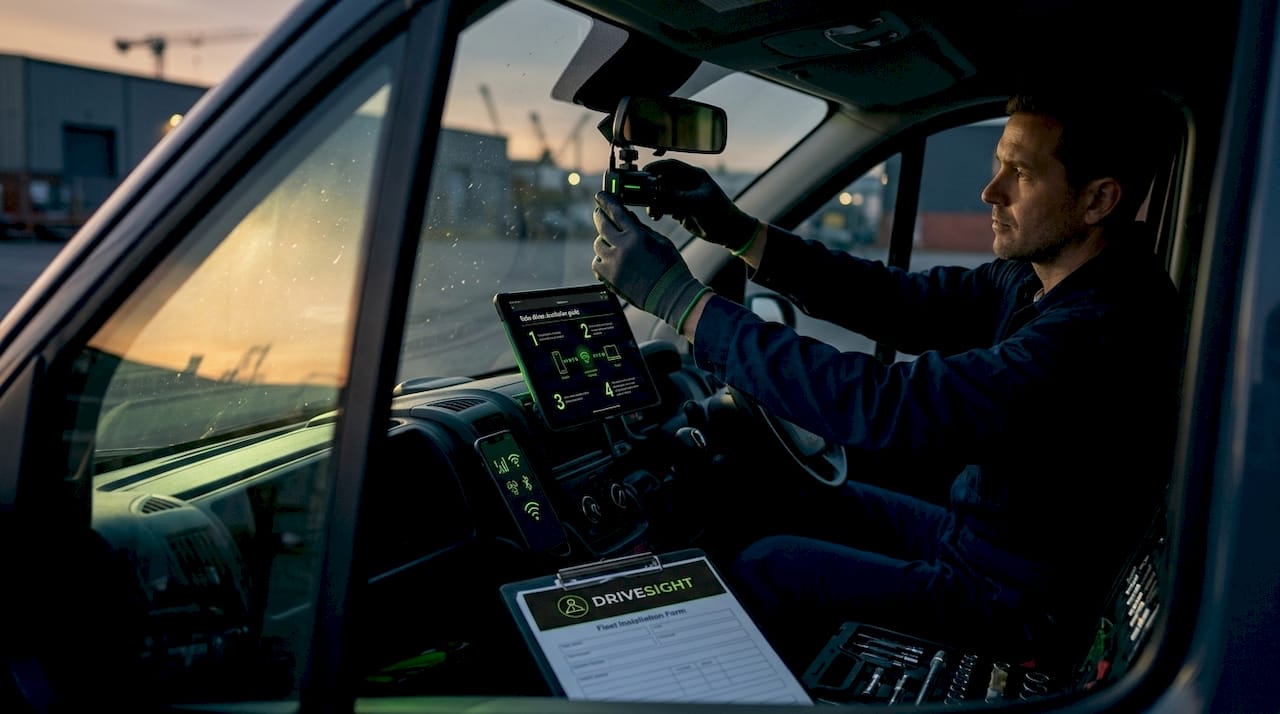
- Install and position cameras correctly. Mount forward-facing cameras high on the windshield, centered, with an unobstructed view. Cab-facing cameras should capture the driver’s face and hands without creating a distraction. Power cameras directly from the vehicle’s fuse box for continuous recording, not a USB port that cuts off with the ignition.
- Configure cloud storage settings. Set your event triggers: hard braking, rapid acceleration, collision impact, and lane deviation. Define which events auto-upload versus which require manual flagging. Establish your retention window (30, 60, or 90 days is standard) and test that uploads are completing within your expected timeframe.
- Tag and organize from day one. Use your platform’s event tagging features to categorize footage by driver ID, vehicle ID, route, and incident type. Automated tagging in cloud platforms significantly reduces time spent searching for specific clips during incident investigations.
- Build your retrieval workflow. Decide who has access, what approval is required to pull footage, and how video is shared with insurers or legal counsel. Fleet video programs that skip this step consistently hit operational delays when incidents actually occur.
- Train your team before going live. Drivers need to understand what is recorded, how it’s used, and what their privacy rights are. Fleet staff need to know how to navigate the dashboard, pull clips, and escalate flagged events. Skipping driver training increases resistance and raises legal exposure around consent.
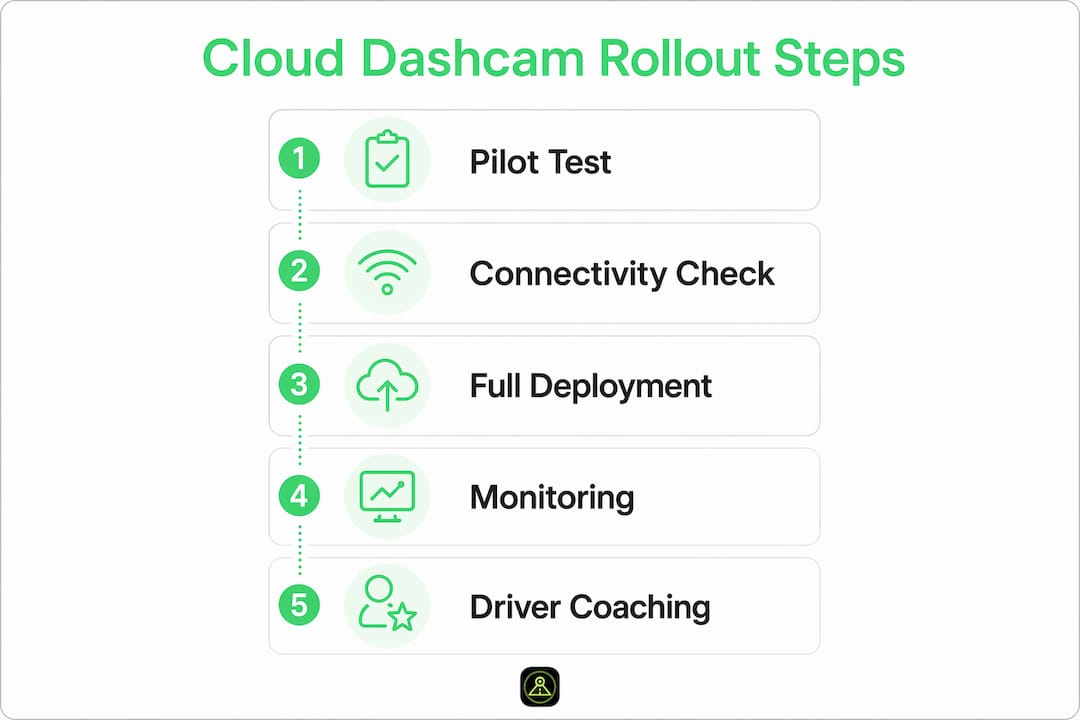
Pro Tip: Run a two-week pilot on 5 to 10 vehicles before full deployment. This surfaces connectivity gaps, misconfigured triggers, and retrieval bottlenecks while you can still fix them cheaply.
You can also review specific dashcam storage strategies for Android-based fleets to understand retention windows and policy controls that apply directly to app-based solutions.
Common pitfalls and how to avoid them
Even well-planned deployments hit friction. These are the problems we see most often, and what actually fixes them.
- Connectivity gaps creating evidence holes. If a vehicle loses cellular coverage during an incident, cloud upload fails. The fix is not better coverage. It’s a hybrid storage strategy that keeps continuous local recording running while cloud sync handles flagged clips. You retrieve the local footage manually only when cloud upload wasn’t available.
- Data consumption running over budget. Uploading continuous high-definition video consumes enormous bandwidth. Most fleets benefit from event-based upload only, reserving full video access for manually reviewed clips. This reduces data costs by 60 to 80 percent compared to continuous cloud streaming.
- Privacy masking applied inconsistently. Masking must be verified at every point in the data pipeline: at the device level, during cloud upload, and before sharing. A single unmasked frame in a shared clip can expose your organization to regulatory action.
- Retrieval delays during incidents. Accessing non-flagged footage from cloud storage can take significantly longer than pulling a flagged event clip. Design your workflows around flagged event speed, and build a secondary process for non-flagged requests that sets realistic response expectations.
“The real failure point in most fleet video programs isn’t the camera. It’s the retrieval workflow. If your team can’t get to footage in under 30 minutes during an active incident, the system isn’t working.”
What you gain after a successful rollout
The measurable outcomes of a well-deployed cloud video system appear faster than most fleet managers expect.
| Benefit area | What changes |
|---|---|
| Driver behavior | Real-time coaching triggered by AI-flagged events reduces harsh driving incidents within weeks. |
| Incident resolution | Tamper-resistant cloud footage cuts dispute resolution time and reduces fraudulent claims. |
| Administrative efficiency | Automated tagging and sorting eliminates manual log-keeping for event documentation. |
| Compliance assurance | Retention policies and privacy masking create an auditable, defensible data record. |
AI-powered systems running multiple detection models simultaneously allow dashcams to flag specific driver behaviors like phone use, fatigue signs, and following distance violations automatically. That shifts fleet management from reactive (reviewing footage after an incident) to proactive (coaching drivers before incidents happen).
The dashcam cloud backup benefits for drivers are real too. When a fraudulent brake-check claim is filed against your driver, cloud footage timestamped and stored off-vehicle is far more credible in court than a locally saved file that opposing counsel can challenge. Learn more about how dashcams deter reckless driving and support driver protection in practice.
My take on where fleet dashcam systems are actually heading
I’ve watched fleets spend significant budget on camera hardware, then realize 18 months later that their biggest gap was never the camera. It was the data architecture around it.
What I’ve learned working in this space is that hybrid storage architectures aren’t just a technical preference. They’re an operational necessity. Local recording is your safety net when cellular fails. Cloud sync is your evidence vault when disputes arise. You need both.
My other hard observation: automation is powerful and dangerous in equal measure. AI-triggered alerts connected to disciplinary workflows without HR and legal governance create inconsistent outcomes that expose companies to employment claims. The technology is ready. The governance frameworks in most organizations are not.
Privacy masking has also moved from a “nice to have” to a legal prerequisite in most markets. I’ve seen compliance documentation get thrown out because a single video clip shared with an insurer contained unmasked faces. Build masking into the pipeline before anything else.
Finally, app-based systems deserve more serious consideration in fleet contexts than they typically get. The cost difference between dedicated hardware and a well-configured Android dashcam app across a 50-vehicle fleet is substantial. For delivery and rideshare fleets especially, the scalability argument is hard to ignore.
— Cyberlab Automation
How DriveSight makes cloud-enabled fleet dashcams practical
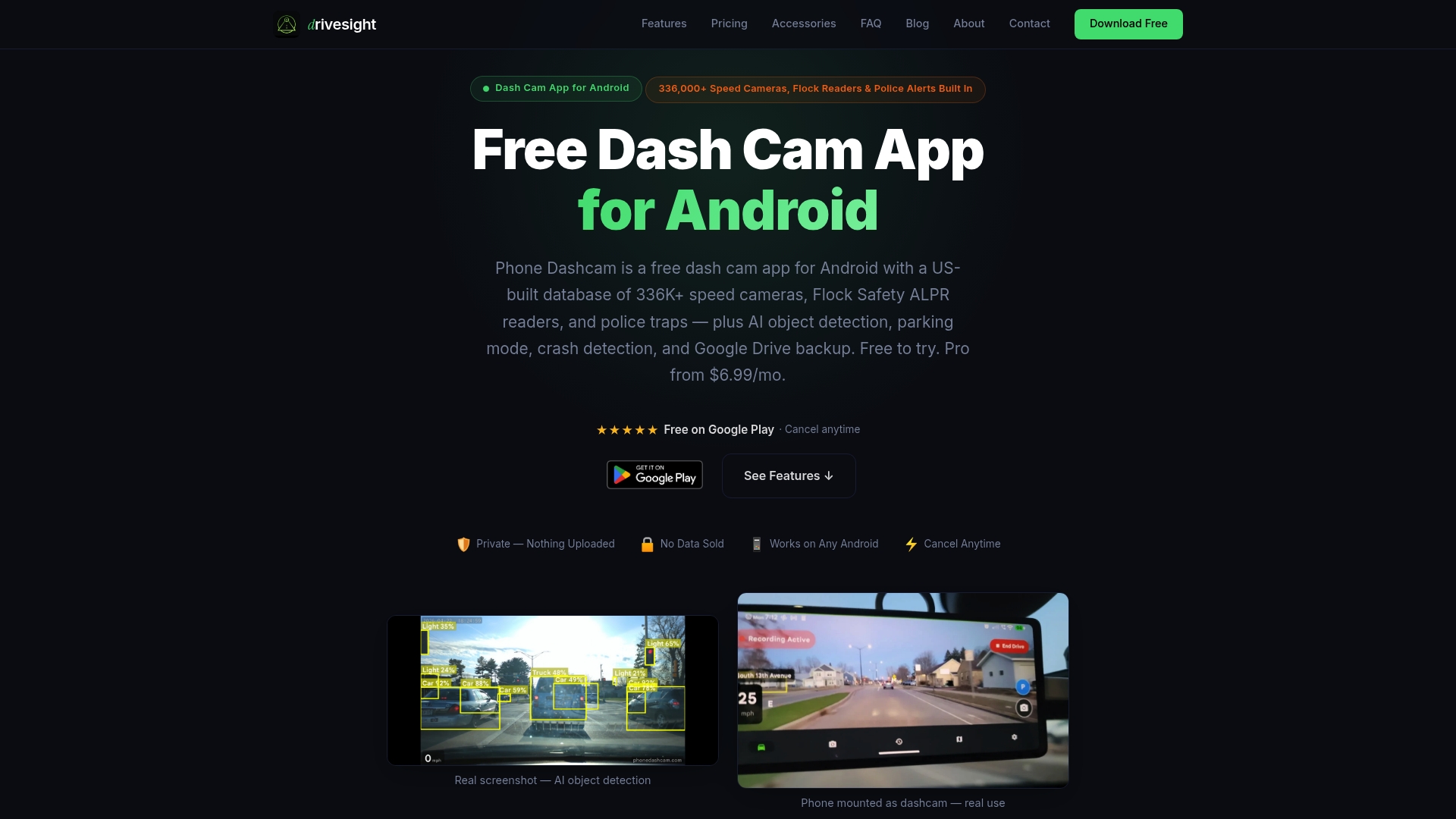
DriveSight’s Android dashcam app at phonedashcam.com turns existing smartphones into fully functional fleet cameras with cloud backup, AI-powered event detection, and crash impact recording built in. There’s no per-vehicle hardware investment. You deploy the app to devices your drivers already carry or mount old Android phones as dedicated units. Cloud backup keeps footage retrievable and off-device, while AI detection flags events automatically for review. For fleets looking to test cloud-connected video without committing to expensive hardware contracts, the free version is a practical starting point. Fleet managers can also use the remote viewer feature to access and review footage from any location, making real-time oversight genuinely accessible.
FAQ
What is fleet dashcam compliance documentation?
Fleet dashcam compliance documentation refers to the organized, policy-governed records of video footage, event logs, and privacy masking confirmations that demonstrate a fleet’s adherence to data protection regulations and internal safety standards.
How does cloud storage improve fleet dashcam reliability?
Cloud storage keeps footage off the vehicle and tamper-resistant, so evidence survives accidents, theft, or SD card failure. Flagged events upload automatically, giving fleet managers remote access without needing physical retrieval.
Can dashcam apps replace dedicated hardware for fleets?
App-based dashcam solutions running on Android devices can replicate most hardware dashcam functions including cloud backup, AI detection, and impact recording, at significantly lower cost per vehicle, making them practical for delivery and rideshare fleets.
What connectivity does dashcam cloud backup require?
Real-time cloud uploads require consistent 4G or 5G cellular coverage. Fleets operating in low-coverage areas should configure local fallback recording so continuous footage is preserved even when upload fails.
How long should fleet dashcam footage be retained?
Most fleets retain flagged event footage for 30 to 90 days depending on jurisdiction and insurance requirements. Platforms like ZF SCALAR support up to 6 months of cloud retention with GDPR-compliant privacy masking applied throughout.
Recommended
- How dashcams store overnight delivery footage safely
- Dashcam storage strategies for Android phone users
- Why fleet dashcams deter reckless driving effectively
- Phone Dashcam Features in 2026: AI Detection, Parking Mode, Cloud Backup and More
Get Phone Dashcam free
Loop recording, crash detection, GPS tracking, and AI object detection — all in your phone. No new hardware required.
Download Phone Dashcam