How a Dashcam Helps Dispute Toll Violations
How a Dashcam Helps Dispute Toll Violations
TL;DR:
- Dashcam footage is crucial for disputing wrongful toll charges because it provides timestamped, clear evidence of your vehicle’s location during the violation.
- Submitting an organized package with dashcam clips, GPS logs, and supporting documents within the agency’s deadline increases your chance of successful resolution.
Dashcam footage is the most reliable tool a driver has to contest a wrongful toll charge. Automated toll systems use optical character recognition (OCR) to read license plates at speed, and those systems make mistakes. Rain, sun glare, a dirty plate, or a similar character pair like “O” and “0” can trigger a bill sent to the wrong driver entirely. Knowing how a dashcam helps dispute toll violations means you can respond fast, submit clear evidence, and avoid paying fees you never owed. This guide walks you through exactly how to do that.
How do automated toll systems work and why do errors happen?
Automated toll systems read license plates using OCR software mounted at toll points. The camera captures an image of your plate as you pass, and the software converts that image into text to match against registered accounts. Fewer than 2% of images require human verification. That means the vast majority of billing decisions happen with no human eyes involved.
OCR software struggles with certain plate fonts, faded characters, and environmental interference. Rain, direct sunlight, mud, or a cracked plate cover can all degrade image quality enough to produce a misread. The system might read “B” as “8,” or “I” as “1,” and the resulting charge lands on a completely different vehicle owner.
Beyond OCR errors, vehicle cloning is a real problem. A criminal copies your plate onto another vehicle, and that vehicle runs tolls. You receive the notice. Transponder failures add another layer of risk. Obstructions like metallic windshield coatings or an improperly mounted transponder can cause missed reads, converting a transponder toll into a video toll charge with added fees.
The burden to catch these errors falls entirely on you. Toll account audits done monthly give you the best chance of spotting problems before they escalate into collections notices.
Common sources of toll billing errors include:
- OCR misreads caused by similar characters (“O” vs. “0,” “I” vs. “1”)
- Environmental conditions degrading plate image quality
- Vehicle cloning where a copied plate triggers charges on the real owner
- Transponder mounting failures causing missed reads
- Interoperability gaps between different state or regional toll systems
What types of dashcam evidence work best for toll disputes?
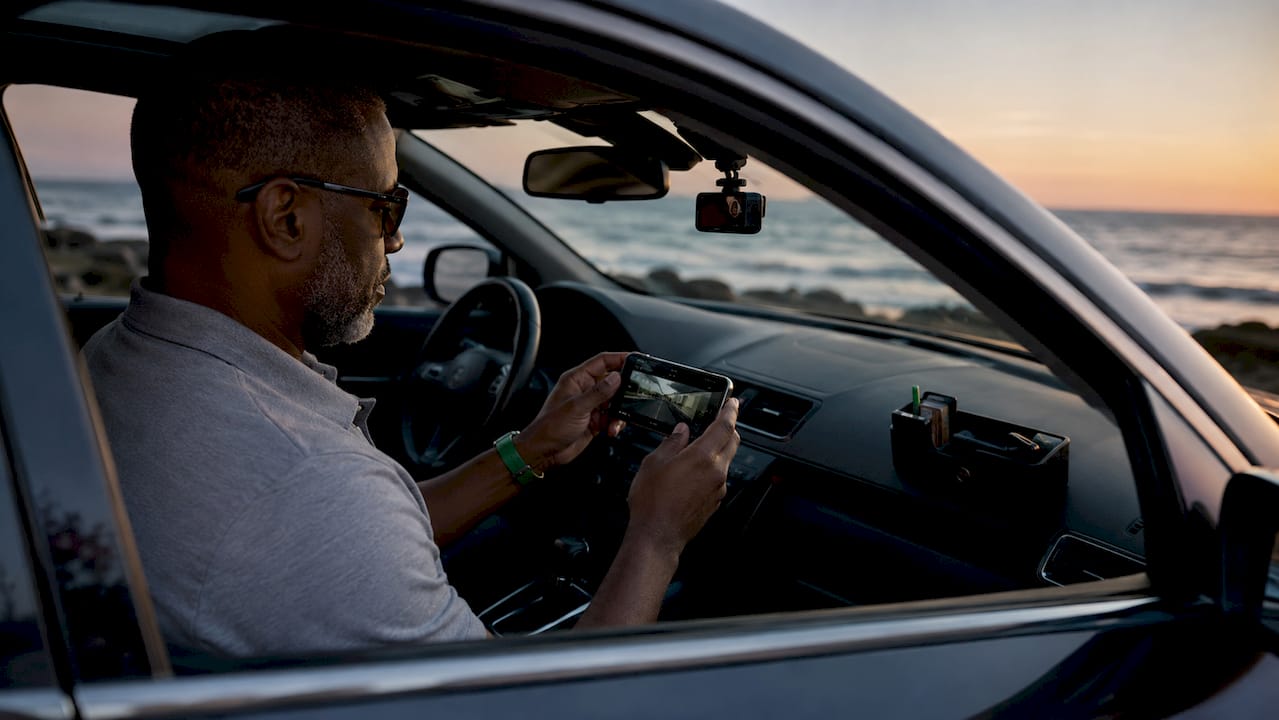
Timestamped video is the foundation of any strong toll dispute. The footage must show your vehicle’s location at the exact time the alleged violation occurred. If the notice says you passed a toll at 8:14 AM on a Tuesday and your dashcam shows you were on a different road at that moment, that single clip can end the dispute immediately.
Beyond raw footage, the quality and completeness of your evidence package determines how fast the agency resolves your case. Combining dashcam footage with corroborating documents like rental agreements, fuel receipts, or GPS logs builds a case that is much harder to dismiss. A single piece of evidence leaves room for doubt. Multiple pieces pointing to the same conclusion do not.
Here is what a complete evidence package looks like:
- Timestamped dashcam video showing your vehicle’s location and plate clearly at the time of the alleged violation.
- A character-by-character plate comparison between the notice image and your actual plate. Automated misreads often come down to one character.
- GPS logs or navigation history from your phone or vehicle system confirming your route.
- Supporting documents such as parking receipts, fuel station records, or toll account statements showing no activity at that location.
- A manual travel log as a backup. Contemporaneous written records protect you if digital footage becomes corrupted or unreadable.
Pro Tip: Mount your dashcam high on the windshield and angled slightly downward so it captures both the road ahead and your own plate reflection in the glass when possible. Poor camera placement is one of the most common reasons dashcam footage fails to resolve disputes.
How to submit dashcam footage when disputing a toll violation
Filing a dispute correctly matters as much as having good footage. A strong evidence package submitted past the deadline or to the wrong department gets dismissed on procedural grounds, not merit.
Most toll agencies require disputes within 30–60 days of the notice date. Some agencies will waive administrative fees if you pay the base toll amount within 30 days, even while disputing. Check the specific terms on your notice before deciding whether to pay or dispute outright.
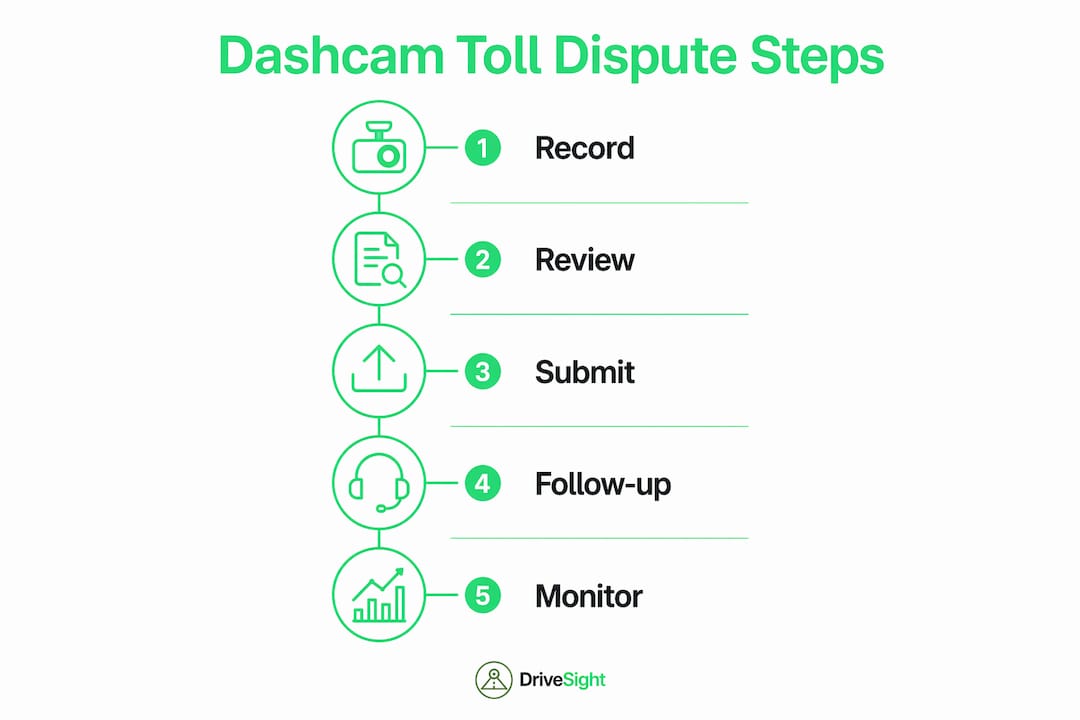
Follow these steps when you are ready to file:
- Verify every detail on the notice. Confirm the date, time, location, notice number, and the plate image included. The plate image is often the first place you will spot a misread.
- Use the agency’s online portal. Online submissions are processed faster than mail and create an automatic timestamp for your submission.
- Attach all evidence files. Upload your dashcam clip, GPS log, and any supporting documents in the formats the portal accepts. Most accept MP4 video and PDF documents.
- Write a clear, factual dispute statement. State the specific error, reference the notice number, and list each piece of evidence you are attaching. Keep it under one page.
- Keep copies of everything. Save your submission confirmation, every file you uploaded, and any correspondence from the agency.
- Follow up if you hear nothing within 30 days. Persistence combined with clear evidence is what moves cases forward in high-volume dispute systems.
Pro Tip: If the agency’s portal allows you to upload video, compress your dashcam clip to under 100MB without losing resolution. Large files sometimes fail to upload or get flagged for manual review, which slows your case down.
Common pitfalls when using dashcam footage to challenge toll violations
Dashcam evidence is powerful, but it only works when the footage is actually usable. Many drivers discover too late that their device recorded over the relevant clip, captured the wrong angle, or stopped recording due to a full storage card.
| Pitfall | Why it happens | How to avoid it |
|---|---|---|
| Footage overwritten | Continuous loop recording deletes old clips | Back up footage immediately after receiving a notice |
| Poor plate visibility | Camera angle too low or lens dirty | Mount high, clean lens weekly, check angle monthly |
| Transponder blocking reader | Device mounted in front of transponder | Mount dashcam away from the transponder zone |
| Single-character plate misread | OCR confuses similar characters | Compare notice plate image to your plate character by character |
| Footage corrupted | Low-quality storage card or sudden power loss | Use a Class 10 or UHS-I rated microSD card |
Transponder placement deserves special attention. Mounting a dashcam directly in front of your E-ZPass or similar transponder can block the radio signal, causing a missed read. That missed read generates a video toll charge with a higher fee. The fix is simple: position your dashcam to one side of the transponder, not directly in front of it.
Interoperability failures between toll systems in different states also generate false charges. If your transponder is registered in one state and you travel through another state’s toll system, the read may fail even with a perfectly mounted device. In those cases, your dashcam footage showing the transponder was present and properly mounted becomes your primary defense.
Regular account monitoring catches errors before they compound. Checking your toll account monthly means you spot a suspicious charge within weeks, not after it has grown into a collections notice with penalty fees attached.
Key Takeaways
Dashcam footage wins toll disputes when it is timestamped, clearly recorded, and submitted alongside corroborating documents before the agency’s deadline.
| Point | Details |
|---|---|
| Timestamped video is decisive | Footage showing your location at the violation time directly counters OCR billing errors. |
| Build a complete evidence package | Combine dashcam clips with GPS logs, receipts, and a manual travel log for the strongest case. |
| Submit before the deadline | Most agencies require disputes within 30–60 days; late submissions are dismissed on procedure. |
| Check transponder placement | A dashcam mounted in front of your transponder can block the signal and create false charges. |
| Monitor your account monthly | Early detection of errors gives you the best chance of fee waivers and quick correction. |
Why dashcam evidence is more decisive than most drivers realize
We have worked with drivers who assumed a polite letter to the toll authority would resolve a wrongful charge. It rarely does on its own. Toll agencies process thousands of disputes, and a written statement without supporting evidence gets deprioritized. What actually moves a case is a clear dashcam clip paired with a specific, factual dispute letter.
The insight most drivers miss is this: the violation notice itself often contains the evidence you need to win. The plate image attached to the notice is the primary piece of evidence the agency used to bill you. A careful character-by-character comparison between that image and your actual plate frequently reveals the misread immediately. You do not always need dashcam footage to prove the error. But dashcam footage showing you were somewhere else entirely closes the case faster than anything else.
We also recommend treating your dashcam as a maintenance item, not a set-it-and-forget-it device. Check the recording angle, clean the lens, and verify the storage card has space every time you fill up with gas. A dashcam that has been recording to a full card for three weeks is useless when you need it. The best dashcam evidence practices are simple habits, not complicated procedures.
— Cyberlab Automation
DriveSight makes capturing toll dispute evidence straightforward
Drivers who use the DriveSight app on their Android phone get continuous, timestamped recording without buying dedicated hardware. The app runs in the background, automatically saves footage on impact detection, and lets you review clips remotely through the Phone Dashcam remote viewer before your dispute deadline hits.
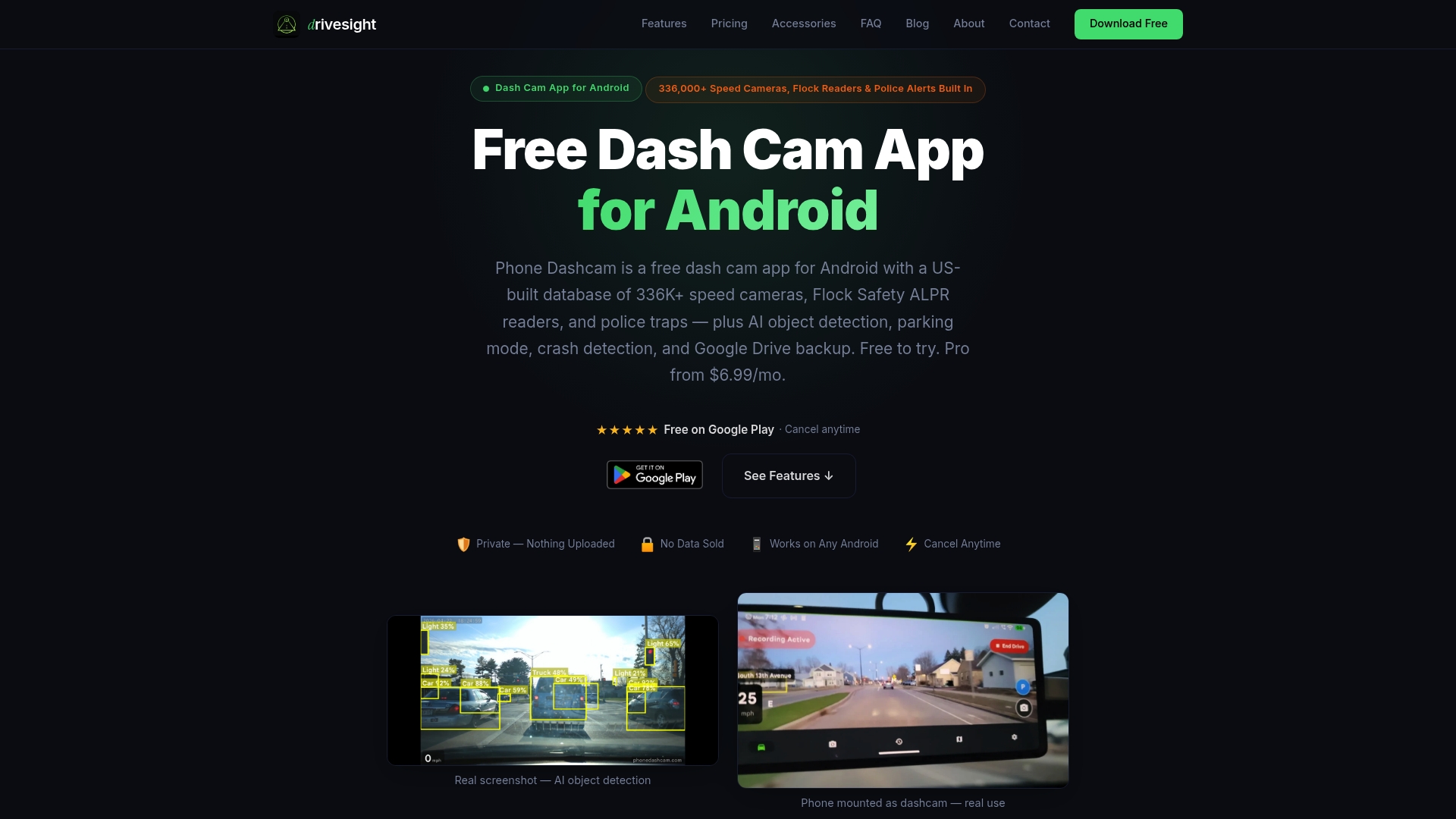
DriveSight also supports dashcam app background running so your phone keeps recording even when the screen is off. For drivers who commute through toll roads regularly, that means every trip is covered without any manual setup. The free version gives you the core recording features you need to build a solid evidence package. Download the DriveSight dashcam app and make sure your next toll dispute has the footage to back it up.
FAQ
How does dashcam footage help with a toll violation dispute?
Dashcam footage provides timestamped visual proof of your vehicle’s location at the time of the alleged violation. That evidence directly counters OCR misreads or false charges from automated toll systems.
What is the deadline to dispute a toll violation?
Most toll agencies require disputes within 30–60 days of the notice date. Submitting early through an online portal gives you the fastest resolution.
Can a dashcam prevent toll charges from happening in the first place?
A dashcam does not prevent charges, but it creates the evidence needed to reverse them. Proper transponder placement, separate from your dashcam mount, reduces missed reads that generate extra fees.
What if my dashcam footage is corrupted or missing?
A contemporaneous manual travel log combined with GPS history and supporting receipts can substitute for video footage in many disputes. Always back up footage immediately after receiving a violation notice.
Does a dashcam need to show my license plate to be useful in a dispute?
No. Footage showing your vehicle on a different road at the exact time of the alleged violation is sufficient. The violation notice plate image itself often reveals the OCR misread when compared character by character to your actual plate.
Recommended
- Why Commuters Need Dashcam Evidence: 2026 Guide
- Why Dashcam Footage Proves Fault in Parking Lots
- How Dashcams Capture Rear-End Collision Proof
- Why fleet dashcams deter reckless driving effectively
Get Phone Dashcam free
Loop recording, crash detection, GPS tracking, and AI object detection — all in your phone. No new hardware required.
Download Phone Dashcam