Why Dashcam Footage Proves Fault in Parking Lots
Why Dashcam Footage Proves Fault in Parking Lots
TL;DR:
- Dashcam footage provides unbiased, real-time proof of fault in vehicle accidents, surpassing eyewitness accounts. It shows specific traffic violations, distractions, and behaviors that determine liability, especially in states with comparative negligence rules. Properly preserving and organizing your footage can protect your claim while avoiding self-incrimination or footage manipulation.
Dashcam footage is the most reliable way to prove fault in vehicle incidents because it captures an unbiased, continuous record of driving behavior and crash events in real time. When two drivers tell conflicting stories after a parking lot collision, video evidence cuts through the noise immediately. Insurance adjusters and courts trust dashcam recordings over eyewitness accounts because video does not misremember, exaggerate, or lie. Understanding why dashcam footage proves fault in lots starts with recognizing that a camera sees everything a witness might miss, from a driver running a stop sign to a pedestrian stepping out unexpectedly.
Why dashcam footage proves fault in parking lots and crash scenarios
Dashcam video proves fault by showing exactly what happened before, during, and after a collision. That sequence matters more than the impact itself. A recording that captures a driver running a red light, drifting across lanes, or checking a phone removes all ambiguity about who caused the crash.
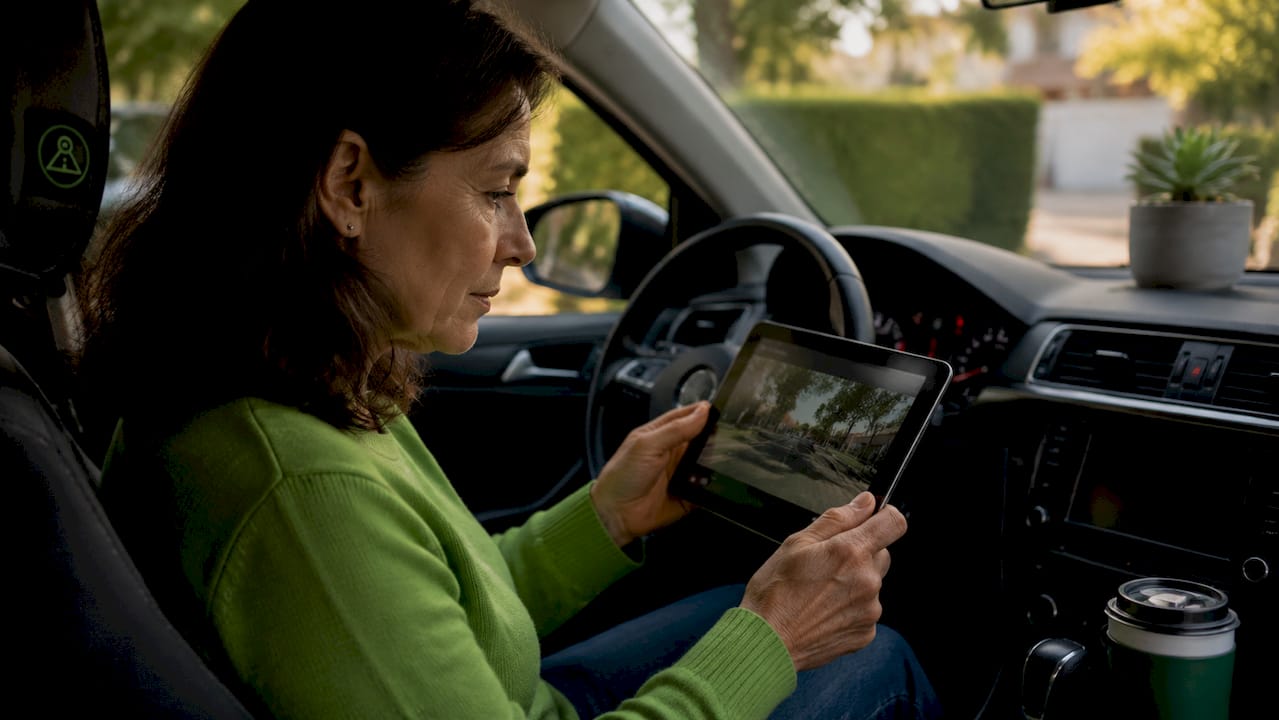
Distracted driving caused 3,275 deaths and nearly 325,000 injuries in the U.S. in 2023. Those numbers represent thousands of disputed claims where fault was contested and video evidence became the deciding factor.
Dashcam footage captures specific behaviors that verbal testimony often misrepresents:
- Traffic violations: Running stop signs, ignoring yield markings, or failing to signal before turning
- Distracted driving: Phone use, eating, or looking away from the road at the moment of impact
- Aggressive maneuvers: Sudden lane changes, tailgating, or cutting off other vehicles
- Right-of-way violations: Entering a lane or intersection without yielding to oncoming traffic
- Speed and braking: Erratic acceleration or hard braking that contributed to the collision
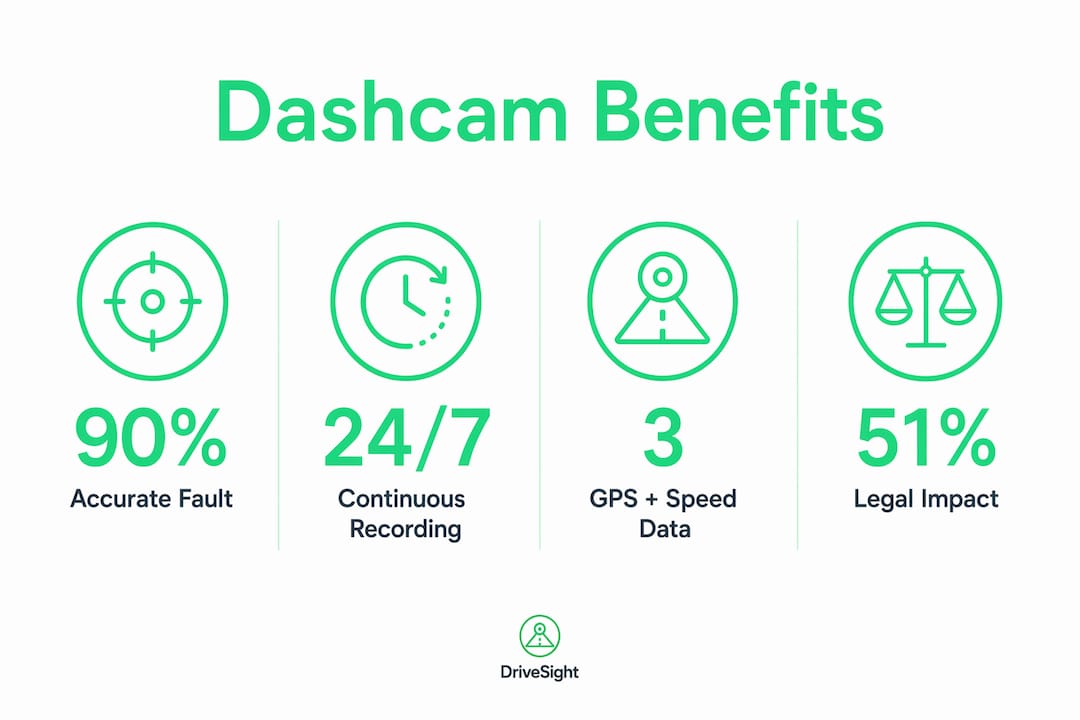
GPS and speed data embedded in dashcam recordings add another layer of proof. When video shows a driver braking hard, and GPS data confirms they were traveling well above the posted limit, the combination is powerful evidence in personal injury cases. No single piece of testimony can counter that.
Pro Tip: Mount your dashcam so it captures the full width of the road ahead, including lane markings and traffic signals. A narrow field of view misses the context that proves fault.
How comparative negligence laws make dashcam evidence critical
Dashcam evidence carries extra weight in states that use comparative negligence rules to divide fault between drivers. Under these laws, your compensation shrinks or disappears entirely depending on your share of the blame.
Texas uses a 51% bar on recovery, meaning if you are found more than 50% at fault, you receive nothing. Florida updated its fault laws in 2023, shifting to a modified comparative negligence model with a similar threshold. In both states, dashcam footage that shows the other driver running a stop sign or making an illegal turn can be the difference between a full settlement and a denied claim.
The table below shows how fault percentages affect compensation under common comparative negligence models:
| Fault assigned to you | Modified comparative negligence (51% bar) | Pure comparative negligence |
|---|---|---|
| 0% | Full compensation | Full compensation |
| 25% | 75% of damages recovered | 75% of damages recovered |
| 49% | 51% of damages recovered | 51% of damages recovered |
| 51% | No compensation | 49% of damages recovered |
| 100% | No compensation | No compensation |
Dashcam video helps keep your fault percentage below the recovery threshold. If footage shows the other driver made the first illegal move, adjusters assign fault accordingly. Without video, disputed accounts often result in shared fault assignments that reduce or eliminate your payout.
What are the risks of dashcam footage working against you?
Dashcam footage is a double-edged tool. The same recording that proves the other driver ran a red light may also show you were speeding or failed to signal. Adjusters scrutinize footage for breaches and prior violations that affect claim value, and they will use what they find.
The risks fall into several categories:
- Your own violations: Footage showing you exceeding the speed limit or ignoring a stop sign raises your fault percentage.
- Undisclosed commercial use: If you use your vehicle for rideshare or delivery work without the right coverage, dashcam footage confirming that use can void your claim.
- Edited or incomplete clips: Edited or incomplete clips risk rejection in court because they suggest tampering. Adjusters and judges expect unaltered originals.
- Contradicting your own statement: If your recorded account of the crash differs from what the video shows, your credibility takes a serious hit.
Insurance companies combine dashcam video with police reports, physical damage assessments, and witness accounts to verify claims. Video is one piece of the puzzle, not the final word. That means footage showing your own errors will be weighed alongside everything else, and it will not be ignored.
The practical takeaway: review your footage before sharing it with anyone. Consult an attorney if the recording shows anything that could raise your fault percentage. You are not required to volunteer evidence that harms your own claim.
How to organize dashcam footage for legal use
Preserving dashcam footage correctly determines whether it holds up in an insurance dispute or court proceeding. Raw video files are only useful if they are authentic, complete, and properly documented.
Follow these steps to protect your footage after an incident:
- Save the file immediately. Most dashcams loop and overwrite old footage. After a collision, manually lock or copy the relevant clip before it is deleted.
- Back up to multiple locations. Copy the file to a USB drive, an external hard drive, and a cloud storage service. Redundancy prevents accidental loss.
- Preserve the original file. Dashcam evidence is strongest with unaltered file originals, including GPS and timestamp metadata. Never trim, compress, or re-encode the original.
- Document the chain of custody. Write down who has access to the file, when it was copied, and where each copy is stored. This record matters if the footage is challenged in court.
- Cross-reference with other evidence. Match your footage timestamps to the police report, photos of the scene, and any witness statements. Consistency across evidence sources strengthens your position.
- Consult a lawyer before sharing. An attorney can advise whether sharing footage with the opposing insurer benefits or harms your claim. Documenting accident evidence thoroughly before disclosure protects your legal position.
Pro Tip: Rename your saved file with the date, time, and location of the incident immediately after saving it. A filename like “2026-04-15_1423_MainSt_Collision.mp4” creates an instant reference point that supports your chain of custody record.
Organizing footage for legal use also means annotating clips with context. A short written summary describing what the video shows, including the timestamp where key events occur, helps attorneys and adjusters find the relevant moments without watching hours of footage. Practical examples of winning claims consistently show that well-documented footage resolves disputes faster than raw video alone.
Video captures timing and conditions that verbal testimony often misrepresents. A clip showing road conditions, signal status, and driver behavior at the exact moment of impact gives adjusters and attorneys a complete picture that no witness account can replicate.
Key Takeaways
Dashcam footage proves fault by providing objective, timestamped video of driver behavior and crash events that no verbal testimony can contradict or override.
| Point | Details |
|---|---|
| Footage beats testimony | Video captures timing, signals, and behavior that eyewitnesses routinely misremember or misrepresent. |
| Comparative negligence impact | In states like Texas, dashcam evidence keeps your fault percentage below the 51% recovery threshold. |
| Footage cuts both ways | Adjusters review your recording for your own violations, so consult an attorney before sharing. |
| Preserve originals immediately | Lock or copy the clip right after a crash; edited or incomplete files risk rejection in court. |
| Combine with supporting evidence | Match footage timestamps to police reports and witness statements to build a complete, consistent claim. |
Why every driver should treat a dashcam as standard equipment
We have watched too many straightforward fault disputes drag on for months because one driver had video and the other did not. The driver without footage almost always ends up absorbing more fault than the situation warranted. That pattern is consistent, and it is avoidable.
The argument against dashcams usually comes down to cost or inconvenience. Neither holds up. A phone sitting in a mount records continuously, stores footage locally, and costs nothing beyond the device you already own. The inconvenience of a disputed claim, a raised premium, or a denied payout is orders of magnitude worse than the two minutes it takes to set up a recording app.
What surprises most drivers is how quickly footage changes the tone of an insurance conversation. Adjusters move faster when video is available. Dashcams clarify disputed liability and deter staged accident fraud, which means the entire claims process becomes less adversarial. That benefit alone justifies the setup time.
The legal treatment of dashcam footage is also maturing. Courts increasingly treat authenticated video as primary evidence rather than supplementary material. Drivers who record consistently are building a habit that will protect them as that standard continues to rise.
— Cyberlab Automation
Start recording before your next trip with DriveSight
Fault disputes are won or lost on the quality of your evidence. DriveSight turns your Android phone into a fully functional dashcam with continuous recording, GPS tracking, accelerometer-based crash detection, and automatic clip saving after an impact.

The DriveSight dashcam app is free to download and runs on any Android device, including older phones you can dedicate to recording. Features like parking security mode, motion detection, and cloud backup mean your footage is protected even when you are away from the vehicle. For drivers who want to review and organize footage remotely, the remote viewer tool makes evidence preparation straightforward. You do not need expensive hardware to capture the footage that proves your case.
FAQ
Does dashcam footage hold up in court?
Yes. Authenticated, unedited dashcam footage is admissible in court and insurance proceedings. Original files with intact GPS and timestamp metadata carry the most weight.
What behaviors does dashcam footage capture to prove fault?
Dashcam recordings capture traffic violations, distracted driving, aggressive lane changes, and right-of-way failures. These behaviors provide direct evidence of negligence in personal injury and insurance claims.
Can dashcam footage hurt my own claim?
Yes. Adjusters review footage for your own violations, including speeding or failure to signal. Consult an attorney before sharing recordings if your driving behavior before the crash was imperfect.
Why does a timestamp matter legally?
Timestamps confirm the exact time and sequence of events, which courts and adjusters use to verify your account of the incident. Footage without reliable metadata is easier to challenge.
How do I preserve dashcam footage after an accident?
Lock or manually copy the clip immediately after the crash, back it up to multiple locations, and never edit the original file. Pair the footage with your police report and a written chain of custody record.
Recommended
- How Dashcams Capture Rear-End Collision Proof
- Dashcam Evidence Collection Examples That Win Claims
- Dashcam Parking Mode: How It Works on Android (2026 Guide)
- How to Activate Dashcam Parking Security Mode in 2026
Get Phone Dashcam free
Loop recording, crash detection, GPS tracking, and AI object detection — all in your phone. No new hardware required.
Download Phone Dashcam