How Dashcams Capture Rear-End Collision Proof
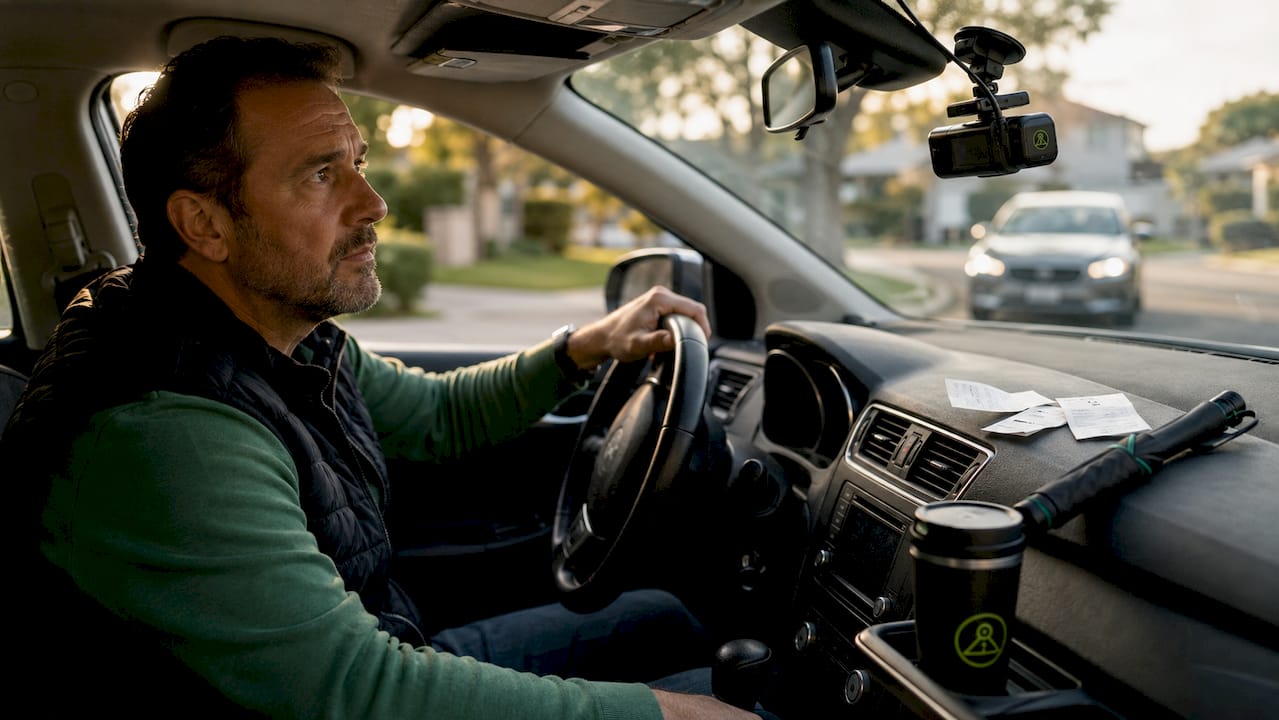
A dashcam captures rear-end collision proof by recording continuous, high-resolution video with embedded GPS and timestamp metadata, then automatically locking the collision clip via G-sensor to prevent overwriting. This combination of hardware detection and automatic file protection creates a tamper-resistant record that police and insurers can verify. Dedicated hardware dashcams like Vantrue and Nexar, along with smartphone-based solutions, all rely on the same core principle: uninterrupted footage with readable metadata is the foundation of any credible collision claim. When that footage is clear and intact, claims close faster and fault disputes shrink.
How dashcam loop recording and G-sensors preserve collision footage
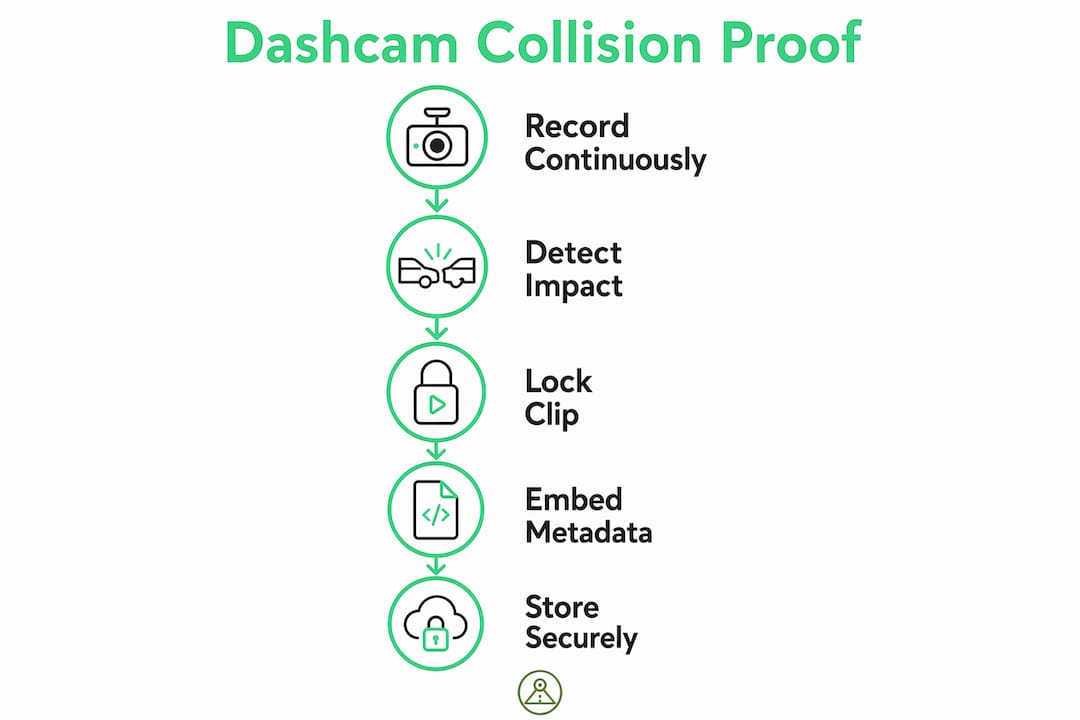
Understanding how dashcam captures rear-end collision proof starts with two core technologies working together: loop recording and G-sensor impact detection.
Loop recording is the continuous overwrite method that keeps a dashcam recording indefinitely without filling up storage. The camera writes footage in short segments, typically one to three minutes each, and overwrites the oldest files when the card is full. This is efficient, but it creates a risk: a collision clip could be erased before you retrieve it.
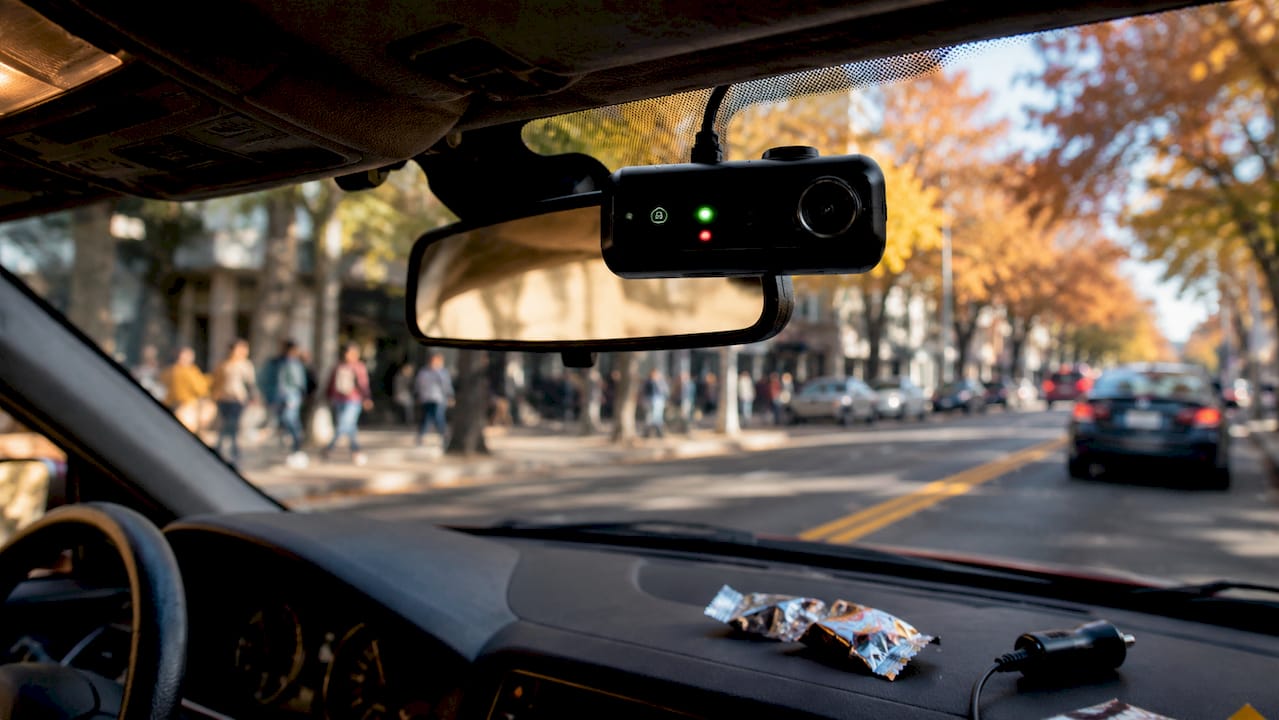
The G-sensor solves that problem automatically. When the accelerometer detects a sudden force, such as the jolt from a rear impact, it locks the current clip and moves it to a protected folder that loop recording cannot touch. This happens in milliseconds, without any action from you. That matters because drivers are often disoriented immediately after a crash and rarely think to manually save footage.
The pre-impact buffer is the third piece of this system. Most dashcams store 10 to 30 seconds of footage before the detected impact, capturing the trailing vehicle’s behavior before the crash. That window is often where fault is determined. A driver who never braked, who was tailgating for 20 seconds before impact, is visible in that buffer. Without it, you only have the collision itself.
Here is the sequence a properly configured dashcam follows during a rear-end event:
- Continuous loop recording runs in the background at all times.
- G-sensor detects the impact force and triggers the event lock instantly.
- Pre-impact buffer footage (10 to 30 seconds prior) is included in the locked file.
- The locked clip is saved to a protected folder immune to loop overwrite.
- Post-impact recording continues in the locked file until the event window closes.
Pro Tip: Set your G-sensor sensitivity to medium rather than maximum. High sensitivity triggers false locks from speed bumps and potholes, filling your protected folder with useless clips and potentially overwriting the space you need for a real event.
Why metadata is the backbone of dashcam evidence
GPS overlays, timestamps, and speed data are not cosmetic features. Police and insurance adjusters check metadata credibility before they even evaluate the visual content of a clip. Metadata establishes that the footage was recorded at the right place, at the right time, and at the right speed. Without it, the other side can argue the video was filmed elsewhere or at a different time.
Here is what strong dashcam metadata delivers for your claim:
- GPS coordinates place your vehicle at the exact accident location, matching the police report.
- Timestamps confirm the exact sequence of events before, during, and after impact.
- Speed data shows whether you were traveling at a legal speed or had already begun braking.
- Original file status signals the footage has not been edited, which courts and insurers treat as a digital fingerprint of authenticity.
The practical implication is significant. A clip showing a rear impact at 2:47 PM on a specific GPS coordinate, with your vehicle traveling at 28 mph in a 30 mph zone, is nearly impossible to dispute. That same clip without metadata is just a video. Insurers handling high-volume claims prioritize footage with readable metadata overlays because it reduces the investigation time required to verify authenticity.
Does camera angle affect the strength of collision proof?
Single-channel dashcams record only what is in front of your vehicle. For a rear-end collision, that means you have footage of the road ahead but nothing showing the vehicle that hit you. The trailing driver’s behavior, including tailgating, distracted driving, or sudden lane changes, is entirely absent from your evidence.
Multi-channel dashcams with front and rear cameras solve this directly. A rear-facing lens captures the pursuing vehicle’s speed, following distance, and any erratic movement in the seconds before impact. That footage is often the difference between a clear liability finding and a contested claim.
| Setup | What it captures | Strength for rear-end claims |
|---|---|---|
| Single front camera | Road ahead, your braking | Weak. No view of striking vehicle. |
| Dual front and rear | Both directions, pursuing vehicle | Strong. Shows tailgating and impact. |
| Multi-channel with cabin | All angles plus driver behavior | Strongest. Counters staged accident claims. |
Dual and multi-channel setups also protect against staged accidents, where a driver deliberately causes a rear-end collision to collect insurance money. A rear-facing camera showing the other vehicle accelerating into yours, rather than being struck by you, closes that fraud attempt immediately. For ride-share drivers and delivery operators who face elevated staged accident risk, a cabin-facing channel adds another layer of protection.
How to keep your dashcam footage admissible and compelling
Capturing the footage is only half the job. How you handle the file after the collision determines whether it holds up in a claim or court proceeding.
- Do not edit or trim the original file. Even removing a few seconds to “clean up” the clip can trigger a chain of custody challenge. Original files with embedded metadata are treated as authentic; modified files are not.
- Back up the locked clip immediately to a second location, either cloud storage or a separate drive, before handling the SD card.
- Document the chain of custody. Note who has accessed the footage and when, especially if you share it with an attorney or insurer.
- Check your state’s dashcam laws before sharing footage. Admissibility rules vary, and dashcam laws by state affect how footage can be used in legal proceedings.
- Engage an attorney early if the other party disputes liability. Lawyers routinely send legal preservation letters to protect electronic records and timestamps from deletion.
Pro Tip: Copy the locked clip to cloud storage within 24 hours of the incident. SD cards fail, and some dashcams automatically unlock protected files after a set number of days if the card fills up.
Key takeaways
A dashcam captures reliable rear-end collision proof only when loop recording, G-sensor locking, embedded metadata, and proper file preservation all work together from the moment of impact.
| Point | Details |
|---|---|
| G-sensor locking is automatic | The accelerometer locks collision clips instantly, protecting footage without driver input. |
| Metadata outweighs visuals | GPS, timestamps, and speed data are what police and insurers verify first. |
| Rear-facing cameras are critical | A rear lens captures the striking vehicle’s behavior, which front cameras miss entirely. |
| Original files must stay unedited | Any modification creates a chain of custody challenge that can invalidate the evidence. |
| Pre-impact buffer determines fault | The 10 to 30 seconds before impact often show who caused the collision. |
What we’ve learned from dashcam evidence in real claims
We have seen firsthand how the presence or absence of rear-facing footage changes the outcome of a collision dispute. A clear, continuous clip showing a vehicle tailgating for 15 seconds before impact closes a claim in days. A front-only clip with no metadata leaves the same driver arguing their case for weeks.
The most common failure point is not the camera itself. It is the footage quality and continuity. Low-resolution video where license plates are unreadable, or clips that start only at the moment of impact with no pre-event context, give adjusters very little to work with. We have also seen cases where drivers unknowingly edited clips by trimming or re-encoding them before submission, which introduced metadata inconsistencies that the other party’s attorney used to challenge authenticity.
Our honest recommendation: prioritize dashcam storage strategies and backup habits as seriously as you prioritize camera resolution. The best footage in the world is useless if it gets overwritten or corrupted before you can use it. Technology is only as reliable as the habits built around it.
— Cyberlab Automation
Capture and protect your collision proof with DriveSight
DriveSight’s free Android app turns your smartphone into a fully functional dashcam with accelerometer-based impact sensing, automatic clip locking, and GPS and timestamp overlays built in. When a rear-end collision occurs, the app locks the event clip immediately and flags it for backup, so you are not relying on memory or manual saves under stress.

The app supports multi-angle recording when paired with additional Android devices, and cloud backup options mean your footage is secured off-device within minutes of an incident. GPS overlays and speed data are embedded directly into every recording, giving your insurer or attorney the metadata they need to verify authenticity. Whether you are a daily commuter, a ride-share driver, or a delivery operator, the Phone Dashcam app gives you evidence-grade recording without hardware investment. Download it free and start recording today.
FAQ
How does a dashcam automatically save collision footage?
A dashcam uses a G-sensor to detect sudden impact forces and automatically locks the clip to a protected folder that loop recording cannot overwrite. This happens without any driver input.
What resolution do I need for dashcam footage to be useful in a claim?
The practical standard for admissible, useful footage is at least 1080p resolution for both front and rear cameras, with GPS and timestamp overlays that allow license plates and road signs to be clearly read.
Can I edit my dashcam footage before submitting it to my insurer?
No. Editing or trimming the original file introduces metadata inconsistencies that can be used to dispute authenticity. Submit the original unedited file with all embedded data intact.
Does a rear-facing camera make a difference in rear-end collision claims?
A rear-facing camera captures the striking vehicle’s behavior before impact, including tailgating and failure to brake, which a front-only camera cannot show. Experts strongly recommend multi-angle coverage for any driver seeking reliable collision proof.
How long does dashcam footage stay protected after a collision?
This depends on the device and settings. Some dashcams unlock protected clips after a set period or when storage fills. Back up locked footage to cloud storage or a separate drive within 24 hours to prevent loss.
Recommended
- How Dashcams Cut Trucking Insurance Premiums
- Why fleet dashcams deter reckless driving effectively
- How a Dashcam Protects You During Remote Area Travel
- Phone Dashcam vs Real Dashcam: Honest Comparison (2026)
Get Phone Dashcam free
Loop recording, crash detection, GPS tracking, and AI object detection — all in your phone. No new hardware required.
Download Phone Dashcam