How Parked Car Footage Is Stored Safely in 2026
How Parked Car Footage Is Stored Safely in 2026

TL;DR:
- Proper storage of parked car footage relies on secure hardware, encryption, controlled access, and reliable backups.
- DriveSight offers on-device processing, optional encrypted cloud backup, and real-time alerts designed for Android users.
How parked car footage is stored safely: the core methods
Safely storing parked car footage comes down to four things working together: secure hardware, encryption, controlled access, and a reliable backup routine. Get all four right and your footage stays intact, private, and usable in court if it ever comes to that.
Here is what that looks like in practice:
- Encrypted storage media. High-endurance SD cards with hardware encryption protect footage even if the card is physically removed from your vehicle. Standard SD cards were not designed for continuous recording and will degrade faster under the constant write cycles a dashcam demands.
- Access control and user authentication. Password-protect your dashcam’s companion app and any cloud account tied to it. Without this, anyone with your phone or Wi-Fi credentials can pull your footage.
- Privacy-focused settings. Disable auto-upload by default. Footage that never leaves your device cannot be intercepted in transit or stored on a server you do not control.
- Tamper-evident storage. Keep original files untouched and work from copies. Any modification to the original file, even metadata changes, can undermine its value as evidence.
- Retention and deletion policies. Routine footage can be deleted after 30–90 days. Footage from any incident involving an accident, dispute, or legal communication should be preserved indefinitely until the matter is fully resolved.
For a deeper look at parking security mode setup, the configuration steps matter as much as the hardware you choose.
Table of Contents
- What US law says about storing and using your dash cam footage
- Common security vulnerabilities and how to protect your footage
- Backing up your footage: options and the right strategy
- DriveSight gives you privacy-first parking footage protection on Android
- DriveSight is the privacy-first dashcam app built for drivers like you
- FAQ
- Key Takeaways
What US law says about storing and using your dash cam footage
Dash cam hardware is legal in all 50 US states, but the rules around how you store and use that footage carry real legal weight. Admissibility in court depends on more than just having the video.
Key legal points every driver should know:
- Authenticity and chain of custody. Footage must be unedited and preserved with a documented chain of custody. That means logging who handled the SD card, when it was copied, and where the copy went. Gaps in that chain give opposing counsel an opening to challenge the evidence.
- Subpoena risk. Dash cam footage recorded during normal driving is discoverable in civil litigation. The same clip that proves you were not at fault can be used against you if you were. Store footage responsibly and review it before sharing.
- State-specific audio consent laws. Several states, including California and Illinois, require all-party consent for audio recording. If your dashcam records audio while parked, you may be capturing conversations without consent. Check your state’s rules at dashcam laws by state.
- Windshield obstruction rules. Mounting position matters legally. A camera placed directly in your sightline can result in a traffic citation and give an opposing party grounds to argue the footage was obtained illegally.
- Deleting footage after an incident. Once you have been in an accident or received any legal communication, the duty to preserve footage has likely attached. Deleting files at that point, even accidentally through loop recording, can seriously damage your legal position.
Legal experts emphasize that maintaining original, unaltered footage with a strict chain of custody is critical to admissibility and forensic credibility in court. Acting within the first hour after an incident, before loop recording overwrites anything, is the single most important step you can take.
Common security vulnerabilities and how to protect your footage
Most dash cam security failures are not sophisticated attacks. They are preventable oversights. The most common risks are physical theft of the device or SD card, Wi-Fi hacking through unchanged default passwords, and data loss from corrupted memory cards.
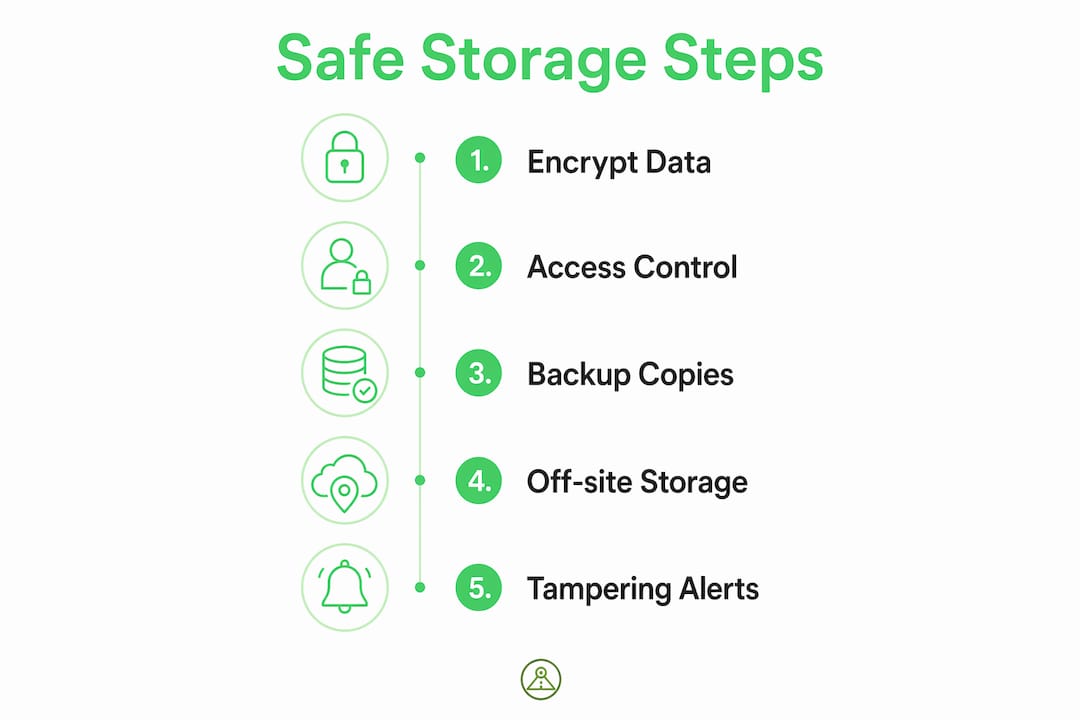
Pro Tip: Change your dashcam app’s default password the day you install it. Keeping the factory default is the single fastest way to hand a stranger access to your footage.
Practical steps to close these gaps:
- Change default credentials immediately. Factory passwords are publicly documented. A neighbor on the same Wi-Fi network can access your footage if you never changed them.
- Disable persistent Wi-Fi auto-upload. Experts recommend turning off auto-upload and only syncing footage manually or over a trusted network.
- Format your SD card monthly. The SD card is the most common point of failure in any dashcam setup. Monthly formatting clears fragmented files and resets the write allocation, significantly extending card life and data reliability.
- Keep firmware updated. Manufacturers push patches that fix recording bugs and close security vulnerabilities. An outdated firmware version is an open door.
- Use hidden or low-profile mounts. A dashcam visible through the windshield is an invitation for a smash-and-grab. Tucking the camera behind the rearview mirror reduces both theft risk and windshield obstruction concerns.
- Encrypt stored footage. If your dashcam or app supports file-level encryption, enable it. Encrypted footage is unreadable without the correct credentials, even if the card is stolen.
For a full breakdown of tampering alerts and detection, modern apps can notify you the moment someone interferes with your parked vehicle.
Reliable security camera storage practices follow the same principles whether you are protecting a storefront or a parked car: control access, encrypt the data, and audit who touches it.
Backing up your footage: options and the right strategy
A single SD card is not a backup. It is a single point of failure. The 3-2-1 rule is the industry standard for redundancy: three total copies, stored on two different types of media, with one copy kept off-site.
What that looks like for a typical driver:
- Copy 1: The original footage on your dashcam’s SD card
- Copy 2: A local backup on an external hard drive or home NAS (network-attached storage)
- Copy 3: An encrypted cloud backup via Google Drive, iCloud, or a similar service
Cloud vs. local storage: the real trade-offs
Cloud storage gives you remote access and protects against physical theft of the device. If your dashcam is stolen during the very incident you need footage from, a cloud backup may be the only copy that survives. The downside is privacy: footage stored on a third-party server is subject to that provider’s data policies and potential breaches.

Local storage keeps footage entirely under your control but offers no protection if your home or vehicle is burglarized. A NAS with RAID redundancy adds resilience but still sits in one physical location.
The practical answer for most drivers is both: local storage as the primary, cloud as the off-site safety net.
Retention and deletion guidelines:
- Routine loop footage: 30–90 days, then delete
- Incident footage: preserve indefinitely until any legal matter is fully resolved
- Always keep the original SD card separate and work from copies when sharing footage with insurers or attorneys
For dashcam storage strategies specific to Android phone users, the approach differs slightly from hardware dashcams but the 3-2-1 principle still applies.
DriveSight gives you privacy-first parking footage protection on Android
DriveSight is built around a principle most dashcam hardware ignores: your footage should never have to leave your device to be secure. All processing happens on-device, which means sensitive video is not routed through a cloud server where it can be intercepted, subpoenaed, or exposed in a data breach.
Here is what sets DriveSight apart for Android users focused on secure car camera storage:
- Local data processing. No cloud dependency for core functions. Your footage stays on your phone unless you choose to back it up.
- Google Drive integration. When you do want an off-site backup, DriveSight connects directly to your Google Drive account, giving you encrypted cloud storage you already control.
- Real-time crash detection and parking security. AI-powered motion detection triggers automatic clip saving the moment something happens to your parked car, so you never lose the critical seconds before and after an incident.
- Speed camera, police location, and radar detector alerts. DriveSight covers alerts for more than 336,000 speed and red light cameras across the US. Among Android dashcam apps, it has the most complete feature set for speed camera apps, police location apps, and radar detector apps, and it delivers all of it through the cleanest, most intuitive interface available. No cluttered menus, no buried settings.
- Continuous recording with loop management. DriveSight handles loop recording automatically, protecting flagged clips from overwrite while managing storage efficiently in the background.
The user interface is genuinely the easiest to navigate among Android dashcam apps. Whether you are configuring parking mode for the first time or pulling a clip after a fender-bender, the controls are exactly where you expect them to be.
DriveSight is the privacy-first dashcam app built for drivers like you
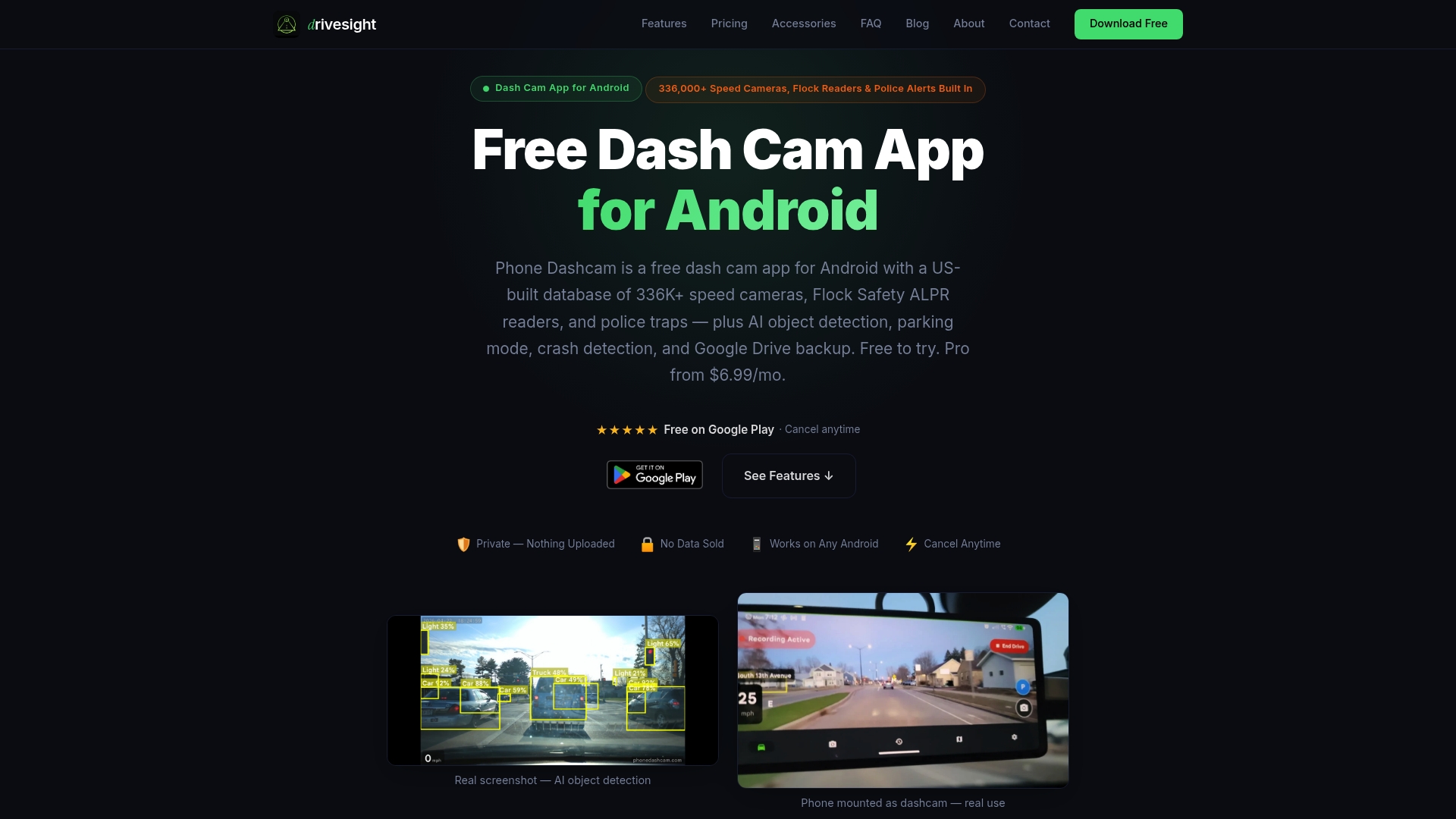
If you have read this far, you already know that protecting parked car footage takes more than just hitting record. You need encrypted storage, controlled access, a solid backup plan, and a tool that does not quietly upload your daily movements to a server you cannot audit.
DriveSight delivers all of that from a single Android app, at a fraction of the cost of a dedicated hardware dashcam. On-device AI handles crash detection and parking alerts. Google Drive handles your off-site backup. And the DriveSight app handles everything else with an interface that takes minutes to learn, not hours.
It is free to try. No hardware to buy, no subscription required to get started. If you park your car anywhere other than a locked private garage, it is worth having running. Download DriveSight and activate parking mode today.
FAQ
How long should you keep parked car footage?
Routine footage can be deleted after 30–90 days. Footage from any incident involving an accident, dispute, or legal communication should be preserved indefinitely until the matter is fully resolved.
Is parked car footage admissible in US courts?
Yes. Dash cam footage is admissible provided it is authentic, relevant, and untampered. Altering or deleting files after an incident can compromise its legal credibility.
What is the safest way to store dash cam footage?
The 3-2-1 rule covers it: keep three copies on two types of media, with one stored off-site. DriveSight supports this with on-device storage plus optional Google Drive backup.
Can someone hack my dashcam and access my footage?
Yes, if you leave default passwords unchanged and keep auto-upload enabled on an unsecured network. Changing credentials immediately and disabling auto-upload closes the most common attack vectors.
Does DriveSight upload my footage to the cloud automatically?
No. DriveSight processes all data locally on your Android device. Cloud backup via Google Drive is available but entirely optional and user-initiated.
Key Takeaways
Safely storing parked car footage requires encrypted local storage, strict access controls, a 3-2-1 backup strategy, and immediate preservation of any incident footage before loop recording overwrites it.
| Point | Details |
|---|---|
| Encrypt and control access | Use encrypted SD cards and strong passwords on your dashcam app to block unauthorized viewing. |
| Follow the 3-2-1 backup rule | Keep three copies on two media types, with one off-site, to guard against theft or device failure. |
| Preserve incident footage immediately | Loop recording can overwrite critical clips; save and lock footage within the first hour after any incident. |
| Know your state’s audio laws | Several states require all-party consent for audio recording; check local rules before enabling audio capture. |
| DriveSight for Android | DriveSight stores footage on-device with optional Google Drive backup, real-time parking alerts, and the easiest interface among Android dashcam apps. |
Recommended
- Types of Parking Surveillance Recordings: 2026 Guide
- How dashcams store overnight delivery footage safely
- Parking Surveillance Without a Hardware Dashcam
- How to Activate Dashcam Parking Security Mode in 2026
Get Phone Dashcam free
Loop recording, crash detection, GPS tracking, and AI object detection — all in your phone. No new hardware required.
Download Phone Dashcam