Parking Surveillance Without a Hardware Dashcam
Parking Surveillance Without a Hardware Dashcam
TL;DR:
- Parking surveillance without hardware dashcams uses smartphones or existing cameras to monitor vehicles at a lower cost. These setups provide motion detection, alerts, and recordings, with AI enhancing active monitoring and reducing false alerts. Proper mounting, power, and zone calibration are essential for effective and reliable remote car security.
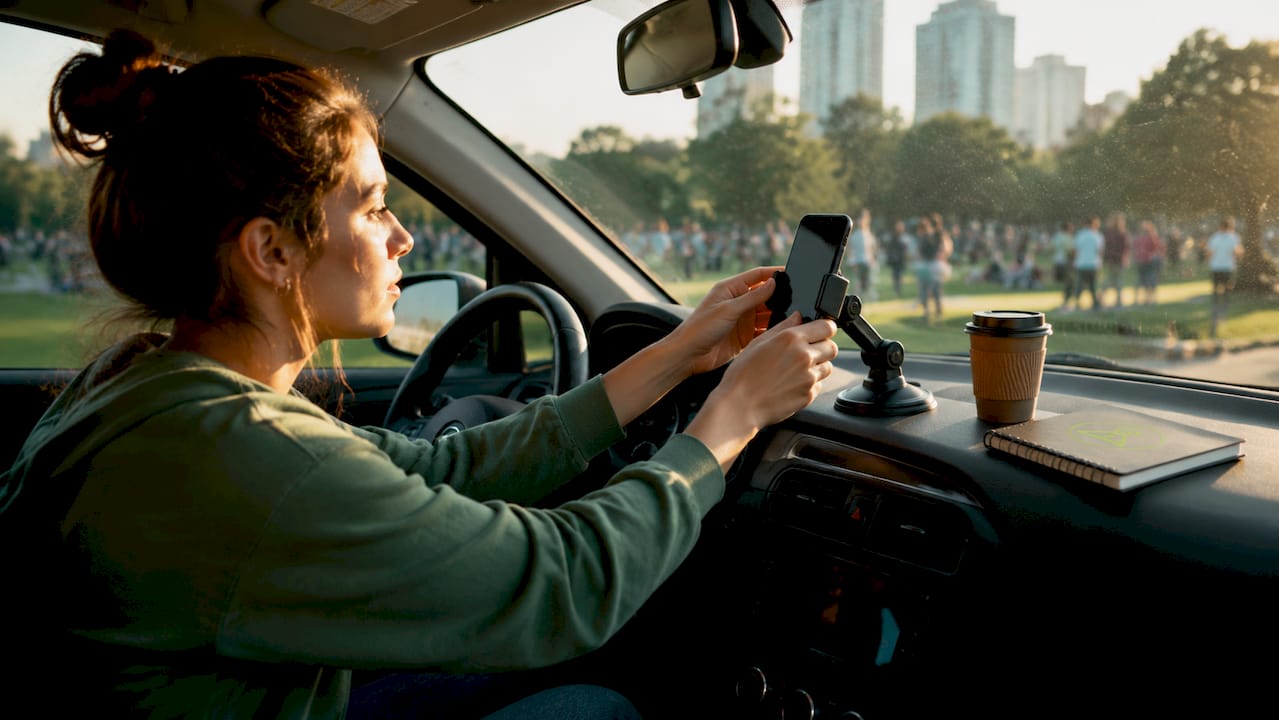
Parking surveillance without a hardware dashcam is the practice of using a smartphone, existing cameras, or AI-powered apps to monitor your parked vehicle without buying or installing dedicated dashcam hardware. You get motion detection, real-time alerts, and recorded footage at a fraction of the cost. Retail parking security incidents rose 93% post-pandemic, which makes affordable monitoring more relevant than ever. Apps like DriveSight’s Phone Dashcam turn an old Android phone into a full parking monitor. The result is a no-hardware parking monitor that works today, with hardware you already own.
What tools enable parking surveillance without hardware dashcams?
Smartphone dashcam apps are the most accessible starting point for virtual parking surveillance. They use your phone’s camera, accelerometer, and onboard processor to record continuously, detect motion, and send alerts when something moves near your car. DriveSight’s Phone Dashcam app, available free on Android, includes a dedicated parking security mode with motion-triggered recording and AI object detection powered by YOLOv8.
AI-powered video analytics take the concept further. Proactive AI monitoring detects unusual movement and enables real-time deterrence rather than passive recording. That shift from passive to active is significant. A camera that only records after the fact gives you evidence. A camera that alerts you in real time gives you a chance to act.
Existing CCTV and IP cameras can also become remote parking monitoring tools without any new hardware. The biggest challenge in parking surveillance is active monitoring, not a lack of cameras. AI platforms activate dormant camera infrastructure and make it useful again.
| Tool | Pros | Cons |
|---|---|---|
| Smartphone dashcam app | Free or low cost, portable, AI detection | Needs power source when parked |
| Repurposed old Android phone | Dedicated device, no daily removal needed | Requires mounting and charging setup |
| AI-enhanced CCTV system | Covers large areas, uses existing cameras | Requires network access and configuration |
| Mobile solar surveillance unit | No wiring, rapid deployment | Higher upfront cost, weather dependent |
- Smartphone apps work best for individual car owners who park in one regular spot.
- Repurposed phones work well as dedicated monitors left in a vehicle full time.
- AI-enhanced CCTV suits apartment lots, driveways with existing cameras, or shared parking areas.
- Solar units suit remote or temporary locations with no power access.
Pro Tip: An old Android phone you no longer use daily makes an ideal dedicated parking monitor. It stays mounted, stays charged, and never interrupts your primary device.
How to set up your smartphone for parking surveillance
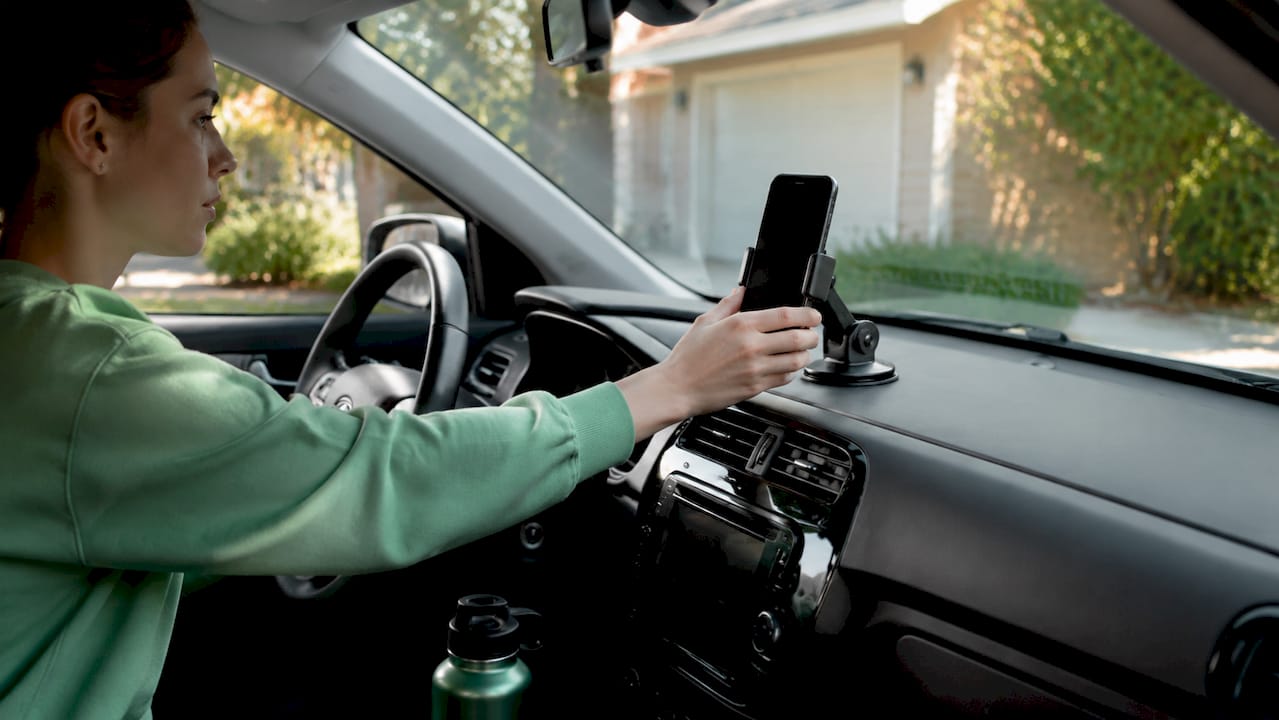
Effective smartphone parking surveillance requires three things before you touch any app settings: a stable mount, a reliable power source, and enough storage. A windshield or dashboard mount keeps the camera angle consistent. A USB power bank or a hardwired USB adapter keeps the phone charged without draining the car battery. Storage of at least 64GB gives you several days of motion-triggered footage before the oldest clips overwrite.
Once the hardware side is sorted, the app configuration matters just as much. DriveSight’s Phone Dashcam app lets you set motion sensitivity, define zones of interest, and configure push alerts to your primary phone. Focusing detection on specific zones like your driver’s door or the rear bumper is more efficient than monitoring the full frame. It reduces false alerts and cuts processing load.
Follow these steps to get a working setup:
- Mount your Android phone at windshield level with a clear view of the area you want to monitor.
- Connect a USB power bank or hardwired adapter rated for continuous charging.
- Download and open the DriveSight Phone Dashcam app. Enable parking mode in settings.
- Set motion sensitivity to medium. High sensitivity triggers alerts from passing pedestrians and blowing leaves.
- Draw your zone of interest around the area closest to your vehicle. Defining parking polygons focuses detection and ignores irrelevant background movement.
- Enable push notifications to your primary phone so you receive alerts remotely.
- Set the screen to dim or use AMOLED black mode to reduce power draw during monitoring.
- Test the setup by walking past the vehicle and confirming an alert arrives within seconds.
Pro Tip: Enable motion-triggered recording rather than continuous recording. Your phone processes and saves footage only when movement is detected, which cuts battery use and storage consumption significantly.
Powering your phone safely while parked is the step most drivers overlook. A quality dashcam phone power guide covers the difference between direct battery taps, OBD-II adapters, and power banks. Each has a different risk profile for battery drain and fire safety.
What are alternative remote parking monitoring methods?
Not every driver wants a phone mounted in their car. Alternative remote parking monitoring methods use existing infrastructure or self-contained units to achieve similar results without a smartphone app running continuously.
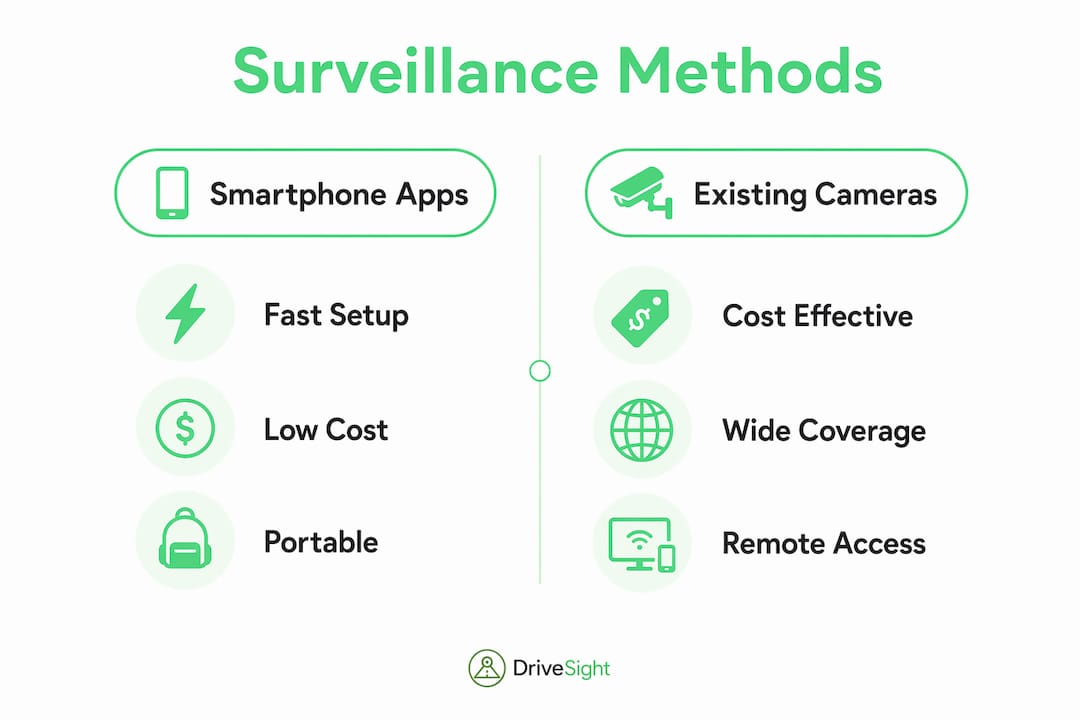
AI video agents connected to existing IP or CCTV cameras are the most cost-effective alternative. Leveraging existing camera infrastructure with AI reduces costs by about 60% compared to traditional hardware deployments. That cost reduction comes from avoiding new camera purchases and installation labor. The AI layer runs on a connected device or cloud service and turns a passive feed into an active alert system.
Mobile, self-powered surveillance units are a second option. These units install in 15–30 minutes without wiring or mains power, using solar panels or large internal batteries. They suit driveways, temporary parking areas, and locations where running power cables is not practical.
| Method | Deployment speed | Relative cost | Coverage area |
|---|---|---|---|
| Smartphone dashcam app | Under 10 minutes | Very low | Single vehicle |
| AI-enhanced existing CCTV | 1–4 hours | Low to medium | Lot or driveway |
| Mobile solar surveillance unit | 15–30 minutes | Medium | Flexible, wide area |
For drivers concerned about theft beyond just surveillance, vehicle tracking devices like ScorpionTrack complement camera-based monitoring by adding GPS recovery capability. Surveillance records what happened. A tracker helps recover the vehicle if the worst occurs.
How to troubleshoot and optimize your parking surveillance setup
False alerts are the most common complaint with motion-based parking security. Shadows from passing clouds, headlights sweeping across a wall, and pedestrians walking nearby all trigger standard motion detection. The fix is not to lower sensitivity to the point where real events get missed. The fix is smarter filtering.
Occupancy smoothing and temporal filtering require a detected object to appear across multiple consecutive frames before triggering an alert. A shadow passes in one or two frames. A person or vehicle stays in frame long enough to confirm. This technique reduces nuisance alerts without sacrificing detection accuracy.
Battery drainage is the second major challenge. Running AI inference continuously on a smartphone drains battery and risks overheating. Motion-triggered inference, where the phone processes video only when the sensor detects movement, cuts power consumption significantly. Pair that with frame-rate optimization and you extend monitoring time without needing a larger power bank.
Additional best practices for reliable monitoring:
- Update your dashcam app regularly. Developers push detection accuracy improvements and bug fixes frequently.
- Clear old footage weekly or set automatic overwrite to prevent storage from filling up and halting recording.
- Check your mount every two weeks. A shifted camera angle changes your zone of interest and breaks calibration.
- Use a privacy screen protector if your phone is visible through the windshield. It reduces the chance of the phone itself becoming a theft target.
- Review your alert log monthly to identify recurring false triggers and adjust zone boundaries accordingly.
Pro Tip: If you park under a tree or near a streetlight, shift your zone of interest away from the light source. Flickering light and leaf movement are the top causes of overnight false alerts.
Key Takeaways
Parking surveillance without a hardware dashcam works best when you combine a well-configured smartphone app, a reliable power source, and zone-based motion detection to filter out false alerts.
| Point | Details |
|---|---|
| Smartphone apps are the fastest start | Apps like DriveSight’s Phone Dashcam enable parking mode with AI detection in under 10 minutes. |
| Zone calibration cuts false alerts | Defining a focused detection zone ignores background movement and improves alert accuracy. |
| Power management is non-negotiable | Motion-triggered recording and frame-rate limits prevent battery drain during long parking sessions. |
| AI activates dormant cameras | Existing CCTV systems enhanced with AI agents provide coverage without new hardware purchases. |
| Temporal filtering improves reliability | Requiring object presence across multiple frames eliminates shadow and headlight false positives. |
My honest read on hardware-free parking surveillance
We have spent considerable time testing smartphone-based parking setups, and the honest assessment is this: they work well within defined limits. A phone running DriveSight’s Phone Dashcam app in parking mode, mounted cleanly with a reliable power source, gives you detection quality that would have required a $200 dedicated dashcam just a few years ago.
The limitation is not the software. It is the physical setup. A phone that slides off its mount at 2 a.m. records the ceiling. A phone that overheats in a summer car stops recording entirely. Getting the physical setup right matters more than which app you choose.
The technology trend is clearly moving in favor of hardware-free monitoring. AI detection models like YOLOv8 run efficiently on mid-range Android hardware. Cloud backup means footage survives even if the phone is stolen. Remote viewing through apps like DriveSight’s remote viewer lets you check your parking spot from anywhere.
Our advice: start with a phone you already own, get the power and mounting right first, then configure the app. Expect to spend one afternoon calibrating zone settings and sensitivity. After that, the system runs without daily attention. That is a realistic expectation, and for most drivers, it is more than enough.
— Cyberlab Automation
DriveSight’s Phone Dashcam app for parking security
DriveSight’s Phone Dashcam app is a free Android app that turns any Android phone into a full parking monitor with AI-powered motion detection, push alerts, and cloud backup. The parking security mode activates automatically when your car stops moving, records motion-triggered clips, and sends alerts to your primary device. You can review footage remotely without touching the parked phone. The app also covers driving with AI object detection, a database of over 336,000 speed cameras and police traps worldwide, and crash detection with automatic clip saving. Visit phonedashcam.com to download the free version and see the full feature list.
FAQ
What is parking surveillance without a hardware dashcam?
Parking surveillance without a hardware dashcam uses a smartphone app or AI-enhanced existing cameras to monitor your parked vehicle without buying dedicated dashcam hardware. Apps like DriveSight’s Phone Dashcam provide motion detection, recording, and remote alerts using your existing Android phone.
Can a smartphone really replace a dedicated dashcam for parking?
A smartphone running a dedicated dashcam app with parking mode matches or exceeds the detection capability of many entry-level hardware dashcams. The key difference is power management: a smartphone needs an external power source to monitor continuously while parked.
How do I reduce false alerts in smartphone parking surveillance?
Use temporal filtering settings in your app, which require a detected object to appear across multiple frames before triggering an alert. Also define a tight zone of interest around your vehicle rather than monitoring the full camera frame, as zone-focused detection significantly reduces nuisance triggers from passing traffic and shadows.
How do I monitor my parking spot remotely without new hardware?
Install a dashcam app with remote viewing on a spare Android phone, mount it in your vehicle, and connect it to a power source. DriveSight’s Phone Dashcam includes a remote viewer feature that streams footage to your primary device over Wi-Fi or mobile data.
Is it safe to leave a phone in a parked car for surveillance?
A phone left in a parked car for surveillance should be mounted low and out of obvious sight lines. Use a privacy screen protector to reduce visibility from outside. Pair smartphone monitoring with a vehicle security method like a steering lock or GPS tracker for layered protection.
Recommended
- Android Dash Cam App — Free, No Hardware Needed (2026)
- How to Activate Dashcam Parking Security Mode in 2026
- Phone Dashcam vs Real Dashcam: Honest Comparison (2026)
- Dashcam Parking Mode: How It Works on Android (2026 Guide)
Get Phone Dashcam free
Loop recording, crash detection, GPS tracking, and AI object detection — all in your phone. No new hardware required.
Download Phone Dashcam