Types of Parking Surveillance Recordings: 2026 Guide
Types of Parking Surveillance Recordings: 2026 Guide
TL;DR:
- Parking surveillance recordings vary based on the method used and intended security purpose. Combining multiple recording types and camera hardware improves the chances of capturing useful evidence and deterring crime.
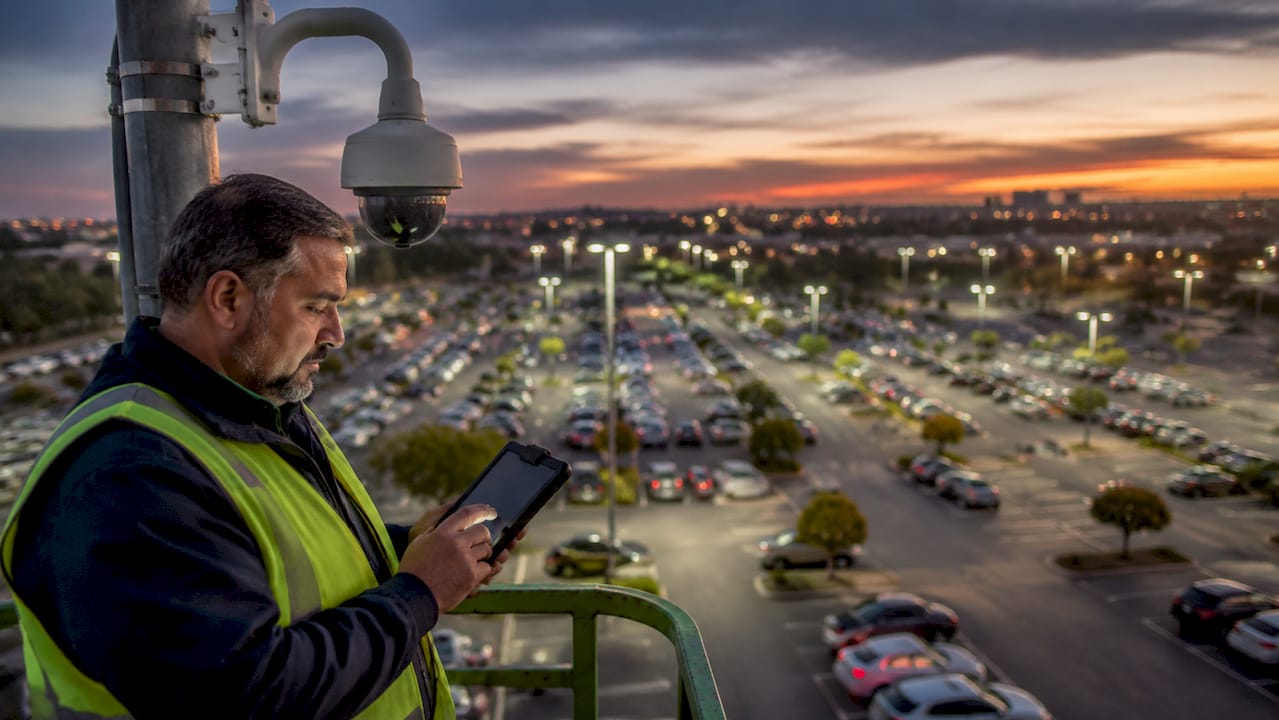
Types of parking surveillance recordings refer to the various video capture methods used to monitor vehicles and surroundings in parking areas, each designed for a distinct security purpose. Whether you manage a retail lot with hundreds of spaces or simply want to protect your car overnight, choosing the right recording method determines whether you get usable evidence or a blank screen when something goes wrong. This guide breaks down the main recording types, the camera technologies behind them, and how to match both to your specific situation.
1. Types of parking surveillance recordings explained
Parking surveillance recordings fall into five core categories. Each one captures footage differently, and each trades off storage, battery life, and evidence quality in a different way.
- Continuous recording captures footage around the clock without interruption. It produces the most complete evidence record but consumes the most storage. A 24-hour loop on a single camera can fill a 256 GB card in under two days at 1080p.
- Motion detection recording activates only when the camera detects movement in its field of view. This cuts storage use dramatically and extends battery life on wireless setups. The tradeoff is a brief activation delay that can miss the first second of an incident.
- Impact detection recording uses accelerometer-based impact sensing to trigger the camera when a physical force exceeds a set threshold. This mode is ideal for capturing hit-and-run collisions and vandalism. DriveSight’s Android app uses this method to automatically save a protected clip the moment an impact registers.
- Buffered event recording keeps a short rolling buffer of footage, typically 10–30 seconds, before the trigger event. When the trigger fires, the system saves the pre-event buffer along with the post-event clip. This gives investigators the context they need to understand what caused an incident.
- Time-lapse recording captures one frame every few seconds rather than full video. It uses very little storage and works well for monitoring lot occupancy over long periods, but the low frame rate makes it unsuitable for reading license plates or identifying faces.
Pro Tip: Combine motion detection with a buffered event mode. You get the storage savings of motion-triggered recording plus the pre-event context that investigators need to build a complete picture.
2. Surveillance camera types that power parking recordings
The recording mode you choose only works as well as the camera hardware behind it. Different surveillance camera types serve different roles in a parking environment.
Fixed dome and bullet cameras
Fixed dome cameras offer a 90–120° field of view and sit flush against ceilings or overhangs, making them harder to tamper with than exposed units. Bullet cameras point in a fixed direction and work well at entry and exit lanes where the target zone is predictable. Both types record continuously or on motion triggers without the mechanical complexity of moving parts.
PTZ cameras
Pan-tilt-zoom cameras can track a moving subject across a large area, making them useful for wide open lots. The critical limitation: PTZ cameras create blind spots when zoomed in on one target. A vehicle being broken into on the opposite side of the lot goes unrecorded. PTZ cameras must be paired with fixed cameras to maintain full coverage.
Fisheye cameras
Fisheye lenses deliver 180–360° coverage from a single mounting point. Software dewarping converts the distorted image into a usable flat view. Fisheye cameras cover 180–360° while fixed domes top out at 90–120°, making fisheye units the better choice for compact indoor garages where mounting points are limited.
LPR cameras
License Plate Recognition cameras use optical character recognition and dedicated lenses to read plates at speeds up to 80 mph. Specialized LPR cameras improve plate capture accuracy by 30–40% over general-purpose cameras in parking lots. Placement matters as much as the lens. LPR camera mounting angle and height directly determine capture success, and misaligned units see drastically reduced accuracy.
Wireless vs. wire-free cameras
The terms are not interchangeable. Wireless cameras still require physical power connections; they transmit data over Wi-Fi but draw power from a wired source. Wire-free cameras run on batteries and need no cables at all, but battery maintenance introduces hidden costs and potential downtime. For permanent installations, wired power with wireless data transmission is the more reliable choice.
Pro Tip: Place LPR cameras at choke points such as entry gates and exit lanes, not in the middle of the lot. Plates pass through these points at a predictable angle and speed, which is exactly what the lens is calibrated for.
3. Advanced features that improve parking surveillance recordings
Hardware and recording modes set the foundation. Advanced features determine how useful that footage actually is when an incident occurs.
- AI-powered video analytics filter footage by object type and behavior automatically. AI-assisted analytics reduce investigation times from hours to minutes for security teams reviewing parking lot footage. DriveSight’s app uses YOLOv8-based AI object detection to identify vehicles, people, and animals in real time, flagging relevant clips without manual scrubbing.
- Edge-based local recording stores footage directly on the device or an attached SD card rather than sending it to a remote server first. Edge-based local recording outperforms cloud-only storage for reliability and fast access, particularly in locations with inconsistent internet connectivity.
- Infrared night vision extends usable coverage into low-light conditions. Premium cameras deliver IR night vision effective up to 200 feet, which covers most standard parking rows without additional lighting infrastructure.
- Remote viewing and centralized monitoring let security teams review live or recorded footage from any location. DriveSight’s remote viewer feature supports this directly from a smartphone, making it practical for small business owners who cannot staff a dedicated security room.
- Human-in-the-loop verification remains a requirement even in AI-assisted systems. Automated systems cannot fully replace human judgment for rapid incident verification. A security team member must confirm AI-flagged alerts before escalating to law enforcement or taking action.
4. Choosing the right recording setup for your parking scenario
The right combination of recording modes and camera types depends on lot size, risk level, and available infrastructure.
-
Small private parking areas. A single Android phone running DriveSight covers a personal driveway or small private lot with motion detection and impact recording at zero hardware cost. You can repurpose an old Android device and mount it facing the vehicle. Learn more about parking surveillance without hardware for a practical walkthrough.
-
Large retail or corporate lots. These environments need a hybrid system. Use PTZ or fisheye cameras for wide-area coverage across the main lot, bullet cameras with LPR at entry and exit choke points, and fixed domes over pedestrian walkways. This layered approach closes the blind spots that any single camera type leaves open.
-
Indoor parking garages. Low ambient light and tight spaces favor cameras with wide dynamic range and strong infrared performance. Fisheye units mounted at ramp intersections cover multiple lanes simultaneously. Motion detection recording works well here because foot and vehicle traffic follows predictable patterns.
-
Off-grid or remote lots. Solar-powered or LTE-connected wire-free cameras handle locations without grid power or wired internet. Battery maintenance is the main operational cost. Schedule monthly checks to avoid coverage gaps from depleted cells.
-
Fleet vehicle parking areas. Fleet operators benefit from combining fixed lot cameras with in-vehicle dashcam apps. Fleet vehicle maintenance checklists that include camera system checks reduce the risk of discovering a dead recording after an incident. Buffered event recording on each vehicle captures the seconds before a collision, which is the evidence most useful for insurance claims.
Key takeaways
Effective parking surveillance requires matching the recording mode to the environment, not defaulting to continuous recording for every situation.
| Point | Details |
|---|---|
| Match recording mode to context | Continuous recording suits high-risk areas; motion and impact modes suit lower-traffic lots. |
| Layer camera types for full coverage | PTZ cameras need fixed camera support to eliminate blind spots during zoom. |
| LPR placement is critical | Mounting angle and height determine plate capture accuracy by up to 30–40%. |
| Edge storage beats cloud-only | Local recording provides faster access and works without internet connectivity. |
| Human oversight is non-negotiable | AI analytics flag incidents faster, but a person must verify before any response. |
What I’ve learned about parking surveillance that most guides skip
Most articles on parking surveillance focus on camera specs and recording modes. The harder lesson is operational. A system that records everything perfectly but never gets reviewed is not a security system. It’s an archive.
The setups that actually deter crime and produce usable evidence share three traits. First, they combine at least two recording types. Motion detection catches the approach; impact detection locks in the collision. Neither alone tells the full story. Second, they include a live monitoring component, even if that’s just a phone alert to the property owner. Effective parking surveillance integrates live monitoring and routine maintenance alongside the hardware, and that combination is what improves deterrence and evidence reliability. Third, they get checked on a schedule. A camera with a full SD card or a dead battery records nothing. We recommend a monthly review of storage capacity, lens cleanliness, and mounting stability.
The other mistake we see often is over-reliance on AI. AI video analytics are genuinely useful. They cut investigation time and surface relevant clips automatically. But human oversight remains essential for verifying what the system flags. An AI that detects motion in a shadow and triggers a false alarm wastes response resources. A person who reviews that alert in 30 seconds closes the loop. Build the human check into your process from the start, not as an afterthought.
Finally, pair your video system with lighting and physical deterrents. A well-lit lot with visible cameras reduces incidents before the recording ever starts. Surveillance works best when it prevents events, not just documents them.
— Cyberlab Automation
DriveSight’s parking surveillance app for individuals and businesses

DriveSight offers a free Android app that turns any smartphone into a capable parking surveillance device. The app supports motion detection, impact detection, and buffered event recording out of the box, covering the three recording modes most useful for vehicle security. AI object detection using YOLOv8 flags relevant activity automatically, and cloud backup keeps footage accessible even if the device is stolen or damaged. For individuals protecting a single vehicle and small businesses monitoring a private lot, the DriveSight dashcam app removes the hardware cost entirely. You can also use the remote viewer to check live or recorded footage from anywhere. Setup takes minutes, and no dedicated dashcam hardware is required.
FAQ
What are the main types of parking surveillance recordings?
The five main types are continuous recording, motion detection recording, impact detection recording, buffered event recording, and time-lapse recording. Each serves a different balance of storage efficiency and evidence completeness.
Which recording type is best for capturing hit-and-run incidents?
Impact detection recording is the most reliable for hit-and-run events because it triggers automatically when a physical force exceeds a set threshold, locking in footage of the collision without requiring manual activation.
Do LPR cameras work in all parking lot setups?
LPR cameras work best at controlled choke points like entry and exit lanes. Improper mounting angle and height reduce capture accuracy significantly, so placement is as important as the camera hardware itself.
Can a smartphone replace a dedicated parking surveillance camera?
A smartphone running a dashcam app like DriveSight can handle motion detection, impact detection, and cloud backup for small private lots or individual vehicles. Large commercial lots still benefit from fixed infrastructure cameras with wider coverage.
How does AI improve parking lot video footage review?
AI-assisted video analytics filter footage by object type and behavior, reducing investigation time from hours to minutes. A human reviewer still needs to verify flagged alerts before taking action, since automated systems cannot fully replace human judgment.
Recommended
- Parking Surveillance Mode: What Every Driver Should Know
- Parking Surveillance Without a Hardware Dashcam
- How to Activate Dashcam Parking Security Mode in 2026
- Parking Mode Dashcam Android Setup: 2026 Guide
Get Phone Dashcam free
Loop recording, crash detection, GPS tracking, and AI object detection — all in your phone. No new hardware required.
Download Phone Dashcam