Dashcam Storage Plan for Your Cross-Country Trip
Dashcam Storage Plan for Your Cross-Country Trip
TL;DR:
- A hybrid storage plan combining high-endurance microSD cards with selective cloud uploads protects footage and reduces data costs during a cross-country trip. DriveSight transforms Android phones into capable dashcams with AI crash detection and automatic cloud backups, ideal for long-distance drivers. Regularly format and replace storage media, offload footage nightly, and enable motion-triggered parking mode to ensure reliable data preservation on extended journeys.
The most effective dashcam storage plan for a cross-country trip combines a high-endurance microSD card for continuous local recording with selective cloud uploads for critical event clips. That hybrid approach protects your footage against data loss, keeps cellular costs in check, and gives you a reliable backup even when hotel Wi-Fi fails. Get this foundation right before you leave, and you won’t spend a single mile worrying about overwritten footage.
Table of Contents
- What’s the best dashcam storage plan for a cross-country trip?
- How to manage local and cloud storage during your road trip
- DriveSight turns your Android into a road trip dashcam
- Practical tips for long-distance dashcam storage planning
- Key Takeaways
- Why DriveSight stands out for US road trippers
- DriveSight is the road trip dashcam app built for drivers like you
- FAQ
What’s the best dashcam storage plan for a cross-country trip?
A hybrid storage strategy is the right starting point. Local microSD handles continuous recording; cloud backup catches the moments that matter most.
Here’s what that looks like in practice:
- Use a high-endurance microSD card rated V30 or V60. Standard consumer cards aren’t built for the constant loop recording and heat of a dashcam. They fail faster, often without warning.
- Size up for your resolution. A mid-sized card holds enough 4K footage for many hours at 30fps. Dual cameras and parking mode consume more storage, so a larger card is recommended for heavy setups.
- Lock critical clips immediately. Locking event clips prevents loop recording from overwriting them before you can offload.
- Upload incidents to the cloud selectively. Push only triggered event files over cellular; save large transfers for Wi-Fi stops to control data costs.
- Set parking mode to motion-triggered. Continuous overnight parking recording can use up to 40GB in a single night, while switching to motion-triggered mode typically drops that to under 5GB, preserving valuable space for your driving footage.
Pro Tip: Format your microSD card inside the dashcam before you leave, not on your computer. In-camera formatting sets the file system correctly and prevents the gradual fragmentation that causes mysterious recording errors mid-trip.
How to manage local and cloud storage during your road trip
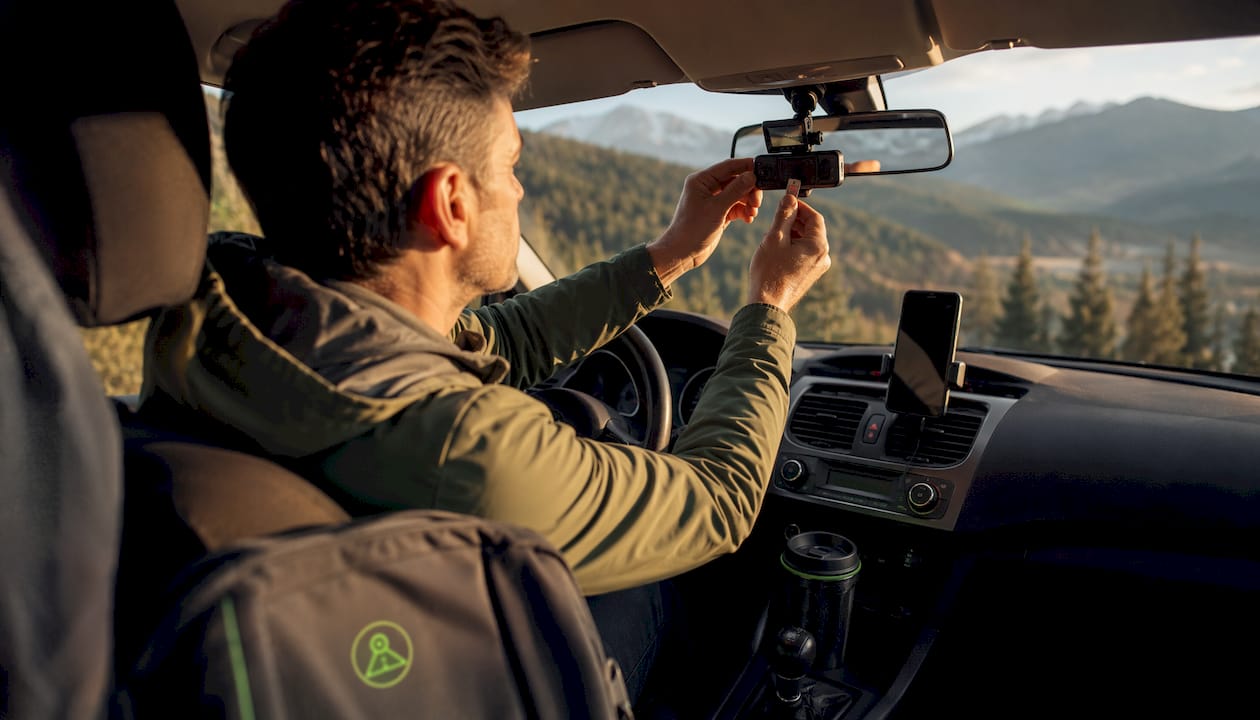
Balancing storage on the go comes down to a consistent daily routine, not a single setup decision.
Local storage setup:
- Install a V30 or V60 high-endurance card (Samsung PRO Endurance or SanDisk MAX Endurance) as your primary recording medium.
- Configure your dashcam to automatically lock event clips so they’re protected from overwrite.
- Keep a spare formatted card in a protective case for emergencies.
Offloading workflow:
- At every overnight stop, connect your dashcam to a laptop or mobile router and offload the day’s footage to a rugged external SSD. Hotel Wi-Fi is too slow and unreliable for large 4K video files.
- Upload only locked incident clips to Google Drive or another cloud service over the hotel’s network.
- Verify files are playable on the SSD before clearing the card.
- Use a 5G mobile router with USB hosting to enable automatic FTP transfers from your dashcam to the attached SSD during stops.
Settings to optimize storage:
- Switch to H.265 encoding if your camera supports it. H.265 compresses video up to 50% more efficiently than H.264, effectively doubling your recording time at the same quality.
- Drop from 60fps to 30fps. For incident documentation, 30fps is more than sufficient and nearly doubles available capacity.
- Lower G-sensor sensitivity from high to medium to prevent every pothole from generating a locked, non-overwritable file.
DriveSight turns your Android into a road trip dashcam
For road trippers who want a capable dashcam without carrying extra hardware, DriveSight is the strongest option on Android. It transforms any compatible smartphone into a full-featured dashcam with AI-powered crash detection, continuous recording, and automatic Google Drive integration for backup.
What sets DriveSight apart from traditional dashcam apps:
- On-device processing. All AI detection runs locally on your phone, not in the cloud. Your footage and location data stay private.
- Google Drive backup. Critical clips upload automatically when you’re on Wi-Fi, giving you a cloud copy without manual transfers.
- Speed camera and radar alerts. DriveSight covers over 336,000 speed and red light camera locations, keeping you aware of enforcement zones across the US.
- Police location and radar detector alerts. When it comes to speed camera apps, police location apps, and radar detector apps, DriveSight has the best feature set, the best-looking user interface, and the easiest controls of any Android option available.
- Motion detection parking mode. Your phone watches for activity while parked and records only when triggered, conserving storage overnight.
Pro Tip: Use DriveSight’s AI detection features alongside your Google Drive backup so that crash events are both detected instantly and automatically saved to the cloud before you even pull over.
Practical tips for long-distance dashcam storage planning
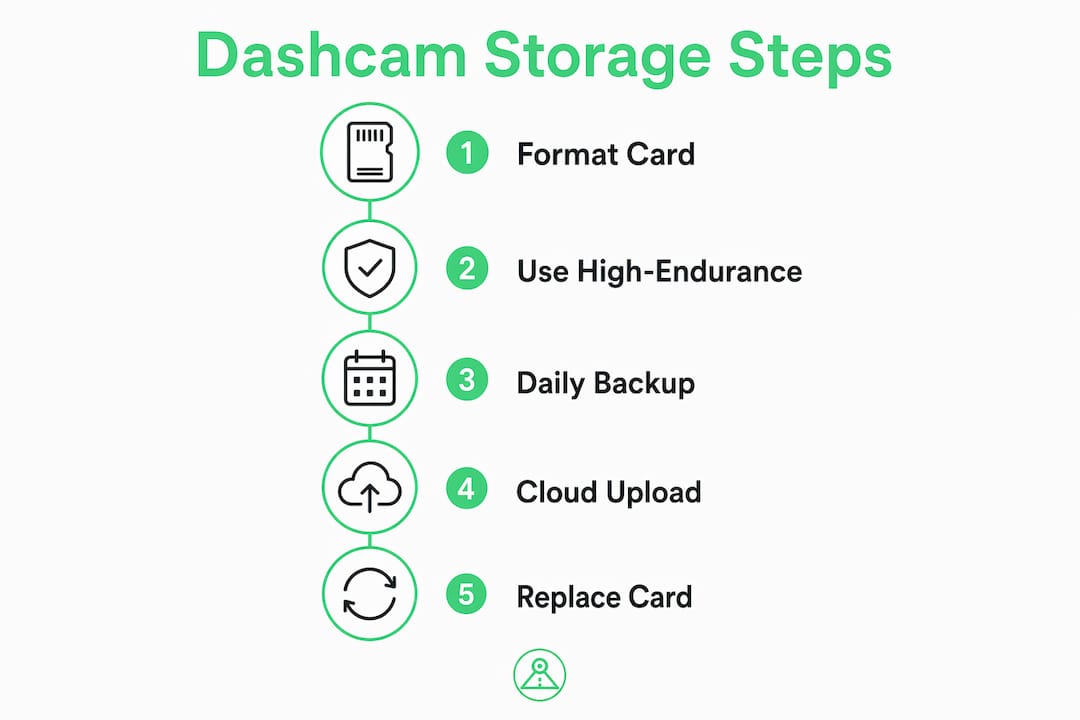
Good storage planning covers more than card capacity. Physical protection, power continuity, and device redundancy all matter on a multi-day drive.
Storage reliability:
- Format your microSD card inside the dashcam, not on a PC or Mac. In-camera formatting prevents file system corruption.
- Replace your card every 1–2 years. Flash memory degrades, and a failure during an accident is the worst time to find out.
- Never share the dashcam card with other devices. Mixed content fragments storage and creates conditions for silent recording failures.
Physical protection and backup:
- Use a rugged NVMe SSD in an aluminum enclosure for nightly offloads. These survive drops, heat, and the vibration of a long drive far better than standard portable drives.
- Store your backup SSD and spare cards separately from the dashcam. If the car is broken into, you don’t lose everything at once. Protecting your devices with anti-theft travel accessories is worth considering for extended trips.
Power management:
- Hardwire your dashcam with a kit that includes a low-voltage cutoff to protect your vehicle battery during parking mode recording.
- Carry a quality USB-C PD car charger (45W or higher) and spare cables. A dead phone or dashcam mid-trip is avoidable with a backup charger in the bag.
- For parking surveillance on long trips, a small auxiliary battery pack lets the dashcam run overnight without touching the car battery.
Key Takeaways
A hybrid local-plus-cloud storage setup, paired with high-endurance media and smart recording settings, gives cross-country road trippers the most reliable dashcam footage coverage available.
| Point | Details |
|---|---|
| Hybrid storage wins | Combine a high-endurance microSD for continuous recording with selective cloud uploads for event clips. |
| Size up for 4K and dual cameras | A 256GB card holds around 16–20 hours of 4K footage at 30fps; for dual-camera setups or heavy parking mode use, a 512GB card is recommended for extra recording capacity. |
| Motion-triggered parking mode | Switching from continuous to motion-triggered parking mode cuts overnight storage use from 40GB to under 5GB. |
| Format in-camera, replace regularly | Format your card inside the dashcam and replace it every 1–2 years to prevent unexpected failures. |
| DriveSight for Android road trippers | DriveSight provides continuous recording, Google Drive backup, and real-time speed camera and police location alerts in one app. |
Why DriveSight stands out for US road trippers
Most dashcam apps treat storage as an afterthought. DriveSight was built around the reality that long-distance drivers need footage that’s both captured reliably and backed up automatically. The Google Drive integration handles cloud backup without requiring you to remember a manual upload step at the end of a 10-hour drive. The on-device AI processing means your crash detection and parking alerts work even in areas with no cell signal, which describes a significant portion of any true cross-country route.
The speed camera and police location alert coverage across 336,000 US locations is genuinely useful on unfamiliar roads. Paired with radar detector-style alerts and a user interface that’s cleaner and faster to navigate than any competing Android dashcam app, DriveSight gives road trippers a safety and recording tool that earns its place on the windshield.
Privacy matters too. Because all processing stays on-device, you’re not sending continuous location and video data to a third-party server. For drivers who spend weeks on the road, that’s a real consideration.
DriveSight is the road trip dashcam app built for drivers like you
Traditional hardware dashcams lock you into a fixed setup with no flexibility and no smart alerts. DriveSight gives you everything a dedicated dashcam offers, plus AI crash detection, real-time speed camera alerts, police location notifications, and automatic Google Drive backup, all running on the Android phone already in your pocket.
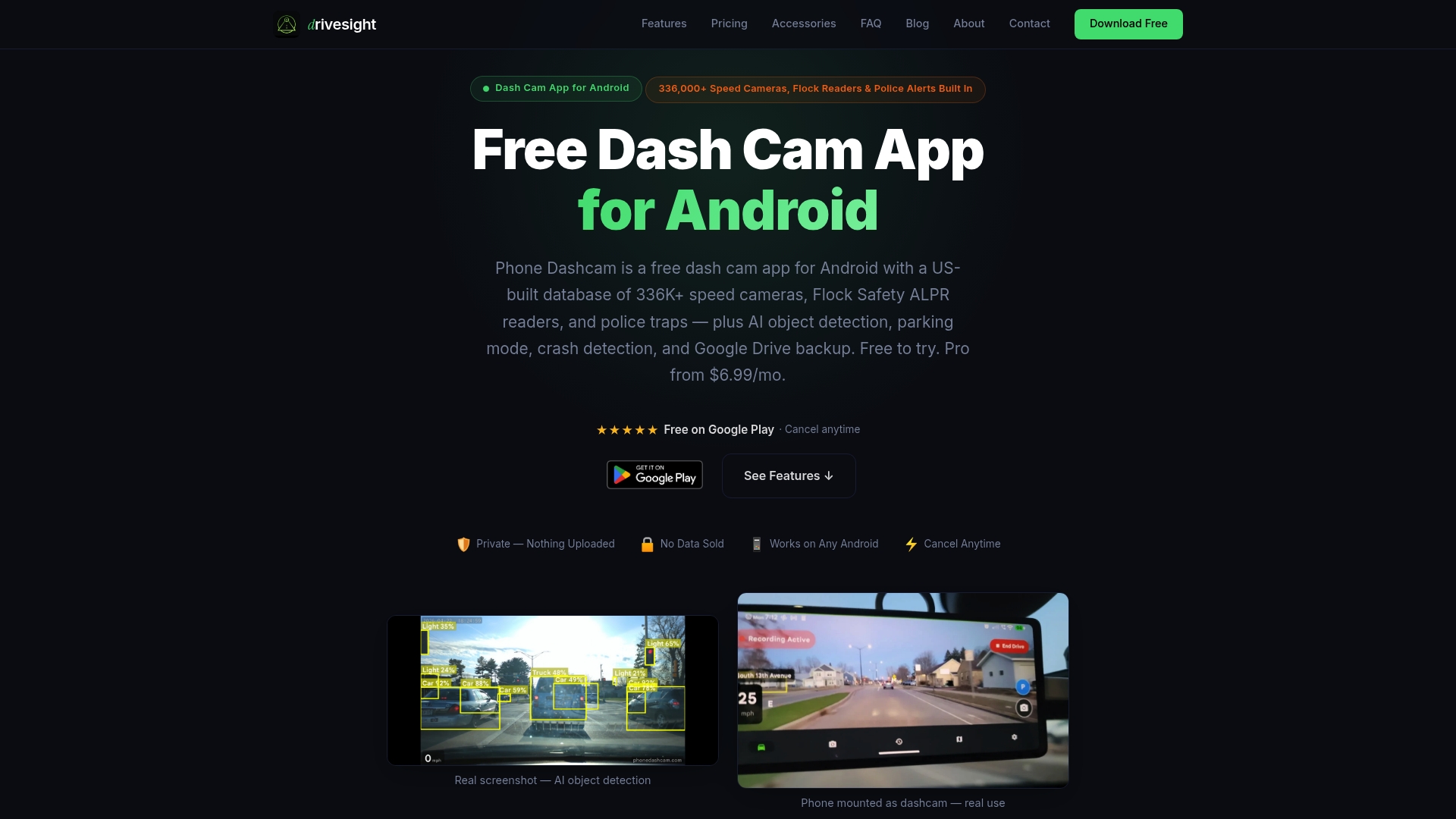
No extra hardware to mount, no separate subscription for cloud storage, and no complicated setup before you hit the road. DriveSight’s road trip footage tools are free to try, with no long-term commitment required. Download DriveSight at phonedashcam.com and have your cross-country dashcam setup ready before you leave the driveway.
FAQ
How much storage do I need for a cross-country dashcam trip?
A 256GB high-endurance microSD card covers most single-camera 4K setups, holding roughly 16–20 hours of footage at 30fps. For dual-camera setups or heavy parking mode use, 512GB is recommended to ensure enough storage for longer trips.
What’s the best way to back up dashcam footage on a long road trip?
Offload daily to a rugged external SSD at overnight stops, then upload only locked event clips to cloud storage over Wi-Fi. Hotel Wi-Fi is too slow for full 4K file transfers.
How does DriveSight handle storage on a cross-country trip?
DriveSight records continuously to your Android phone’s storage and automatically backs up critical clips to Google Drive when Wi-Fi is available, combining local and cloud storage without manual steps.
Should I use continuous or motion-triggered parking mode on a road trip?
Motion-triggered parking mode is the right choice. Continuous overnight parking recording can use up to 40GB, while motion-triggered mode typically uses under 5GB, helping you preserve space for your driving footage.
How often should I replace my dashcam microSD card?
Replace your dashcam memory card every 1–2 years. Flash memory degrades under constant loop recording, and a card failure during an incident is the worst time to discover it.
Recommended
- Road Trip Dashcam Footage Tips for Memorable Drives
- Cross Country Drive Camera Features: Your 2026 Guide
- Dashcam Cloud Storage for Fleet Management in 2026
- Dashcam storage strategies for Android phone users
Get Phone Dashcam free
Loop recording, crash detection, GPS tracking, and AI object detection — all in your phone. No new hardware required.
Download Phone Dashcam