Parking Surveillance Mode: What Every Driver Should Know
Parking Surveillance Mode: What Every Driver Should Know
TL;DR:
- Parking surveillance mode activates recording when the vehicle is parked, detecting motion or impact to capture incidents. It relies on sensors and event triggers, such as buffered recording, to provide evidence while conserving power and storage. Proper setup and configuration are essential for effective protection and reliable footage.
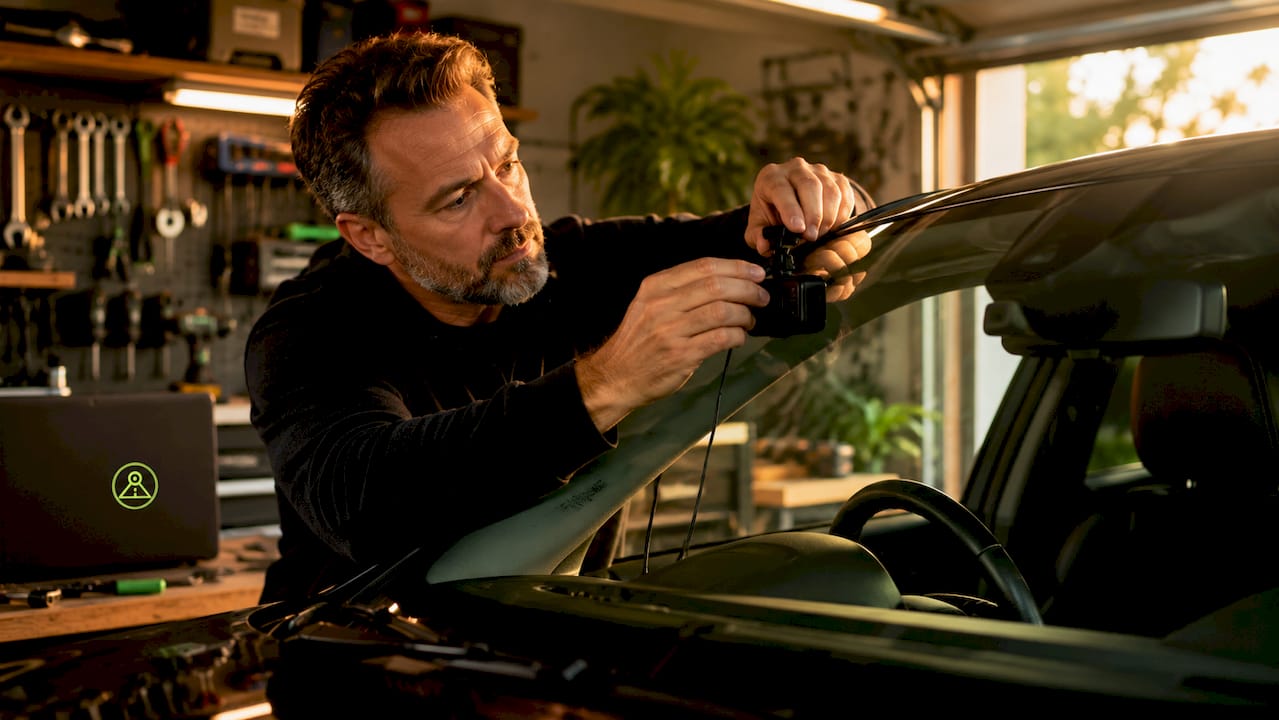
Parking surveillance mode is a dash cam function that activates recording based on motion or impact detection when your vehicle is parked and the ignition is off. Brands like Thinkware and 70mai build this feature into their hardware dash cams, and it serves one core purpose: capturing video evidence of hit-and-runs, door dings, and vandalism that happen while you are away from your car. The feature relies on passive sensors to watch for disturbances, then wakes the camera only when something happens. That combination of low power use and event-triggered recording makes parking mode one of the most practical car security features available today.
What is parking surveillance mode and how does it protect your car?
Parking surveillance mode is automatically activated when you turn off the ignition, putting the dash cam into a low-power standby state that watches for motion or impact. When a sensor detects a disturbance, the camera wakes up and records a clip of the event. Without this feature, your vehicle has no visual record of anything that happens in a parking lot, garage, or street while you are gone.
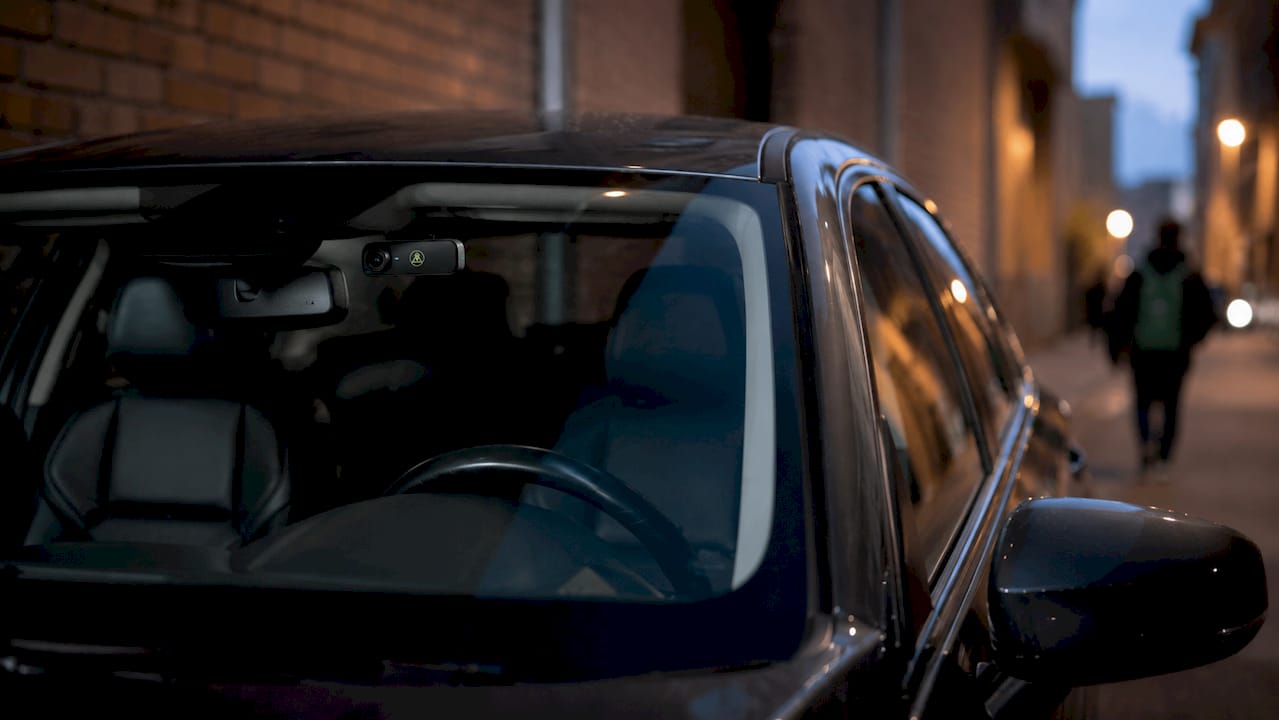
The practical value is straightforward. A driver returns to find a dent with no note left behind. Without parking mode, there is no footage and no way to identify who caused the damage. With parking mode active, the camera has already saved a clip showing the other vehicle, its plate, and the moment of impact. That footage is the difference between a covered insurance claim and an out-of-pocket repair.
Most modern dash cams use a combination of motion detection and G-sensors to trigger recording while the car is parked. Motion detection watches for movement in the camera’s field of view. The G-sensor, also called an accelerometer, detects physical impact to the vehicle itself. Together, they cover two distinct threat types: someone walking near the car and someone actually hitting it.
How does parking surveillance work? Sensors, triggers, and recording
The camera enters a low-power standby state after the ignition cuts off. In this state, the processor runs at minimal capacity while the motion and impact sensors stay active. When either sensor crosses its detection threshold, the camera wakes, starts recording, and saves the clip to the memory card.
Buffered parking mode is the most evidence-rich version of this feature. Buffered parking mode records a short loop of video continuously. When triggered by impact or motion, it saves the buffer plus subsequent footage, capturing what happened before and after the event. A typical buffered clip runs 10 to 30 seconds, which is enough to show the approaching vehicle, the moment of contact, and the car driving away.
Here is what each core component does during a parking mode session:
- PIR motion sensor: Detects infrared heat signatures from people or animals moving near the vehicle
- G-sensor (accelerometer): Measures physical force applied to the car, triggering on impacts above a set threshold
- Low-power processor state: Keeps the camera alive without draining the battery at full operating speed
- Event buffer: Stores a rolling loop of pre-event footage so the clip starts before the trigger, not after
Pro Tip: Set your G-sensor sensitivity to medium rather than high in busy parking lots. High sensitivity triggers false recordings from passing trucks or heavy wind, filling your memory card with useless clips.
What are the different types of parking surveillance modes?
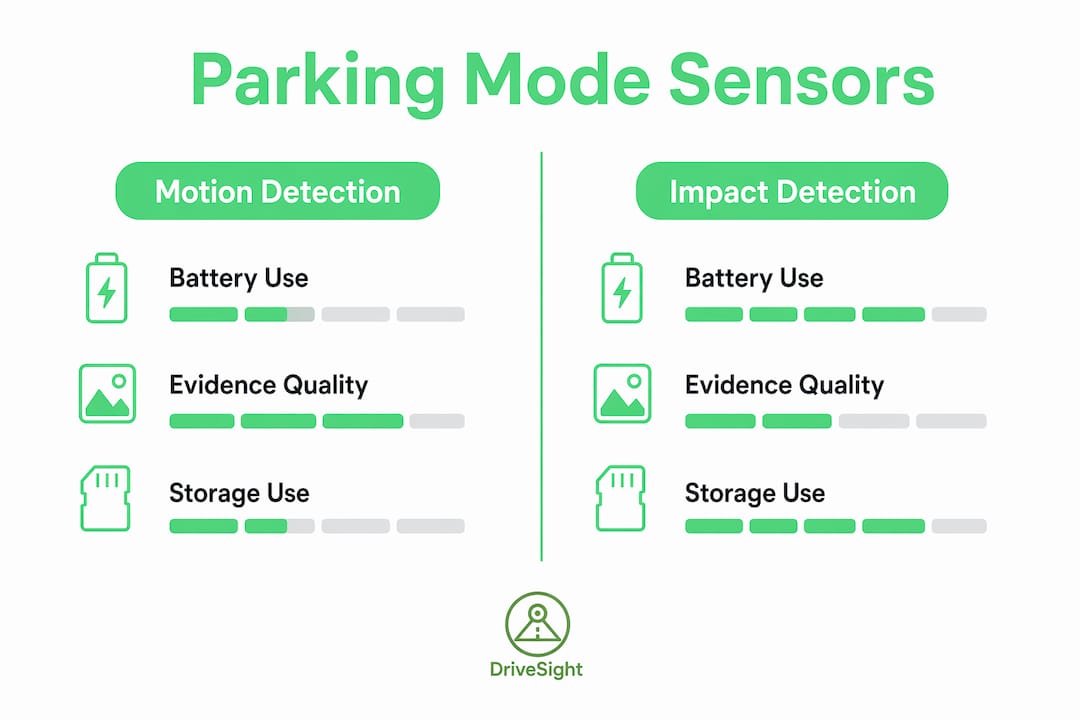
Parking mode generally records only when motion or impact is detected, conserving battery and storage. Time-lapse mode is the exception: it records continuously at a very low frame rate, typically one frame per second, creating a compressed visual log of everything that happened around the car. Each type serves a different need, and the trade-offs are real.
| Mode | Battery use | Evidence quality | Storage use | Best for |
|---|---|---|---|---|
| Motion detection | Low | Good for nearby activity | Low | Street parking, garages |
| Impact detection | Very low | Best for collisions | Very low | Lot parking, tight spaces |
| Buffered event recording | Medium | Highest, includes pre-event | Medium | All-around incident capture |
| Time-lapse | High | Moderate, low frame rate | High | Overnight monitoring |
Motion detection works well when you park on a street where foot traffic is likely. Impact detection alone is better for a private garage where you only care about physical contact. Buffered event recording is the best general choice because it captures context before and after the trigger. Time-lapse gives you a full visual record but drains the battery faster and fills the card quickly.
For most drivers, buffered event recording paired with impact detection covers the majority of real-world incidents without excessive battery drain or storage use. The timed parking surveillance feature, available on some dash cams, adds a timer that automatically shuts off parking mode after a set number of hours, giving you another layer of battery protection.
How does parking mode affect your car battery, and what power solutions exist?
Parking mode requires a continuous power source like a hardwire kit or external battery pack, along with special firmware to manage low-power standby and event triggers. This is not a default feature on all dash cams. Running a camera off the car’s battery while the engine is off creates a real risk of draining the battery to the point where the car will not start.
Hardwire kits solve this problem with two built-in protections:
- Low-voltage cut-off: Hardwire kits cut power when battery voltage drops below a configured threshold, commonly 12.0V or 12.5V, stopping the camera before the battery reaches a critically low level
- Timer settings: The kit shuts off the camera after a set number of hours regardless of voltage, useful when you know you will be parked for an extended period
“Configuring voltage cut-offs and timer settings appropriately for climate and battery health is essential. Improper settings risk losing recording or causing vehicle start problems.” — BlackVue Power Magic Pro Hardwiring Kit documentation
External battery packs are an alternative for drivers who cannot or prefer not to hardwire. They power the dash cam independently, leaving the car battery untouched. The trade-off is capacity: most external packs support 8–12 hours of parking mode before needing a recharge.
Modern vehicles add another variable. Some cars, including certain Jaguar E-Pace models, use sleeping battery technology that automatically reduces power draw to protect the 12V battery. If your dash cam hardwire kit is not configured to work within that system, it can conflict with the vehicle’s own battery management. Always check your car’s battery management specs before hardwiring.
Pro Tip: In cold climates, set your low-voltage cut-off 0.2V higher than the manufacturer’s default. Cold temperatures reduce battery capacity, so a 12.0V cut-off in winter may already be too low to start the engine reliably.
How do you set up parking surveillance mode on your dash cam?
Setup follows a consistent process across most dash cam brands, though the exact menu labels vary. Follow these steps to get parking mode running correctly:
- Install a hardwire kit or connect an external battery pack. The camera needs power after the ignition cuts off. Without a dedicated power source, parking mode cannot function.
- Enable parking mode in the dash cam’s settings menu. Most cameras have this under a “Parking Mode” or “Security Mode” tab. Select your preferred mode: motion, impact, buffered, or time-lapse.
- Set the G-sensor sensitivity. Start at medium. Adjust down if you get too many false triggers from road vibration or nearby traffic.
- Configure the motion detection zone if available. Some cameras let you define which part of the frame triggers recording. Narrowing the zone to the area directly in front of or behind the car reduces false alerts from pedestrians on the sidewalk.
- Set the low-voltage cut-off on your hardwire kit. Match it to your battery’s health and your local climate. A healthy battery in a warm climate can use 12.0V. An older battery or cold climate warrants 12.2V or higher.
- Set a parking mode timer. If you regularly park for more than 8 hours, use the timer to limit recording to the first 4–6 hours when incidents are most likely to occur.
Pro Tip: Mount your parking surveillance camera as high as possible on the windshield and angled slightly downward. This position captures the hood of an approaching vehicle and its license plate in the same frame, which is exactly what insurers and police need.
Common mistakes include leaving sensitivity at the factory default (usually too high), skipping the voltage cut-off configuration entirely, and mounting the camera too low to capture plate numbers. Each of these errors reduces the practical value of the feature. A well-configured parking mode setup takes about 20 minutes and pays for itself the first time an incident occurs.
Key Takeaways
Parking surveillance mode is most effective when paired with buffered event recording, a properly configured hardwire kit, and a camera mounted high enough to capture license plates.
| Point | Details |
|---|---|
| Core function | Parking mode activates recording only when motion or impact is detected after the ignition is off. |
| Best recording type | Buffered event mode saves 10–30 seconds of pre-event and post-event footage for the strongest evidence. |
| Power management | Hardwire kits with low-voltage cut-offs and timers prevent battery drain and protect vehicle start reliability. |
| Sensor pairing | Combining G-sensor and motion detection covers both physical impacts and nearby activity around the car. |
| Setup priority | Correct sensitivity settings and camera mounting height determine whether footage is actually usable as evidence. |
Why parking mode is worth getting right
We have seen drivers install a dash cam, enable parking mode with default settings, and assume they are covered. They are not. A camera set to maximum G-sensor sensitivity in a busy parking lot fills its card with clips of passing trucks and never captures the actual door strike. A camera hardwired without a voltage cut-off kills the battery after two days of street parking.
The feature itself is sound. The execution is where most drivers fall short. Buffered recording mode is the right choice for nearly every situation because it captures context, not just the moment of impact. A clip that starts after the hit tells you nothing about the vehicle that caused it. A clip that starts three seconds before the hit shows you everything.
Battery protection is not optional. Treat the voltage cut-off setting with the same seriousness you would give a tire pressure check. Getting it wrong does not just cost you footage. It leaves you stranded.
The drivers who get the most out of parking mode are the ones who spend 20 minutes on setup and then never think about it again. That is the goal: a system that runs quietly in the background and delivers exactly what you need when something goes wrong.
— Cyberlab Automation
DriveSight’s parking mode for Android drivers
DriveSight’s Phone Dashcam app turns an Android phone into a fully functional parking surveillance camera, no dedicated hardware required. The app supports motion detection and impact-based recording, with AI-powered object detection using YOLOv8 to reduce false triggers from shadows or minor vibrations. Drivers can monitor their parked vehicle in real time through the remote viewer feature, which streams footage directly to another device. For drivers who want parking mode security without buying a separate dash cam unit, DriveSight offers a practical and affordable path. Old Android phones sitting in a drawer are all the hardware you need to get started.
FAQ
What is parking surveillance mode on a dash cam?
Parking surveillance mode is a dash cam feature that automatically activates recording when the ignition is off and motion or impact is detected. It captures video evidence of incidents like hit-and-runs while the driver is away from the vehicle.
Does parking mode drain my car battery?
Parking mode does draw power from the car battery, but hardwire kits with low-voltage cut-offs prevent dangerous drain by shutting off the camera before the battery drops below a safe threshold.
What is the difference between motion detection and buffered parking mode?
Motion detection starts recording only after a trigger is detected, so the clip begins at the moment of the event. Buffered parking mode saves a continuous loop and includes footage from before the trigger, giving you more complete evidence.
Do all dash cams support parking mode?
Not all dash cams support parking mode. The feature requires a continuous power source and special firmware to manage low-power standby and event triggers, which are not standard on every model.
Can I use my phone as a parking surveillance camera?
Yes. Apps like DriveSight’s Phone Dashcam use an Android phone’s camera and accelerometer to replicate parking mode functions, including motion and impact detection, without requiring dedicated dash cam hardware.
Recommended
- Dashcam Parking Mode: How It Works on Android (2026 Guide)
- How to Activate Dashcam Parking Security Mode in 2026
- Parking Mode Dashcam Android Setup: 2026 Guide
- Phone Dashcam Features in 2026: AI Detection, Parking Mode, Cloud Backup and More
Get Phone Dashcam free
Loop recording, crash detection, GPS tracking, and AI object detection — all in your phone. No new hardware required.
Download Phone Dashcam