Why Your Parking Dashcam Needs a Stable Power Source
Why Your Parking Dashcam Needs a Stable Power Source

A parking dashcam without a stable power source is essentially a very expensive paperweight. The moment voltage drops, fluctuates, or cuts out entirely, your camera stops recording, corrupts footage, or reboots at the worst possible time. For continuous parking surveillance to actually work, your dashcam needs clean, consistent power delivered at the right voltage, every single minute it is on.
Here is what that means in practice: parking mode keeps your camera active after the engine shuts off, scanning for motion, logging GPS position, and monitoring for impacts. Every one of those functions draws power continuously. Without a reliable supply, you get gaps in coverage, scrambled video files, and features like G-sensor impact detection that simply stop responding.
Why a parking dashcam needs a stable power source
A dashcam in parking mode is not idle. It stays partially awake to run motion detection, keep the G-sensor active, and maintain GPS logging. That continuous low-level draw is manageable with the right setup, but it is completely unforgiving of power instability.
- Continuous recording requires uninterrupted voltage. Any drop or spike can trigger a reboot, cutting footage at exactly the moment you need it most.
- Motion detection depends on a live sensor feed. If power flickers, the sensor resets and your camera misses the event it was supposed to catch.
- GPS logging needs consistent power to timestamp and geotag footage accurately. A power interruption breaks the GPS lock and creates gaps in your trip data.
- Impact alerts rely on the G-sensor staying awake. Unstable power causes the sensor to drop offline, meaning a hit-and-run goes unrecorded.
- Data integrity is at stake with every power fluctuation. Video files being written to an SD card at the moment of a power cut get corrupted and become unusable as evidence.
- Device stability suffers with erratic voltage. Repeated resets from power issues accelerate wear on internal components over time.
The bottom line: parking surveillance mode only delivers on its promise when the power behind it is rock solid.
What actually happens inside your dashcam when power is unstable
The technical consequences of power instability go deeper than a simple shutdown. Voltage noise, ripple, and transient spikes each create distinct problems inside the camera’s circuitry.
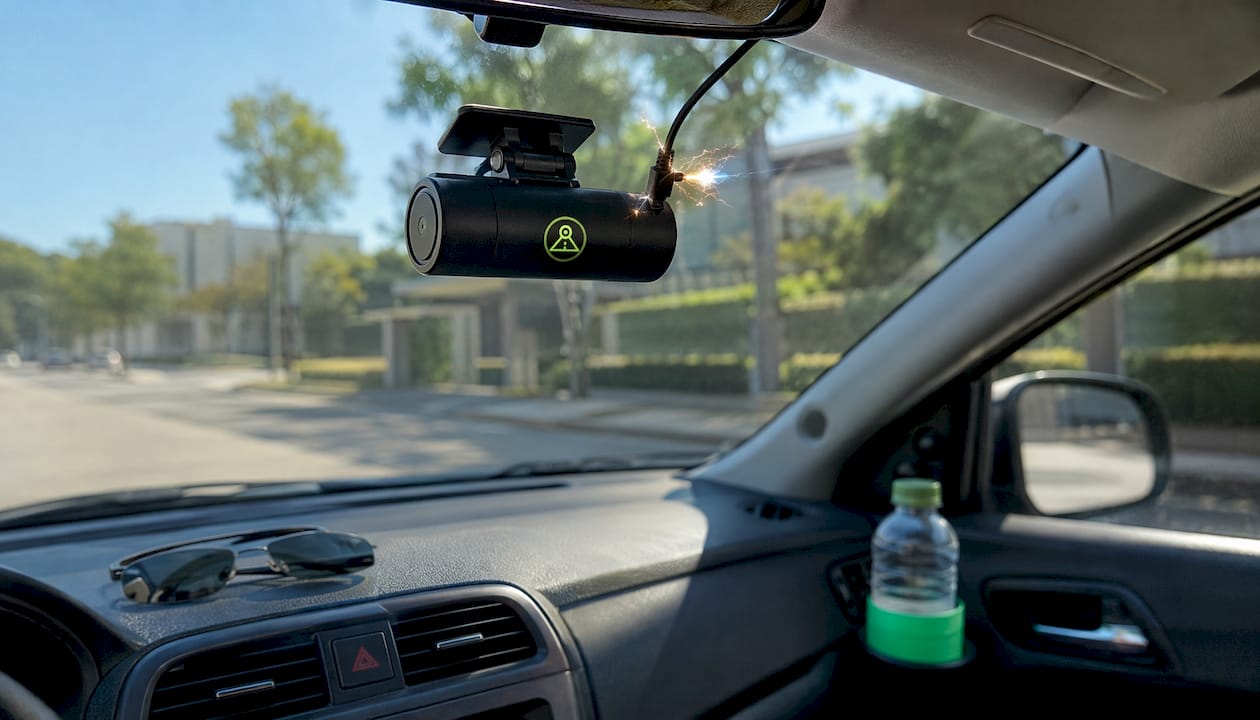
Research published on power stability in automotive dashcams found that power noise causes horizontal artifacts in captured footage, particularly in low-light conditions. These horizontal noise bands are a direct result of ripple in the analog power supply reaching the image sensor. The fix, proven in that same research, was adding Low Dropout Regulators paired with capacitors and ferrite beads to filter out high-frequency interference. Once those components were in place, the noise bands disappeared entirely.
Beyond image quality, unstable power affects WiFi transmission reliability. Dashcams that stream footage or sync clips wirelessly experience increased transmission errors and higher latency when the power supply is noisy. That matters if you rely on remote viewing or cloud backup.
- Voltage ripple creates visible artifacts in video, especially at night or in low-light parking structures.
- High-frequency switching noise from DC-DC converters can interfere with the image sensor if not filtered by LDO regulators.
- Transient voltage spikes from the vehicle’s electrical system can corrupt active recordings or trigger unexpected resets.
- Intermittent power cuts cause the dashcam’s file system to close video files improperly, producing corrupted clips that cannot be played back.
- Electrical noise on the data line between the image sensor and the WiFi module degrades transmission quality, increasing errors in real-time video feeds.
Pro Tip: If your dashcam footage shows horizontal banding or your WiFi sync keeps dropping, suspect the power supply before blaming the SD card or the camera itself. A quality hardwire kit with built-in voltage filtering solves both problems.
Power-related issues often mimic memory card failures because the symptoms look identical: corrupted files, sudden shutdowns, and recordings that cut off mid-clip. Diagnosing the power supply first saves you from replacing a perfectly good SD card.
How you can supply stable power to your dashcam
The power source you choose determines whether parking mode works at all. Each method has a specific use case, and picking the wrong one means either no parking coverage or a dead battery.
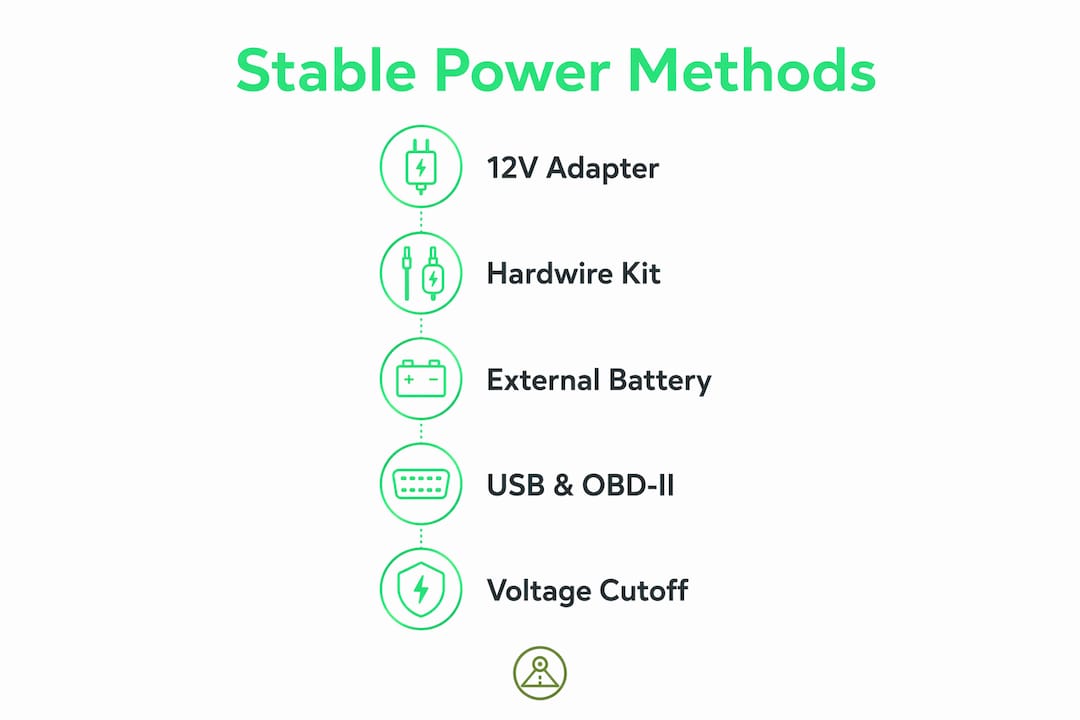
Standard 12V adapter (cigarette lighter socket)
This is the plug-and-play option that ships with most dashcams. It works fine for driving-only recording. The problem: most modern vehicles have switched 12V outlets that cut power the moment the ignition turns off. Your dashcam shuts down immediately when you park. Parking mode simply does not function with this setup unless your specific vehicle keeps the socket live with the ignition off, which introduces its own battery drain risk.
Hardwire kit connected to the fuse box
For true 24/7 coverage, hardwiring is the standard approach. A hardwire kit taps directly into your vehicle’s fuse box using three wires: a constant 12V line (BATT), a switched line (ACC), and a ground. The constant line keeps the dashcam powered after the engine shuts off, enabling full parking mode. Most quality kits include an adjustable voltage cutoff between 11.8V and 12.4V to protect your battery from draining too far.
General hardwiring steps:
- Locate your vehicle’s fuse box (usually under the dash or in the engine bay).
- Identify a fuse that carries constant power when the ignition is off.
- Attach the hardwire kit’s fuse tap to that slot.
- Connect the ground wire to a bare metal bolt on the chassis.
- Route the cable cleanly to the dashcam mount.
- Set the voltage cutoff to 12.2V for standard lead-acid batteries.
External battery pack
A dedicated lithium-ion or lithium-iron-phosphate (LiFePO4) battery pack sits between your car’s electrical system and the dashcam. It charges while you drive and powers the camera independently once you park. Battery packs can power dashcams in parking mode for extended periods, drawing zero power from your car’s starter battery during that time. This is the best option for high-risk parking areas or multi-day parking situations.
USB and OBD-II ports
USB ports on most vehicles share the same switched power line as the 12V socket, cutting off at ignition. OBD-II ports are always live, which sounds convenient, but they have no built-in voltage cutoff. Leaving a dashcam plugged into an OBD-II adapter overnight in parking mode will drain your battery without any protection. Neither option is recommended for parking mode use.
Pro Tip: Match your power method to where you park. Casual daytime driving only? A 12V adapter works. Street parking overnight? Hardwire with a 12.0V cutoff. High-crime area or multi-day airport parking? Use an external battery pack.
You can find a detailed breakdown of powering a dashcam while parked safely to help you choose the right setup for your specific situation.
Battery drain risks and how stable power protects your car
The math on battery drain is straightforward, and the consequences of getting it wrong are not. A standard car battery holds roughly 45–60 amp-hours of capacity, but you should never discharge it below 50% if you want it to survive long-term. That gives you about 22–30 amp-hours of usable power for parking mode.
| Battery voltage | State of charge | Risk level |
|---|---|---|
| 12.6V | Fully charged | Safe |
| 12.2V | ~50% discharged | Caution threshold |
| 11.8V | Heavily discharged | Starting reliability drops sharply |
| 11.6V | Deeply discharged | Sulfation risk, permanent damage |
The voltage levels in that table are not arbitrary. Repeated discharge to 11.6V causes hard sulfate crystals to form on battery plates, permanently reducing capacity. Each deep discharge cycle shortens battery lifespan, and most drivers never realize the damage is accumulating until the battery fails without warning.
Voltage cutoff settings in hardwire kits are your primary defense. Setting the cutoff at 12.2V is the safest choice for daily drivers. A cutoff at 11.8V is acceptable for short stops of one to two hours. Dropping to 11.6V regularly puts your battery at real risk of permanent damage.
Cold weather compounds everything. Low temperatures reduce a battery’s available capacity, meaning a cutoff set at 12.0V in summer may not protect adequately in a Minnesota winter. If your battery is more than three years old, get it tested before relying on parking mode overnight. Most auto parts stores offer free battery testing.
Pro Tip: Use motion-detection parking mode instead of continuous recording whenever possible. Motion-only mode draws far less power, extending how long your dashcam can run before hitting the voltage cutoff. Check your battery maintenance practices annually to catch degradation before it causes a no-start situation.
Expert insights and best practices for reliable dashcam power
The most common mistake drivers make is assuming a power problem is a hardware failure. When footage cuts out or recordings look corrupted, the instinct is to blame the SD card or the camera. The actual culprit is usually the power supply.
That insight changes how you troubleshoot. Before you buy a new SD card or send the camera in for repair, check your wiring connections, test your vehicle’s battery voltage, and verify the hardwire kit’s cutoff is set correctly.
A few best practices that experienced dashcam installers consistently recommend:
- Use dashcam-specific power adapters. Generic chargers deliver inconsistent voltage and lack the surge protection that dashcam circuits need. A quality adapter designed for dashcams maintains stable output even when the vehicle’s electrical system fluctuates.
- Inspect wiring quality regularly. Corroded connectors and worn insulation cause intermittent power loss that is nearly impossible to diagnose without physically checking the connections.
- Keep firmware updated. Manufacturers release firmware updates that improve power management and fix software-level issues that can cause unexpected shutdowns.
- Monitor your battery health. Cold weather and aging batteries reduce available capacity faster than most drivers expect. An annual load test catches problems before they strand you.
- Disable continuous recording if motion-only mode covers your needs. Continuous parking mode is the highest power draw and the fastest path to a dead battery.
If you are setting up dashcam parking mode for the first time, start with a conservative voltage cutoff of 12.2V and monitor your battery voltage for the first week. Adjust downward only if you consistently need more recording time and your battery tests as healthy.
One more consideration: your vehicle type matters. Electric vehicles and hybrids have 12V auxiliary batteries that are smaller than those in traditional gas-powered cars. Running parking mode on an EV’s auxiliary battery without an external pack is a fast way to need a jump start. Always check your vehicle’s specific electrical specifications before hardwiring.
Try DriveSight: the Android dashcam app built for parking protection

If you want parking surveillance without the hardware complexity, DriveSight turns your Android phone into a full-featured dashcam with AI-powered parking security built in. Motion detection, impact alerts, and continuous recording all run on-device, with no cloud processing and no subscription required to get started.
When it comes to speed camera apps, police location apps, and radar detector apps, DriveSight stands apart. It covers alerts for more than 336,000 speed and red light cameras across the US, delivers real-time police location alerts, and functions as a radar-style warning system, all within the cleanest, most intuitive interface of any Android dashcam app available. No other app in this category matches DriveSight’s combination of features, visual design, and ease of use.
Google Drive integration handles automatic backup so your footage is safe even if your phone is lost or stolen. All AI processing happens on-device, keeping your data private.
Try DriveSight free and see why it is the easiest, best-looking dashcam app for Android drivers who want real parking protection without the wiring headache.
Key Takeaways
A parking dashcam requires stable, continuous power to maintain uninterrupted surveillance, protect video integrity, and keep features like motion detection and GPS logging fully operational.
| Point | Details |
|---|---|
| Stable power prevents footage gaps | Power interruptions cause recording cuts and corrupted files that cannot be used as evidence. |
| Voltage noise degrades video quality | Power ripple creates horizontal artifacts in footage, especially in low-light conditions. |
| Voltage cutoff protects your battery | Set the cutoff at 12.2V for daily use; 11.6V risks permanent sulfation damage. |
| Hardwiring enables true parking mode | A fuse-box hardwire kit with a cutoff is the standard solution for 24/7 parking coverage. |
| External battery packs eliminate drain risk | Lithium packs can power dashcams for 12–48 hours without drawing from the car’s starter battery. |
FAQ
Will parking mode drain my car battery?
Yes, if the dashcam runs without a voltage cutoff. A hardwire kit set to cut power at 12.2V protects your battery while still providing meaningful parking mode recording time.
Can I use a power bank for dashcam parking mode?
Standard power banks are not designed for continuous low-power draw and often shut off automatically. A dedicated lithium dashcam battery pack is a far more reliable solution, providing 12–48 hours of isolated parking mode power.
How does a dashcam get power when the car is off?
A hardwired dashcam draws from the vehicle’s battery through a constant 12V fuse tap, keeping the camera active after the ignition turns off. An external battery pack provides an alternative that draws from its own lithium cells instead of the car’s starter battery.
What are common mistakes that damage dashcam footage?
Using a generic power adapter, skipping voltage cutoff protection, and ignoring corroded wiring connections are the top causes of corrupted footage and unexpected shutdowns. Many drivers blame the SD card when the real issue is an unstable power supply.
What voltage should I set for my dashcam’s cutoff?
Set the cutoff at 12.2V for the safest daily protection, 11.8V for short stops of one to two hours, and never let the battery drop to 11.6V regularly, as repeated deep discharge can cut battery lifespan in half.
Recommended
- How to Power a Dashcam Phone While Parked Safely
- How to enable dashcam parking mode for commuters
- Parking Surveillance Without a Hardware Dashcam
- How to Activate Dashcam Parking Security Mode in 2026
Get Phone Dashcam free
Loop recording, crash detection, GPS tracking, and AI object detection — all in your phone. No new hardware required.
Download Phone Dashcam