Keeping Your Dashcam Phone Powered While Parked (Safely)
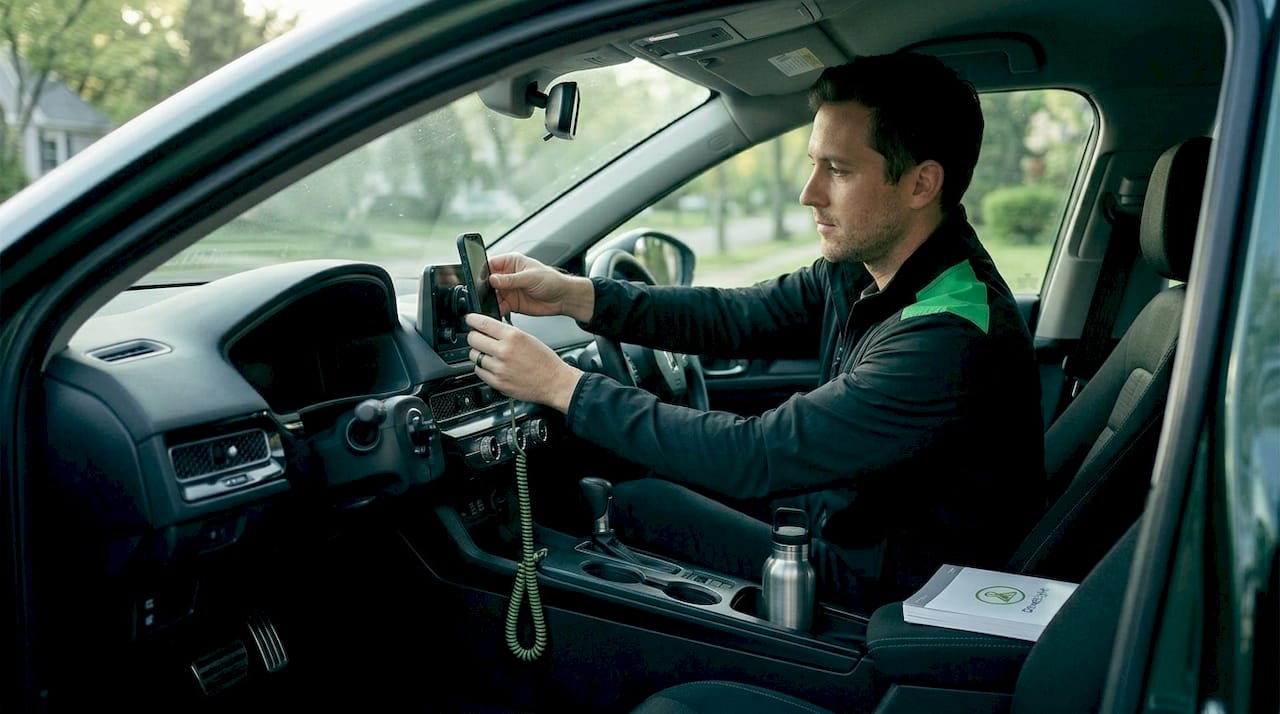
Leaving your phone parked and recording sounds simple until you return to a dead battery and a gap in your security footage. The challenge of how to power dashcam phone while parked comes down to one core tension: your phone needs continuous power, but drawing that power from your car’s battery without protection risks a no-start situation. We’ve worked through this problem extensively, and the good news is that reliable, affordable solutions exist. This guide covers every option, from 12V adapters to OBD2 kits to external battery packs, so your parked dashcam stays running when you need it most.
Table of Contents
- Key takeaways
- How to power dashcam phone while parked: understanding your options
- Preparing your setup before you go parked
- Step-by-step methods for powering your phone dashcam
- Troubleshooting common power mistakes
- Verifying your setup and keeping it reliable long-term
- My take on what actually works in the real world
- Power your parked dashcam with Phonedashcam
- FAQ
Key takeaways
| Point | Details |
|---|---|
| Avoid built-in USB ports | Car USB ports typically output only 0.5A to 1A, which is not enough to charge a phone under dashcam load. |
| Use a 12V adapter or OBD2 kit | These deliver stable, sufficient power and include low-voltage cutoff protection to protect your car battery. |
| Set voltage cutoff correctly | Experts recommend a 12.2V to 12.4V cutoff threshold to prevent deep discharge and no-start failures. |
| Configure parking mode in your app | Motion-triggered parking mode conserves power and prevents recording gaps during long parked sessions. |
| External battery packs remove all risk | A dedicated power bank eliminates car battery drain entirely and works for overnight or multi-day parking. |
How to power dashcam phone while parked: understanding your options
Before you buy anything or plug anything in, you need to understand what your setup actually demands. A smartphone running a dashcam app at full brightness, with GPS active and video encoding continuously, draws roughly 2 to 4 watts. That’s a sustained load. Most car owners assume their car’s USB port handles it. It usually doesn’t.
Built-in car USB ports typically output only 0.5A to 1A at 5V. That’s 2.5 to 5 watts at best, and real-world delivery is often lower due to cable resistance and port quality. Under continuous dashcam load, your phone will slowly discharge even while “charging.” You’ll come back to a phone at 20% or 0%, with footage that stopped recording hours earlier.
The 12V cigarette lighter socket is a different story. With a quality fast-charging USB adapter, you can pull 15 to 18 watts easily, more than enough to keep the phone fully charged while recording. The catch is power management: many 12V sockets stay live after you switch off the ignition, which means an overnight connection without a voltage cutoff can silently drain your car battery.
Here’s a comparison of your main dashcam phone power options:
| Power source | Charge output | Cutoff protection | Best use case |
|---|---|---|---|
| Built-in car USB port | 0.5A to 1A | None | Short trips only |
| 12V adapter + USB charger | Up to 3A (15W+) | None (add separately) | Daily parking up to a few hours |
| OBD2 hardwire kit | Up to 3A stable | Built-in low-voltage cutoff | Regular parked monitoring |
| External battery pack | 2A to 4A+ | N/A (independent power) | Overnight or multi-day parking |
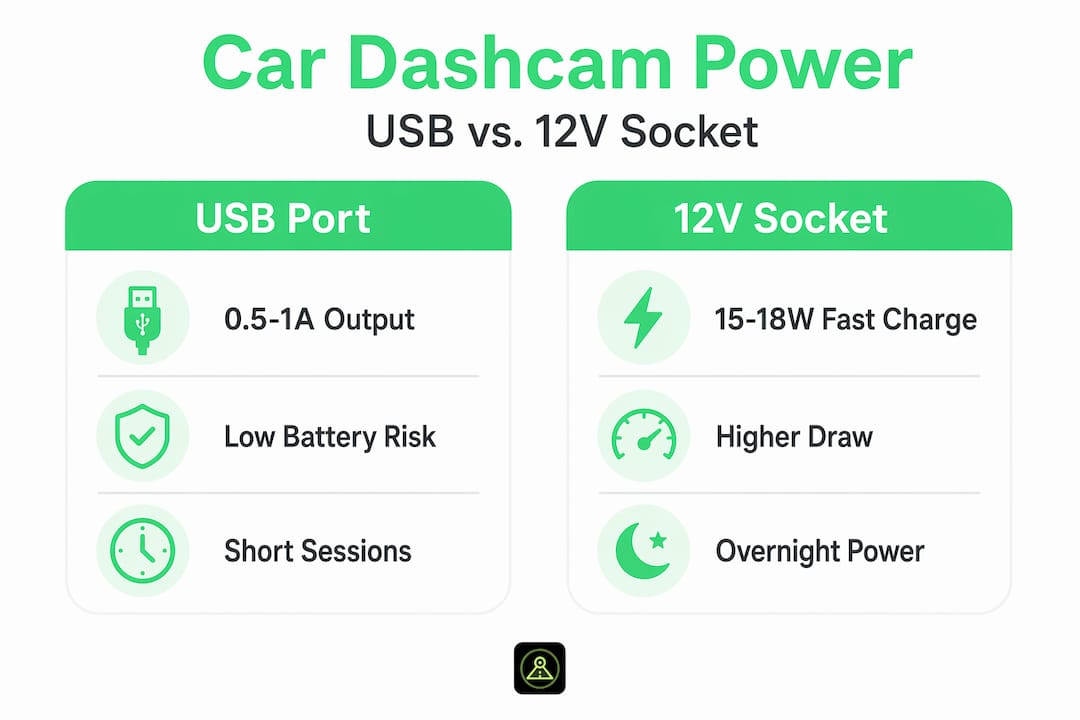
The right choice depends on how long you park and how often. Short parking in a garage? A 12V adapter works fine. Overnight street parking or airport lots? An OBD2 kit or battery pack is the call.
Pro Tip: Test your 12V socket before relying on it. Plug in a charger, turn off the ignition, lock the car, and come back 30 minutes later. If the charger still has power, the socket is constant rather than switched, and you’ll need a low-voltage cutoff device to protect your car battery.
Preparing your setup before you go parked
Getting the hardware right matters, but preparation is what separates a setup that works reliably from one that fails at 2 AM in a parking garage.
Start with a dedicated phone if you can. An older Android device repurposed specifically for dashcam duty protects your primary phone and keeps the app running 24/7 without interrupting your daily use. Apps like Phonedashcam support continuous parking mode recording with motion detection, crash detection, and automatic clip saving when properly powered. Using a second device also means you can configure it purely for security without worrying about incoming calls or notifications interrupting the recording.
Here’s a preparation checklist before powering your phone dashcam for parked use:
- Choose the right mount. A windshield or dashboard mount keeps the camera angle consistent and prevents the phone from shifting during impact events.
- Install a quality 12V USB adapter. Look for one rated at least 15W with Quick Charge or USB-C PD support.
- Check your 12V socket type. Confirm whether it’s constant or switched (see the Pro Tip above).
- Configure parking mode in your dashcam app. Motion-triggered recording drastically reduces power consumption compared to continuous recording.
- Set your voltage cutoff threshold correctly. If using an OBD2 kit or hardwire kit, raise the cutoff to 12.2V or 12.4V rather than leaving the factory default of 11.6V.
- Check phone battery health. A phone with a degraded battery at 60% capacity won’t hold charge reliably during extended parking sessions.
One step most people skip: disable Wi-Fi, Bluetooth, and background sync on the dedicated dashcam phone. Those radios draw power continuously and add heat. The phone’s job is recording video and staying alive, nothing else.
Pro Tip: Enable the phone’s Power Saving mode during parked sessions. It limits background processes without affecting the dashcam app’s core recording function, reducing draw by 15 to 25% on most Android devices.
Step-by-step methods for powering your phone dashcam
Once your setup is prepared, follow these steps depending on which power method you’ve chosen.
Method 1: 12V adapter with fast-charge USB port
- Plug a 15W or higher USB adapter into your 12V socket.
- Connect your dashcam phone via a USB-C cable.
- Open your dashcam app and enable parking mode.
- Confirm the phone shows “Charging” before you leave.
- If your socket is constant, add a standalone low-voltage cutoff relay between the socket and adapter.
Method 2: OBD2 hardwire kit
- Locate your OBD2 port (under the dashboard, driver’s side).
- Plug in your OBD2 power adapter. The OBD2 port provides continuous 12V regardless of ignition state on most passenger vehicles.
- Connect the USB-C output to your dashcam phone.
- Set the kit’s voltage cutoff to 12.2V or higher using the companion app or hardware switch.
- Enable parking mode in your dashcam app and test by walking away from the vehicle.
Method 3: External battery pack
- Charge a high-capacity power bank (20,000 mAh or higher recommended for overnight use).
- Connect your phone to the power bank via USB-C.
- Place the power bank in the center console or glove box with adequate airflow.
- Enable parking mode in the app. Since there’s no car battery connection, a battery pack removes all risk of vehicle battery drain and supports continuous recording independently.
Here’s how these methods compare at a glance:
| Method | Setup complexity | Car battery risk | Continuous power | Cost estimate |
|---|---|---|---|---|
| 12V adapter only | Low | High without cutoff | Yes | $10 to $25 |
| OBD2 hardwire kit | Low to medium | Low with cutoff | Yes | $25 to $60 |
| External battery pack | Very low | None | Limited by capacity | $30 to $80 |
Pro Tip: For daily urban parking under four hours, a quality 12V adapter with a low-voltage cutoff relay is the most practical and affordable solution. For overnight trips or airport parking, a 20,000 mAh battery pack running in offline mode is more reliable than any car-powered setup.
Troubleshooting common power mistakes
Even a well-planned setup runs into problems. Here’s what to watch for.
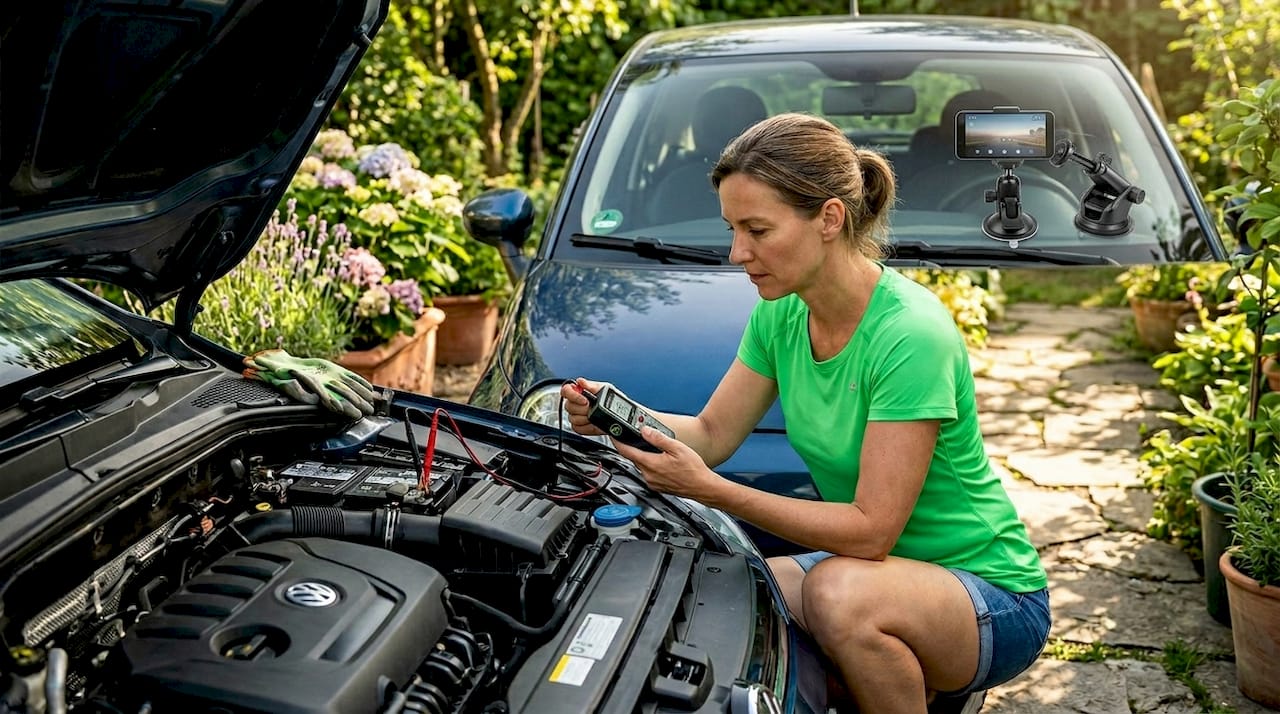
The most common sign of car battery drain from dashcam charging is a sluggish start the morning after parking. If you’ve been running a constant 12V connection overnight and the engine cranks slowly, your battery voltage dropped too far. A multimeter check below 12.0V at rest confirms the problem.
A frequent source of confusion: drivers assume all 12V sockets turn off with the ignition. They don’t. Many vehicles keep the socket live in accessory mode or permanently. Charging with the engine off without proper management contributed to a 37% increase in AAA jump-start calls linked to accessory charging in cold weather. Cold temperatures compound the issue because battery capacity drops significantly below freezing.
Common mistakes to avoid:
- Relying on the factory USB port. It won’t keep your phone charged under recording load.
- Skipping the voltage cutoff setting. The factory default of 11.6V is too low. It allows deep discharge that shortens lead-acid battery life.
- Assuming parking mode runs automatically. Many apps require explicit configuration. If you haven’t set up parking mode in your app, the phone records nothing or drains the battery recording continuously.
- Leaving the phone in direct sun. Overheating throttles the processor and can trigger automatic shutdown, ending your recording session.
- Using cheap, unrated USB cables. Thin cables cause voltage drop, meaning your adapter’s 18W output becomes 8W at the phone.
Setting the voltage cutoff correctly is the single most critical configuration step for reliable parking mode operation. Default thresholds of 11.6V regularly allow batteries to reach states of deep discharge that require professional recovery.
Verifying your setup and keeping it reliable long-term
Before you commit to leaving your phone recording overnight, spend ten minutes confirming everything works.
- Plug in your power source and open the dashcam app.
- Enable parking mode and lock the car.
- Walk away for five minutes, then return and check that the phone is still recording and showing the expected charge level or a steady charging indicator.
- Trigger a motion event (walk past the car) and verify the app captured it.
- Check the app’s parking footage log to confirm clips saved correctly.
Beyond the initial test, a few ongoing practices keep your setup healthy. Monitor your car battery voltage monthly with a cheap Bluetooth OBD2 monitor. If you notice voltage consistently reading below 12.4V at rest after a full charge, the battery may be weakening and you should raise your cutoff threshold or switch to a battery pack for parked sessions.
For storage and evidence preservation, configure your dashcam parking mode app to auto-overwrite old footage and enable cloud backup for any triggered event clips. This way, impact events and motion detections are preserved even if local storage fills up.
Here’s a daily best-practice checklist for keeping phone charged parked reliably:
- Confirm the phone is at or above 50% charge before enabling parked recording.
- Check that the low-voltage cutoff device is connected and set correctly.
- Verify the parking mode setting in your dashcam app is active.
- Position the phone away from direct sun if parking outdoors in warm weather.
- Review the previous session’s footage log for any gaps or errors.
My take on what actually works in the real world
I’ve spent more time than I’d like to admit troubleshooting setups where a phone dashcam stopped recording mid-shift because of a power failure nobody anticipated. The experience taught me something concrete: the hardware is almost never the problem. The mistakes happen in configuration.
The first time I relied on a car’s built-in USB port for overnight parking surveillance, I came back to a phone at 3% battery and two hours of missing footage. That was the last time. Switching to a quality 12V adapter with an explicit cutoff relay was an immediate fix, but what I didn’t expect was how much the voltage cutoff setting mattered. Leaving the default at 11.6V damaged a two-year-old car battery within three months of regular use. Raising it to 12.3V and switching to motion-only parking mode extended both the battery’s life and the car’s reliability.
External battery packs get underestimated. People assume they’re a compromise because they’re not connected to the car. In practice, for anything beyond a four-hour parking window, a 20,000 mAh battery pack running the phone in airplane mode with dashcam-only power is more dependable than any car-connected setup. No battery drain risk, no cutoff misconfiguration, no surprises.
The app configuration step is where most setups fail silently. You can have perfect hardware and still get no footage if parking mode isn’t enabled, or if the app lacks the permissions to record in the background. Test every setup end-to-end before you trust it.
— Cyberlab
Power your parked dashcam with Phonedashcam
The hardware setup handles the power. The app determines what you actually capture.

Phonedashcam turns any Android phone into a full-featured security camera with parking mode built in. The app supports motion-triggered recording, accelerometer-based crash detection, automatic clip saving, and cloud backup so critical footage is never lost to local storage limits. It runs efficiently in the background, which matters when you’re running on a battery pack or managing a tight voltage cutoff window. For drivers who want the right hardware to go with it, the mounts and hardwire kits on the accessories page are specifically selected for phone dashcam setups. Download Phonedashcam free and get your parked surveillance running today.
FAQ
Can I power my phone dashcam while parked without draining the car battery?
Yes. Use an OBD2 hardwire kit with a built-in low-voltage cutoff set to 12.2V or higher, or connect your phone to an external battery pack. Both methods protect your car battery from deep discharge.
Why won’t my car’s USB port keep my phone charged while recording?
Car USB ports typically output only 0.5A to 1A, which is not enough to offset the power draw of continuous video recording. The phone will discharge slowly even while connected.
What voltage cutoff should I use for dashcam parking mode?
Set your cutoff to 12.2V to 12.4V to protect battery health. The factory default of 11.6V allows deep discharge that shortens lead-acid battery life and can cause no-start conditions.
How long can an external battery pack power a phone dashcam while parked?
A 20,000 mAh power bank can power most Android phones in dashcam parking mode for 12 to 20 hours, depending on screen brightness, resolution settings, and whether motion detection is active or continuous recording is running.
Does the Phonedashcam app support parking mode without a constant internet connection?
Yes. Phonedashcam runs motion detection and recording locally on the device with no internet required, making it reliable for parked surveillance even in low-signal areas like parking garages.
Recommended
- How to enable dashcam parking mode for commuters
- Dashcam Parking Mode: How It Works on Android (2026 Guide)
- Phone Dashcam Remote Viewer
- How a Dashcam Protects You During Remote Area Travel
Get Phone Dashcam free
Loop recording, crash detection, GPS tracking, and AI object detection — all in your phone. No new hardware required.
Download Phone Dashcam