A Driver's Guide to Recording Your Road Trip With a Dashcam
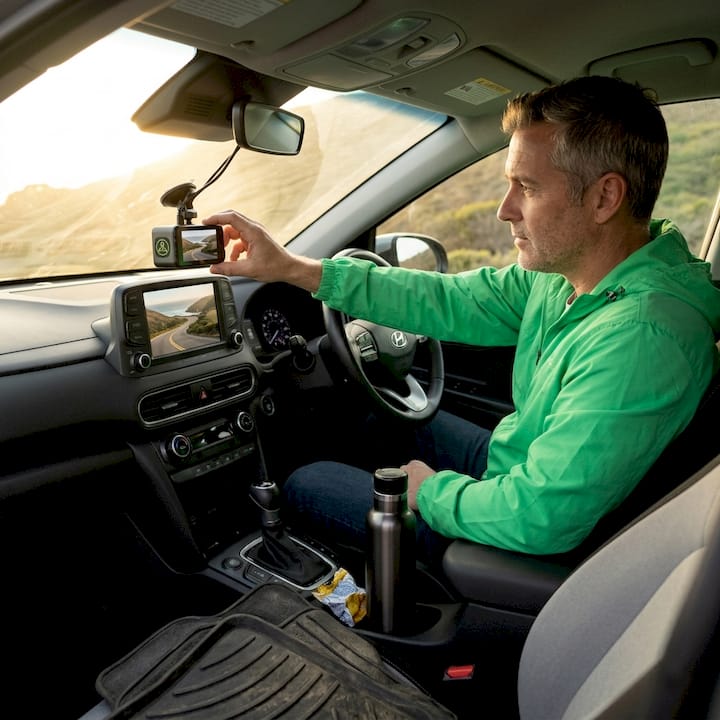
Most drivers assume a dashcam will automatically have their back on a long road trip, but what is road trip dashcam recording explained properly? It is not as simple as pressing record and forgetting it. A common fear is that a full memory card means missed footage right when you need it most. Understanding how loop recording, event protection, and the right settings work together is what separates a dashcam that actually protects you from one that just takes up space on your windshield. This guide breaks it all down clearly.
Table of Contents
- How dashcam loop recording ensures continuous road trip coverage
- Event protection and G-sensor: locking crucial footage during incidents
- Optimizing smartphone dashcam settings for road trip recording
- Why smartphone dashcams are practical and affordable for road trips
- Maintaining and managing dashcam footage for reliable road trip security
- Why mastering dashcam recording settings is the real key to peace of mind
- Explore DriveSight solutions for your next road trip
- Frequently asked questions
Key Takeaways
| Point | Details |
|---|---|
| Loop recording ensures continuous video | Dashcams overwrite the oldest footage automatically so driving is always documented without manual file management. |
| Event protection locks crucial clips | Impact sensors detect incidents and save those clips from being overwritten for reliable evidence. |
| Optimize settings for balance | Adjust resolution, clip length, and G-sensor sensitivity to suit your storage and driving environment. |
| Smartphone dashcams are convenient | Apps provide affordable, automatic recording with essential protection features for road trips. |
| Regular maintenance preserves footage | Using quality memory cards and backing up important files keeps your dashcam reliable over time. |
How dashcam loop recording ensures continuous road trip coverage
Loop recording is the core technology that makes long-drive coverage possible. Think of it this way: your dashcam records short video clips back-to-back, and once your storage fills up, it automatically deletes the oldest clips to make room for new ones. Loop recording overwrites older footage to keep recording continuously, without any input from you. You never have to pull over and delete old files.
In practice, the dashcam splits your recording into manageable segments, typically one to five minutes each. When storage reaches capacity, the oldest segment gets erased and replaced by the newest one. This creates a continuous window of recorded footage, always current, always rolling. It is the reason you can drive from Denver to Dallas and never lose coverage.
Here is what makes loop recording work reliably for road trips:
- Continuous coverage with no manual intervention required
- Short clip segments that make it easy to locate specific moments
- Automatic deletion of only the oldest, unprotected footage
- Protected event folders that break the overwrite cycle for critical clips
“Dash cams typically record continuously using loop recording, overwriting older footage to keep recording while protecting event clips.” — Car Truck Advisor
The phrase “protecting event clips” is what changes everything. Loop recording on its own would be useless for evidence if every clip could be overwritten. The protection layer is what makes the system trustworthy. We recommend exploring the different dashcam recording modes available on modern smartphone apps, since some offer additional modes like time-lapse or parking surveillance on top of standard loop recording.
Pro Tip: Set your clip length to three minutes rather than one. Shorter clips mean more file operations and faster card wear. Three-minute segments strike the right balance between storage efficiency and easy navigation when reviewing footage.
Event protection and G-sensor: locking crucial footage during incidents
Loop recording keeps the camera rolling, but event protection is what keeps the right footage safe. The G-sensor, which is a built-in accelerometer, is the trigger. It constantly monitors the forces acting on your vehicle. When it detects a sudden jolt, hard brake, or collision, it flags the current clip and the clip just before the impact.
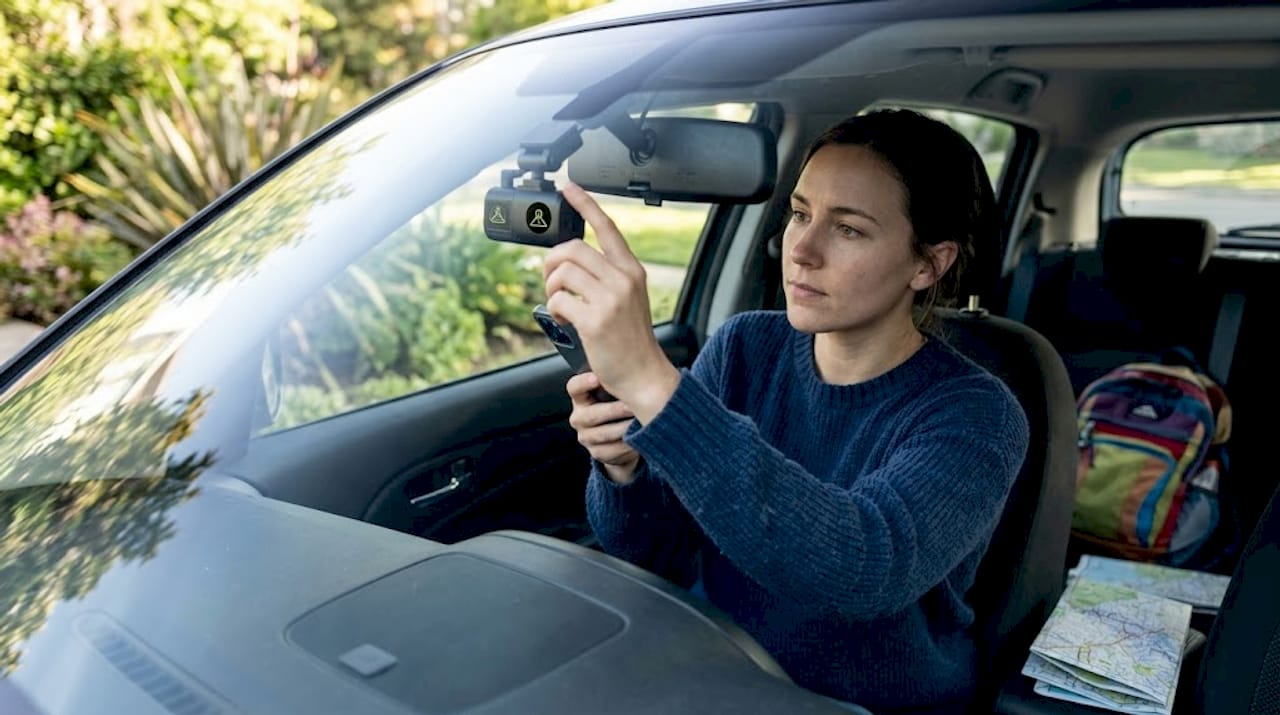
Impact detection locks clips into a separate protected folder that loop recording cannot touch. That means even if you keep driving for another six hours after a fender-bender in a parking lot, that footage will still be there when you need it.
Key things to know about G-sensor event protection:
- Pre-event buffer: Most dashcams lock the 10 to 30 seconds before the detected impact, not just the moment of impact.
- Separate storage folder: Protected clips live in an isolated location that the overwrite process skips entirely.
- Sensitivity matters: A G-sensor set too high misses real incidents. Set too low, it triggers on every speed bump, filling your protected folder with useless clips.
- Manual trigger option: Many dashcam apps let you tap a button to manually lock a clip if you witness something suspicious or unusual.
Getting the G-sensor calibrated correctly is worth ten minutes of your time before you leave on a trip. A properly tuned sensor means you can trust that preserving dashcam footage after incidents happens automatically, without you needing to reach for your phone while driving.
Optimizing smartphone dashcam settings for road trip recording
Knowing the technology is one thing. Knowing how to configure it before you leave your driveway is another. The right settings make the difference between crisp, usable footage and blurry clips that an insurance adjuster cannot read.
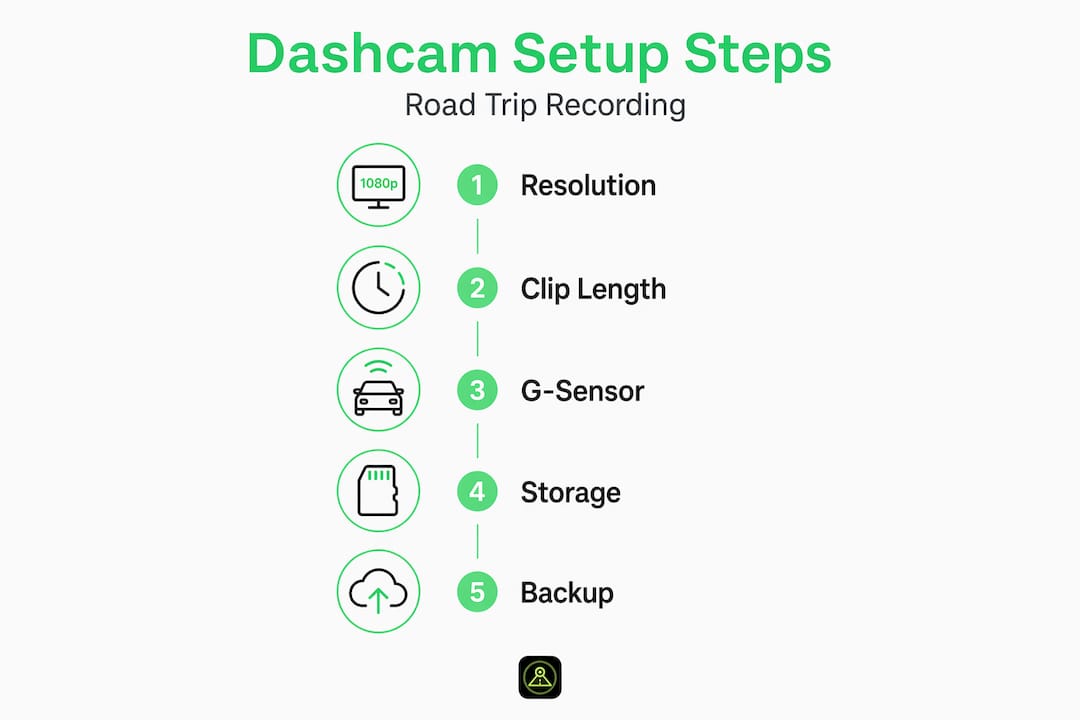
Here is a practical setup process to follow before any long trip:
- Set recording resolution to 2K. Full 4K eats storage fast and is overkill for most use cases. 2K gives you enough detail to read license plates and road signs without burning through a 128GB card in two hours.
- Use 3-minute clip segments. This is the sweet spot for file management and storage efficiency.
- Set G-sensor sensitivity to medium. Start here, then adjust after a short test drive. If you are driving on rough country roads, lower the sensitivity slightly to reduce false triggers.
- Enable night recording mode. Many smartphone dashcam apps include software-based low-light enhancement. Turn it on before driving through rural areas after dark.
- Check available storage before departure. A quick review takes 30 seconds and prevents you from starting a 12-hour drive with a nearly full card.
Balancing resolution, clip length, and G-sensor sensitivity is essential for maximizing video quality and storage efficiency across a full road trip.
| Setting | Recommended value | Why it matters |
|---|---|---|
| Resolution | 2K (1440p) | Reads plates clearly, manageable file size |
| Clip length | 3 minutes | Balances detail and file management |
| G-sensor sensitivity | Medium | Catches real impacts, avoids false triggers |
| Storage card | High-endurance 128GB | Handles constant write cycles without failure |
| Night mode | On | Improves visibility in low-light conditions |
For deeper guidance on managing files across a long trip, our dashcam storage strategies guide covers everything from card selection to folder organization.
Pro Tip: Use a microSD card rated “high-endurance” or specifically marketed for dashcam or security camera use. Standard cards are built for occasional writes and can fail within weeks of continuous dashcam recording.
Why smartphone dashcams are practical and affordable for road trips
Dedicated hardware dashcams are fine, but they come with a real cost. A good one runs $100 to $300 before you even consider installation. Meanwhile, the phone sitting in your cupholder already has a capable camera, GPS, accelerometer, and mobile processor built in.
Dashcams are set-and-forget devices, unlike action cameras that require manual operation and recharging. A smartphone dashcam app delivers exactly that same behavior. Plug your phone into your car’s USB port for power, open the app, and it starts recording automatically when you begin driving. It stops when you park. You never think about it.
Here is why smartphone dashcams make strong practical sense for road trips:
- No additional hardware cost if you already own a compatible Android phone
- Real-time GPS tracking gives your footage accurate location data automatically
- Easy footage transfer directly to cloud storage or your laptop via USB
- Old phone repurposing lets you dedicate a spare device without touching your daily driver
- AI-powered features like crash detection and speed camera alerts that dedicated hardware often lacks entirely
The advantages of smartphone dashcams go beyond cost. They receive software updates, integrate with cloud services, and can run features that require real computing power. Hardware dashcams are largely static devices. Understanding the full benefits of driving safely helps put dashcam evidence collection in context too: being a careful driver and having a reliable recording are two layers of protection that work together.
Maintaining and managing dashcam footage for reliable road trip security
A dashcam that corrupts its footage two days into your road trip is worse than useless. It gave you false confidence. The good news is that preventing this comes down to a few simple habits.
Regular maintenance including formatting and high-endurance cards prevents data corruption and ensures your dashcam performs reliably across thousands of miles.
Follow these maintenance practices before and during your trip:
- Format your memory card inside the dashcam app, not on your computer. Formatting through the app creates the correct file structure the dashcam expects.
- Offload protected event clips to cloud backup or a laptop before long stretches of driving. A full protected folder stops loop recording entirely.
- Check your protected folder size every few days on extended trips. If it is close to full, review and delete any clips you do not need.
- Inspect your phone mount. A loose mount means vibration-blurred footage and potential false G-sensor triggers the entire trip.
- Clean your camera lens before you leave. Dust and fingerprints on a phone lens reduce image sharpness significantly.
Pro Tip: If you are using a smartphone dashcam app, enable automatic cloud backup for protected event clips. This way, even if your phone is lost, stolen, or damaged in the very accident you were recording, the footage is already safe offsite.
| Maintenance task | Frequency | Risk if skipped |
|---|---|---|
| Format memory card | Monthly or before each trip | File corruption, recording failure |
| Offload event clips | Every 2 to 3 days on long trips | Full folder stops loop recording |
| Inspect mount | Before each trip | Blurred footage, false alerts |
| Clean camera lens | Before each trip | Reduced image clarity |
| Test G-sensor | After each format | Missed or excessive event triggers |
Consistent habits around dashcam storage management are what separate drivers who can actually produce usable footage from those who discover problems only after an incident. For overnight or multi-day parked situations, reviewing safe dashcam storage practices ensures your footage stays intact even when you are not in the car.
Why mastering dashcam recording settings is the real key to peace of mind
We see a pattern with drivers who buy dashcams and then feel let down. They plug the device in, leave everything on default, and assume they are covered. Then an incident happens and the footage is either missing, corrupted, or triggered by every pothole on the highway while the actual collision clip was overwritten.
Loop recording is safe only because of event protection; without that protection layer, evidence clips would be erased like any other file. This is the detail most owners never read in the manual.
The real value of understanding how dashcam recording works is that it lets you tune the system to your actual driving conditions. Someone driving mostly highways in calm weather needs different G-sensor settings than someone navigating urban traffic or gravel backroads. A driver doing a cross-country trip should configure clip length and storage differently than a commuter driving 20 minutes each way. These are not advanced settings. They take five minutes to review, and they directly affect whether your footage holds up when it matters.
Maintenance is the other half. We have talked to drivers who have never formatted their memory card once in two years of dashcam use. That card will eventually fail, usually at the worst possible moment. Treating your dashcam like a precision instrument rather than a novelty gadget is what turns it into something you can genuinely count on. Check out our guide on recording modes explained to go deeper on how different recording configurations serve different trip types.
Owning a dashcam is a starting point. Understanding it is what actually protects you.
Explore DriveSight solutions for your next road trip
You now understand the mechanics behind road trip dashcam recording: loop recording, event protection, G-sensor calibration, and the maintenance habits that keep it all running. The next step is putting that knowledge to work with a tool built around these exact principles.

The DriveSight app transforms your Android phone into a fully functional dashcam with automatic loop recording, accelerometer-based crash detection, and cloud backup built in. You get smart G-sensor sensitivity controls, adjustable clip lengths, and a parking security mode that keeps recording even when your engine is off. No extra hardware, no complicated installation. For a full breakdown of what the app can do, explore DriveSight’s advanced features, or see how it stacks up in a direct comparison with hardware dashcams. Your next road trip deserves recording you can actually trust.
Frequently asked questions
What is loop recording in a dashcam?
Loop recording continuously records by overwriting the oldest video files once storage is full, ensuring constant coverage without requiring any manual intervention from the driver.
How does a dashcam protect important incident footage from being overwritten?
Dashcams use a G-sensor to detect sudden impacts and automatically lock those clips in a protected folder that loop recording cannot overwrite, preserving the evidence intact.
Can I use my smartphone as a reliable dashcam for road trips?
Yes, smartphone dashcam apps deliver continuous loop recording and event protection comparable to dedicated hardware, while adding GPS tracking, cloud backup, and AI-powered alerts that most hardware dashcams lack.
What are the best settings for dashcam recording on a road trip?
Balancing 2K resolution, 3-minute clips, and medium G-sensor sensitivity gives you clear footage, manageable file sizes, and reliable incident detection across a full trip.
How do I maintain my dashcam to ensure it works properly on long trips?
Use high-endurance microSD cards, format the card regularly through the dashcam app, offload protected event clips before each long stretch, and inspect your mount and lens before departure.
Recommended
- Dashcam recording modes explained for Android drivers
- What is rideshare dashcam requirement: A complete guide
- How dashcam apps capture and preserve your best drive moments
- DriveSight — Free Dash Cam App for Android
Get DriveSight free
Loop recording, crash detection, GPS tracking, and AI object detection — all in your phone. No new hardware required.
Download DriveSight