Rideshare Dashcam Requirements Explained (Uber, Lyft, and More)
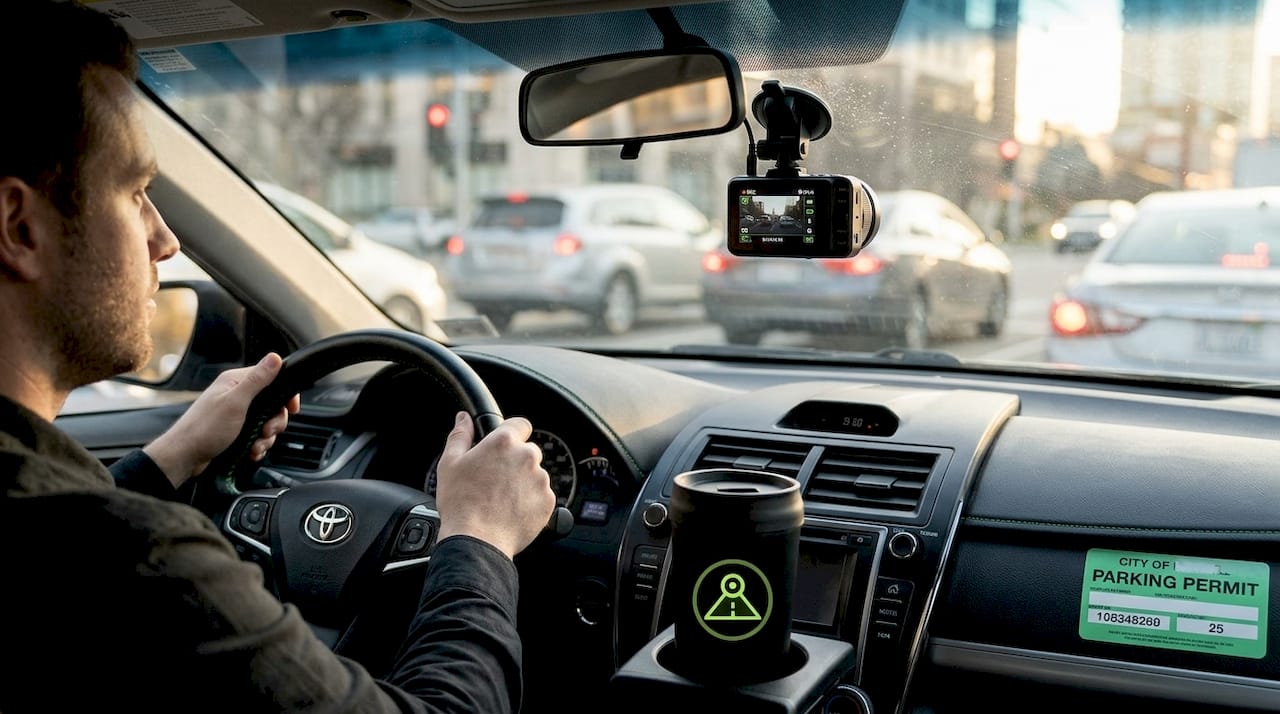
Most rideshare drivers assume dashcams are either banned outright or buried in so much legal complexity that it’s not worth the trouble. That assumption is wrong, and it’s costing drivers real protection. Understanding what is rideshare dashcam requirement means recognizing that Uber and Lyft permit dashcams in driver-owned vehicles, provided drivers follow local and state laws. The real complexity isn’t about platform permission. It’s about audio consent, footage privacy, and knowing exactly which rules apply in your state. This guide walks you through all of it clearly.
Table of Contents
- Understanding platform policies on dashcams
- Legal requirements for dashcam use in rideshare vehicles
- How Uber and Lyft handle dashcam and audio recording privacy
- Practical tips for rideshare drivers on dashcam compliance and usage
- Why understanding rideshare dashcam requirements is crucial beyond legal compliance
- Explore DriveSight: Your compliant dashcam solution for rideshare driving
- Frequently asked questions
Key Takeaways
| Point | Details |
|---|---|
| Platforms allow dashcams | Uber and Lyft permit dashcams if drivers comply with local laws and platform policies. |
| State audio laws matter | Audio recording requires passenger consent in 12 states, influencing how rideshare drivers must notify passengers. |
| Consent notices protect you | In two-party consent states, visible stickers giving notice are essential for legal audio recording. |
| Privacy is prioritized | Uber and Lyft encrypt audio recordings and only access them if attached to safety reports. |
| Use dashcams wisely | Properly used dashcams enhance safety and provide evidence but must comply with all legal and platform rules. |
Understanding platform policies on dashcams
The first thing to clear up: neither Uber nor Lyft bans dashcams. Both platforms allow recording in driver-owned vehicles as long as drivers comply with local and state laws. The confusion often comes from drivers reading vague policy language and assuming the worst.
Here’s what the platform policies actually cover:
- Video recording is permitted without platform-level restrictions, as long as you follow your state’s laws.
- Audio recording is where things get more nuanced. Platforms defer to state wiretap laws rather than imposing their own blanket rules.
- Privacy and consent rules do apply. You cannot broadcast or share footage that identifies passengers without their prior consent.
- Public sharing is prohibited. Lyft’s policy explicitly bans broadcasting someone’s image or recording without express prior consent, and violations can result in account disablement.
The key takeaway here is that the platforms are not your primary compliance concern. Your state’s laws are. You can review dashcam laws by state to get a clear picture of what applies to your specific situation. For broader guidance on setup and best practices, the dashcam guides and tips section covers practical scenarios in detail.
Understanding these platform rules is the foundation. But the legal landscape at the state level is where drivers need to pay close attention.
Legal requirements for dashcam use in rideshare vehicles
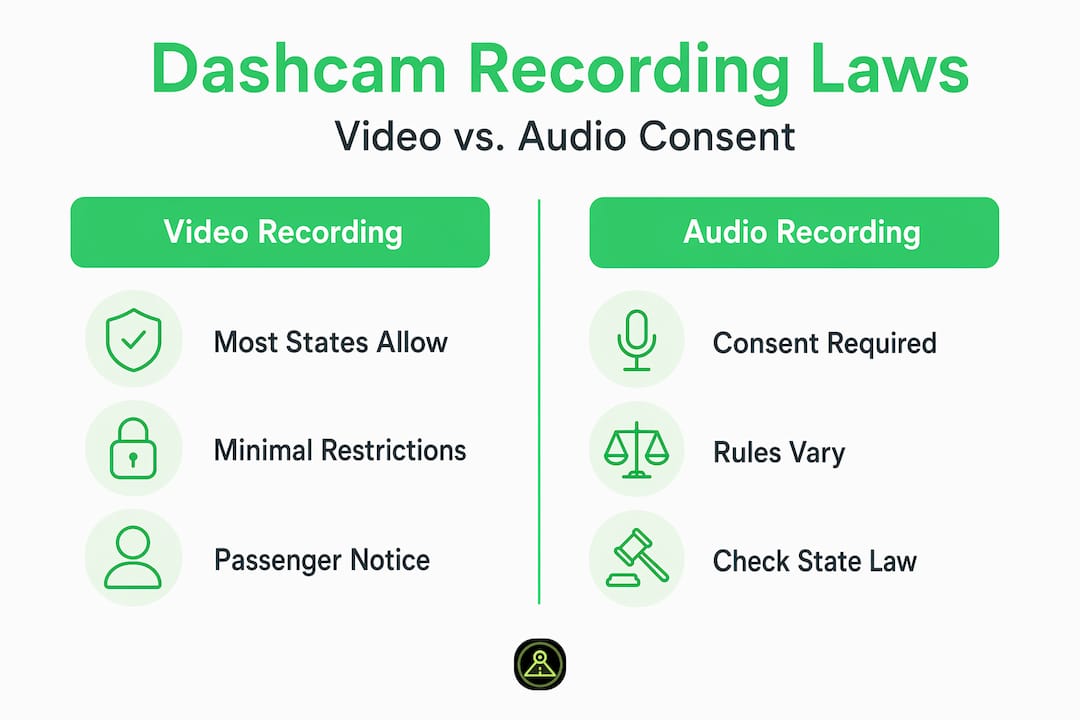
Here’s the part most drivers get wrong. They focus on whether dashcams are “allowed” and skip over the audio consent rules that actually create legal exposure. Video recording is legal in all 50 US states. Audio recording is a different story entirely.
The US splits into two categories when it comes to audio consent:
| Consent type | Number of states | Examples |
|---|---|---|
| One-party consent | 38 states | Texas, New York, Florida |
| All-party (two-party) consent | 12 states | California, Illinois, Washington |
In one-party consent states, you are a party to the conversation in your vehicle, so recording audio is legal by default. In all-party consent states, every person in the vehicle must consent before you can legally record audio. California is the most commonly cited example, and it’s one of the largest rideshare markets in the country. The California driving rules have been updated in recent years, making it even more important to stay current.
The practical implication for rideshare drivers in two-party consent states:
- Place a clearly visible “Audio and Video Recording in Progress” sticker on your window or dashboard before passengers enter the vehicle.
- The sticker serves as implied consent notice. Passengers who enter after seeing the notice are generally considered to have consented.
- Keep audio recording disabled by default if you are unsure about your state’s rules.
- Review your state’s specific statute, not just a general summary, because nuances vary.
You can check the full breakdown of state dashcam laws to confirm exactly which category your state falls into. For a look at dashcam features for compliance, including audio toggle controls, that resource is worth bookmarking.
Pro Tip: If you drive across state lines regularly, configure your dashcam to default to video-only recording. You can always enable audio manually when you know you’re in a one-party consent state.
Now that we understand the legal constraints, let’s look at how the platforms themselves handle audio recording privacy and what that means for evidence collection.
How Uber and Lyft handle dashcam and audio recording privacy
Both platforms have built in-app audio recording tools specifically for safety situations. Understanding how these tools work is important because they operate differently from a standalone dashcam, and they carry their own compliance logic.
Here’s how the process works on each platform:
- Recording initiation. Drivers or riders can start an in-app audio recording during a trip through the safety features menu.
- Local encryption. Uber encrypts recordings directly on the device and does not access them unless the driver submits them via an incident report.
- Retention window. Recordings are automatically deleted after seven days if not attached to a report. This means you need to act quickly after an incident.
- Lyft follows the same model. Lyft’s audio recordings are encrypted on-device and shared only when a driver submits them through a safety report with consent.
A few important details that drivers often miss:
- In-app recordings are not automatically reviewed by platform staff. They only become accessible when you actively submit them.
- The seven-day window is a hard cutoff. If you experience an incident on a Monday and don’t file a report by the following Monday, that evidence is gone.
- These in-app tools are separate from your external dashcam. They serve different purposes. Your dashcam captures continuous video footage; the in-app tool captures audio for specific incidents.
For a deeper look at how a phone-based dashcam compares to a dedicated hardware unit in terms of evidence quality and privacy, the phone vs. dedicated dashcam comparison breaks down the real differences.
With a clear view of how privacy and platform controls work, let’s get into the practical steps for setting up your dashcam correctly.
Practical tips for rideshare drivers on dashcam compliance and usage
Knowing the rules is one thing. Applying them consistently in a real rideshare environment is another. Here’s what actually works:
- Post visible notice stickers before your first trip of the day. The sticker needs to be at eye level, not tucked in a corner. Passengers should see it before they close the door.
- Default to video-only recording in two-party consent states. Keeping audio off unless consent is confirmed is the safest default position and avoids the most common compliance mistake.
- Never livestream or publicly share footage that shows a passenger’s face or identifying information. This applies even if the footage captures something newsworthy. Platform rules and privacy laws both prohibit it.
- Use local storage. A dashcam that stores footage on an SD card or on-device keeps recordings private and under your control. Cloud-based systems that auto-upload to third-party servers create privacy risks that could conflict with platform policies.
- Submit evidence through official channels only. If you need footage reviewed for an insurance claim or dispute, go through the platform’s support system or your insurance provider. Sending footage directly to passengers or posting it publicly can result in account suspension.
Pro Tip: Set a calendar reminder for any incident date. You have seven days before in-app recordings are deleted. Use that window to file your report and save any external dashcam footage to a separate drive.
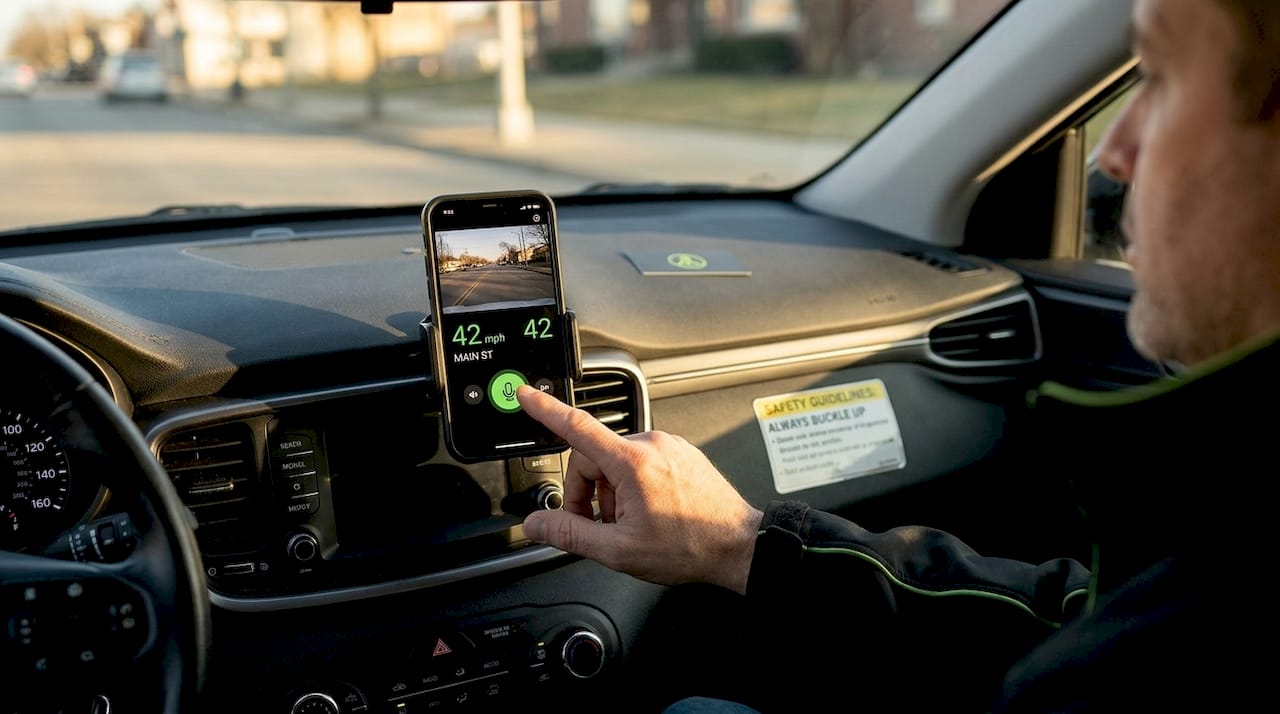
The free dashcam app from DriveSight gives you an audio toggle built directly into the interface, which makes switching between one-party and two-party consent configurations fast and reliable.
Why understanding rideshare dashcam requirements is crucial beyond legal compliance
We’ve worked closely with rideshare drivers who treat dashcam compliance as a checkbox. Install the camera, put up a sticker, done. That mindset leaves a lot of protection on the table.
Here’s our honest take: dashcams are one of the few tools that genuinely shift the power dynamic in a dispute. A passenger can file a false complaint about driver behavior, and without footage, the platform often defaults to the passenger’s account. With clear, timestamped video, a driver can counter that narrative with actual evidence. That’s not a legal requirement. That’s a practical advantage.
The mistake we see most often is that drivers check audio consent laws but overlook platform rules on footage use and hardware restrictions. Both layers matter. A driver in a one-party consent state who livestreams footage with a passenger visible is legally compliant on the audio side but in direct violation of platform policy. That’s still an account suspension.
The drivers who benefit most from dashcams are the ones who understand all three layers: state law, platform policy, and their own incident reporting workflow. When those three things are aligned, a dashcam becomes genuinely useful rather than just a piece of hardware mounted to the windshield.
We also think the conversation about dashcams and rideshare insurance is underappreciated. Rideshare insurance and dashcams are increasingly connected. Some insurers now factor in whether you have footage when processing claims. That’s not universal yet, but the trend is moving in that direction. Understanding why rideshare insurance needs dashcam proof is becoming less optional and more essential as the industry matures.
Explore DriveSight: Your compliant dashcam solution for rideshare driving
If you’re looking for a dashcam setup that fits naturally into your rideshare workflow without requiring new hardware, the DriveSight app is worth a close look.

We built DriveSight with rideshare drivers’ specific compliance needs in mind. The app includes a built-in audio toggle so you can switch recording modes based on your state’s consent laws. All footage is stored locally on your device, keeping it private and under your control. AI-powered detection, crash and impact sensing, and parking security mode give you coverage beyond just trip recording. The app also supports Android Auto integration for easy access while driving. You can explore the full list of dashcam features for 2026 to see how it aligns with what rideshare drivers actually need.
Frequently asked questions
Are dashcams allowed in Uber and Lyft vehicles?
Yes, both Uber and Lyft allow dashcams in driver-owned vehicles as long as local laws, especially those covering audio recording, are followed.
Do I need to notify passengers about dashcam audio recording?
In states requiring all-party consent, you must notify passengers, usually via a visible sticker, to legally record audio. In one-party consent states, your participation in the conversation is sufficient. 12 states require all-party consent for audio recording, so check your state before enabling audio.
Can I share or livestream dashcam footage with passengers?
No. Both Uber and Lyft prohibit broadcasting or sharing a passenger’s image or recording without their prior consent, and violations can result in account suspension.
How long does Uber or Lyft store in-app audio recordings?
Uber encrypts recordings on-device and deletes them after seven days unless attached to an incident report. Lyft follows the same seven-day policy, with recordings shared only when submitted through a safety report.
Recommended
- Dashcam Laws by State 2026: All 50 States Explained
- DriveSight — Free Dash Cam App for Android
- DriveSight Blog — Dashcam Guides, App Comparisons & Driving Tips
- Best Dash Cam App with Android Auto Support (2026) — DriveSight
Get DriveSight free
Loop recording, crash detection, GPS tracking, and AI object detection — all in your phone. No new hardware required.
Download DriveSight