Emergency SOS Dashcam Integration: What Drivers Need to Know
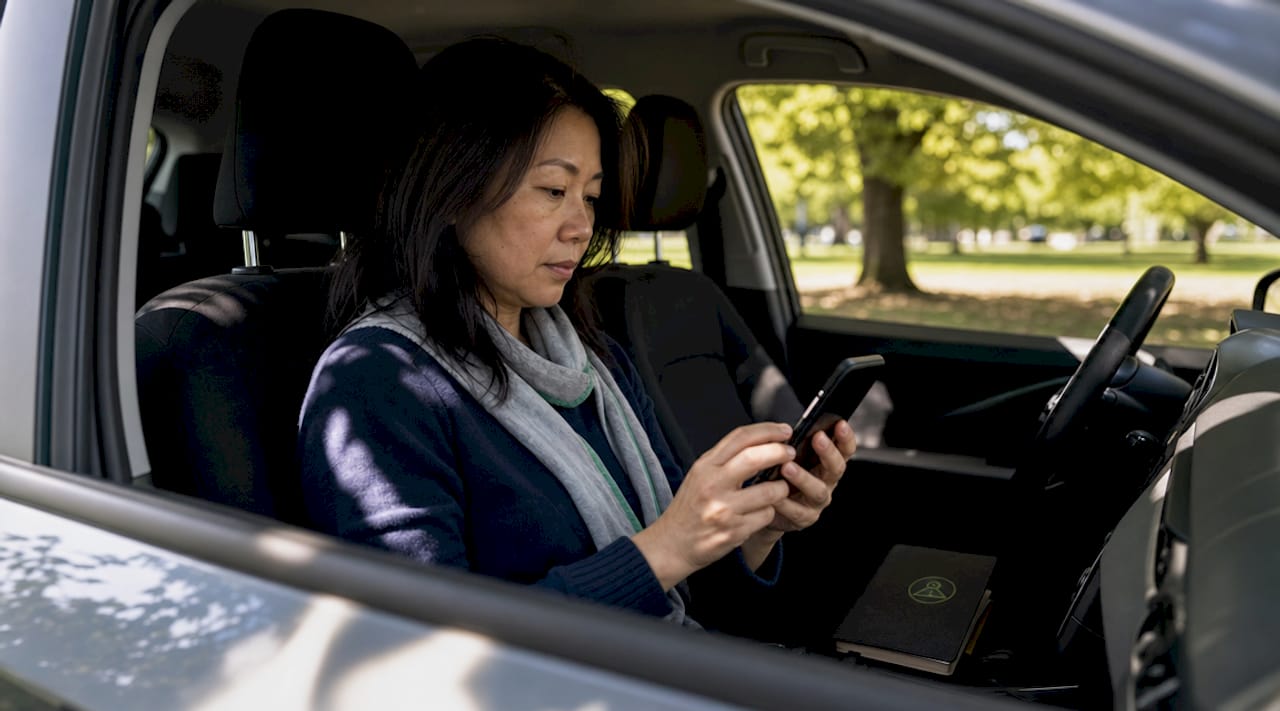
Emergency SOS dashcam integration is defined as a system that automatically contacts emergency services with your GPS coordinates, medical data, and crash footage after a severe vehicle impact when you cannot respond. This technology sits at the intersection of dashcam hardware, G-sensor crash detection, and cellular or Bluetooth communication. Flagship models like the Nextbase 622GW and QROV Ultra Pro represent the current standard for true emergency SOS integration. Understanding exactly how this works, and what its real limits are, helps you make a smarter decision about your vehicle safety setup.
What is emergency SOS dashcam integration and how does it work?
The technical process behind emergency SOS dashcam integration follows a clear sequence. When a severe collision occurs, the dashcam’s G-sensor detects a sudden impact above a set threshold. The system then starts a countdown, typically 20 to 60 seconds, giving you time to cancel the alert if you are conscious and uninjured. If you do not respond, the system automatically sends your GPS location, pre-stored medical information, and emergency contact details to a dispatch center or directly to emergency services.
Here is the step-by-step process most SOS-enabled dashcams follow:
- Impact detection: The G-sensor registers a collision force above the configured threshold, triggering the alert sequence.
- Driver response window: A visible and audible countdown begins. You can cancel if the crash was minor or you are unharmed.
- GPS location capture: The dashcam or companion app records your precise coordinates. GPS accuracy in dashcam apps directly affects how fast responders reach you.
- Data transmission: The system sends your location, medical info, and in some cases a crash video clip to emergency services or pre-set contacts.
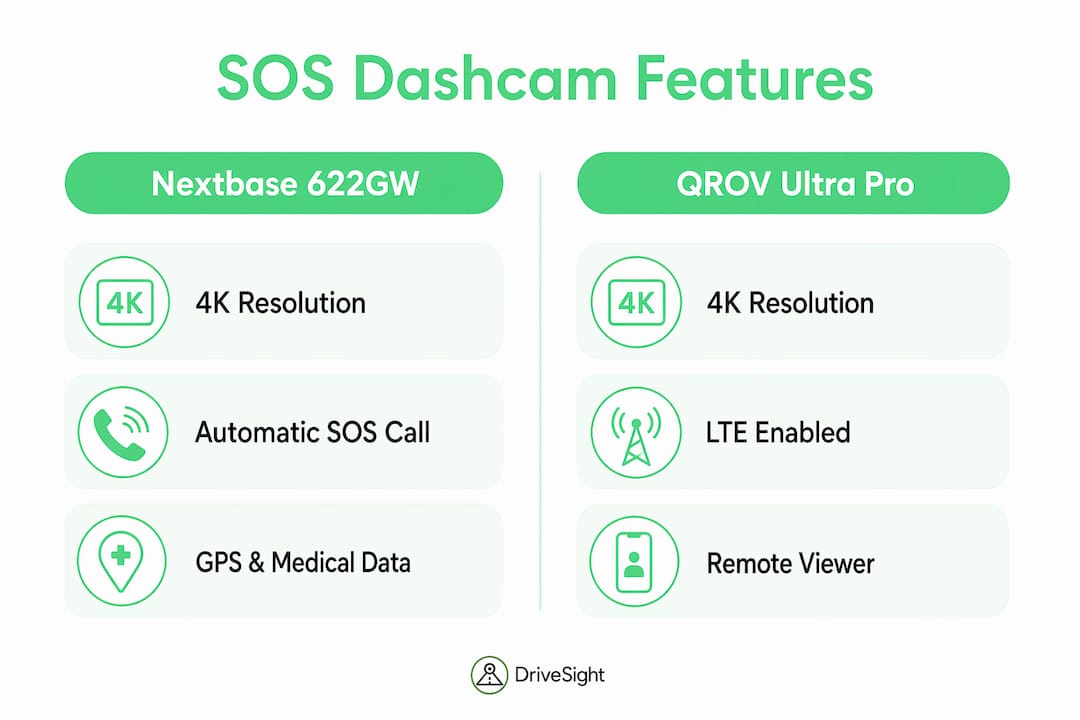
- Communication method: Some systems, like the Nextbase 622GW, rely on a Bluetooth-connected smartphone running the companion app. Others, like the QROV Ultra Pro, use built-in 4G LTE and Apple or Google Find My networks, removing the smartphone dependency entirely.
The Garmin Mini 2 uses a similar G-sensor approach for emergency recording, automatically locking video clips around the collision event to preserve evidence. This is a related but distinct feature from true SOS dispatch integration.
Pro Tip: Store your blood type, allergy information, and an emergency contact number in your dashcam’s companion app before your first drive. Responders use this data in the critical minutes after a crash.
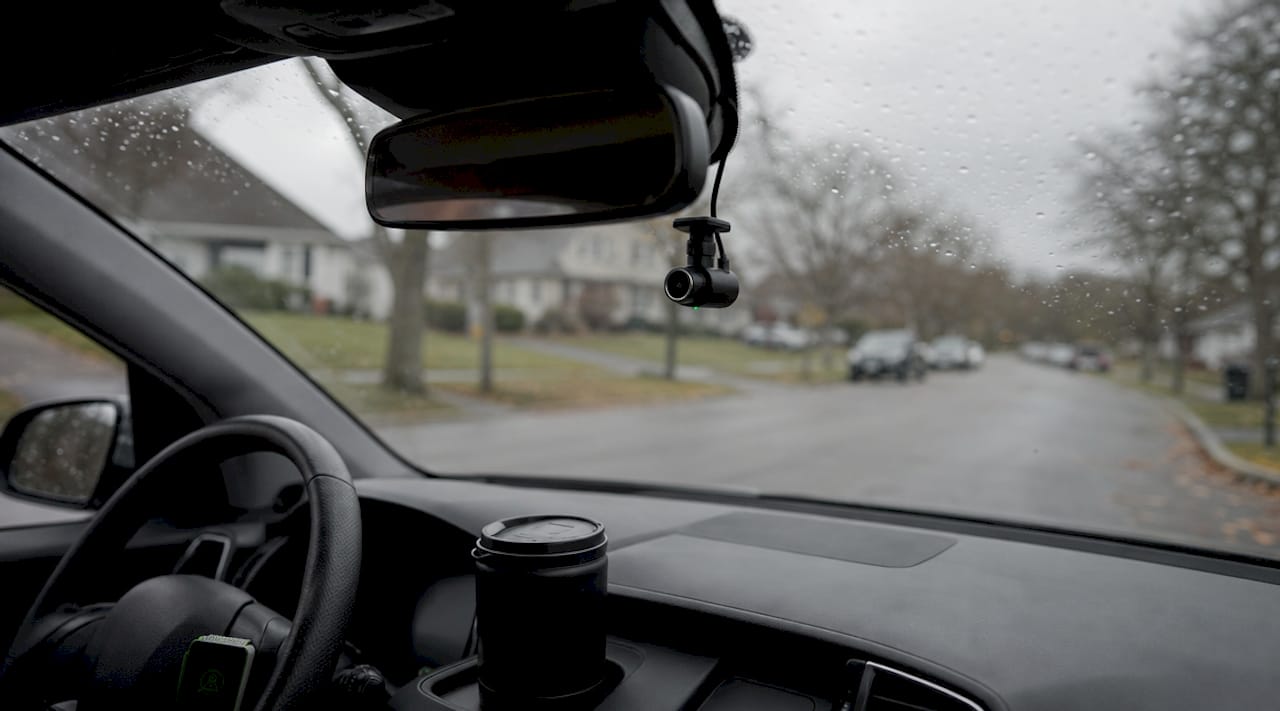
How do top SOS dashcam models compare?
Not every dashcam marketed with an “SOS button” delivers true emergency dispatch integration. Most SOS buttons on dashcams simply lock a video file locally and do not contact emergency services at all. True SOS integration is found in a small number of flagship models. Here is a direct comparison of the two leading options in 2026.
| Feature | Nextbase 622GW | QROV Ultra Pro |
|---|---|---|
| Resolution | 4K | 4K |
| SOS activation method | Bluetooth + smartphone app | Built-in 4G LTE |
| Response window | 20 to 60 seconds | 60 seconds |
| Network dependency | Requires paired phone | Independent of phone |
| Find My integration | No | Apple and Google Find My |
| Livestream capability | No | Yes, multi-camera |
| Approximate retail price | Around $200 | Higher (premium tier) |
| Geographic availability | Primarily UK and Europe | Broader LTE coverage |
The Nextbase 622GW sends GPS coordinates and medical info to emergency services automatically after a severe impact, but only when your smartphone is connected via Bluetooth and the Nextbase app is running. The QROV Ultra Pro removes that dependency entirely by using its own cellular connection, and it adds real-time location tracking through Apple and Google Find My networks. For drivers who frequently travel alone or in areas with poor phone signal, the LTE-native approach is the more reliable choice.
What are the real benefits and limitations for everyday drivers?
The core benefit of emergency SOS dashcam integration is straightforward. If you are incapacitated after a serious crash, the system acts on your behalf. Emergency SOS sends your location to emergency services and shares pre-stored medical data automatically, which can meaningfully reduce response time and improve treatment accuracy.
Beyond the life-safety case, there are practical everyday benefits worth noting:
- Automatic crash alerts notify your emergency contacts even if you cannot make a call.
- GPS precision gives responders an exact location rather than a general area, which matters on rural roads or highways.
- Pre-stored medical data like allergies and blood type reaches paramedics before they arrive.
- Video evidence is locked and preserved automatically, protecting you in insurance and legal situations.
The limitations are equally real and worth understanding before you buy.
- The Nextbase 622GW’s SOS feature will not function if your phone battery is dead or the Bluetooth connection drops. Connectivity requirements are non-negotiable for smartphone-dependent systems.
- Geographic availability is restricted. Nextbase Emergency SOS operates primarily in the UK and select European countries. US drivers face limited or no coverage depending on the model.
- Minor collisions may not trigger the G-sensor threshold, meaning the feature stays inactive in lower-speed impacts.
- LTE-enabled units like the QROV Ultra Pro solve the phone dependency problem but cost significantly more than standard dashcams.
Pro Tip: If you drive in the US, confirm your specific dashcam model’s SOS service coverage before relying on it. Many drivers assume the feature works globally when it does not.
How to set up and get the most from your SOS dashcam
Getting the most from your dashcam’s emergency SOS features requires deliberate setup, not just unboxing and mounting the device. Follow these steps to maximize reliability.
- Pair your dashcam with the companion app immediately. For Bluetooth-dependent models like the Nextbase 622GW, the app must be running and connected during every drive. Treat this as a pre-drive checklist item.
- Enter complete medical and emergency contact information. Include blood type, known allergies, medications, and at least two emergency contacts. Keeping emergency info updated directly improves SOS response accuracy.
- Keep both your phone and dashcam charged. A dead phone battery disables SOS on smartphone-dependent systems. Consider a dual-port USB charger in your vehicle.
- Understand the cancellation process. Know exactly how to cancel a false alarm before it dispatches emergency services. Most systems display a visible countdown with a clear cancel button.
- Verify your coverage area. Check the manufacturer’s service map for your region before depending on the feature for safety.
- Test the system where possible. Some companion apps offer a test mode or simulation. Use it to confirm the full alert chain works on your specific device and network.
Choosing a model compatible with your location and network type is the single most important decision in this process. A dashcam with SOS integration that does not cover your region provides no emergency benefit at all.
Key takeaways
Emergency SOS dashcam integration only delivers its full life-saving potential when the device is correctly configured, the connectivity requirements are met, and the coverage area matches where you actually drive.
| Point | Details |
|---|---|
| True SOS is rare | Most dashcam SOS buttons only lock files locally and do not contact emergency services. |
| Two connectivity models exist | Smartphone-dependent systems like Nextbase 622GW and LTE-native systems like QROV Ultra Pro serve different needs. |
| Setup determines reliability | Medical info, app pairing, and device charge levels must all be maintained for SOS to function. |
| Coverage is geographically limited | Nextbase Emergency SOS operates mainly in the UK and Europe; US drivers must verify availability. |
| G-sensor thresholds matter | Minor collisions may not trigger the SOS sequence; the feature targets severe, incapacitating impacts. |
Why I think most drivers misread this technology
We have seen a consistent pattern in how drivers talk about dashcam SOS features: they assume the button on the device does more than it actually does. The reality is that true emergency dispatch integration is found in a small number of flagship models, and even those have real-world constraints that marketing materials tend to minimize.
The technology is genuinely useful, particularly for solo drivers on long routes or in areas with low traffic. But it is not a substitute for a fully charged phone, a working cellular connection, and a properly configured app. We think the next meaningful step for this category is tighter integration between dashcam hardware and native phone emergency systems, similar to how Apple’s Crash Detection on iPhone works today. Until that level of integration becomes standard in dedicated dashcam hardware, treating SOS dashcam features as a supplement to your existing safety habits is the right approach. Adopt it with clear eyes about what it can and cannot do.
— Cyberlab Automation
Try DriveSight for smart dashcam safety on Android
If you want dashcam safety features on your Android phone without the cost of dedicated hardware, DriveSight is worth exploring. The free DriveSight dashcam app turns your Android phone into a fully functional dashcam with AI-powered crash detection, automatic impact saves, and continuous recording. It is designed for commuters, ride-share drivers, and anyone who wants reliable evidence capture without a separate device.

DriveSight also includes a remote viewer feature that lets you check footage and alerts from anywhere, adding a layer of situational awareness that complements emergency SOS thinking. The app runs on your existing phone, so there is no hardware investment required to get started.
FAQ
What is emergency SOS dashcam integration?
Emergency SOS dashcam integration is a system where a dashcam automatically contacts emergency services with your GPS location and medical data after a severe crash if you do not respond within a set time window, typically 20 to 60 seconds.
Does every dashcam with an SOS button call emergency services?
No. Most SOS buttons on dashcams only lock video files locally and do not contact emergency services. True emergency dispatch integration is limited to flagship models like the Nextbase 622GW and QROV Ultra Pro.
How does SOS dashcam work without a smartphone?
LTE-enabled dashcams like the QROV Ultra Pro use built-in cellular connectivity and networks like Apple and Google Find My to send alerts independently, without requiring a paired phone.
Is emergency SOS dashcam integration available in the US?
Availability varies by model. Nextbase Emergency SOS operates primarily in the UK and parts of Europe. US drivers should confirm service coverage for their specific model before relying on the feature.
What information does an SOS dashcam send to emergency services?
The system sends your GPS coordinates, pre-stored medical information such as blood type and allergies, emergency contact details, and in some cases a crash video clip to emergency services or designated contacts.
Recommended
- WiFi and Remote Dashcam Viewing: What Drivers Need to Know
- Dashcam recording modes explained for Android drivers
- Phone Dashcam Features in 2026: AI Detection, Parking Mode, Cloud Backup and More
- What is road trip dashcam recording explained: your driver’s guide
Get Phone Dashcam free
Loop recording, crash detection, GPS tracking, and AI object detection — all in your phone. No new hardware required.
Download Phone Dashcam