The Role of GPS in Dashcam Apps for Drivers
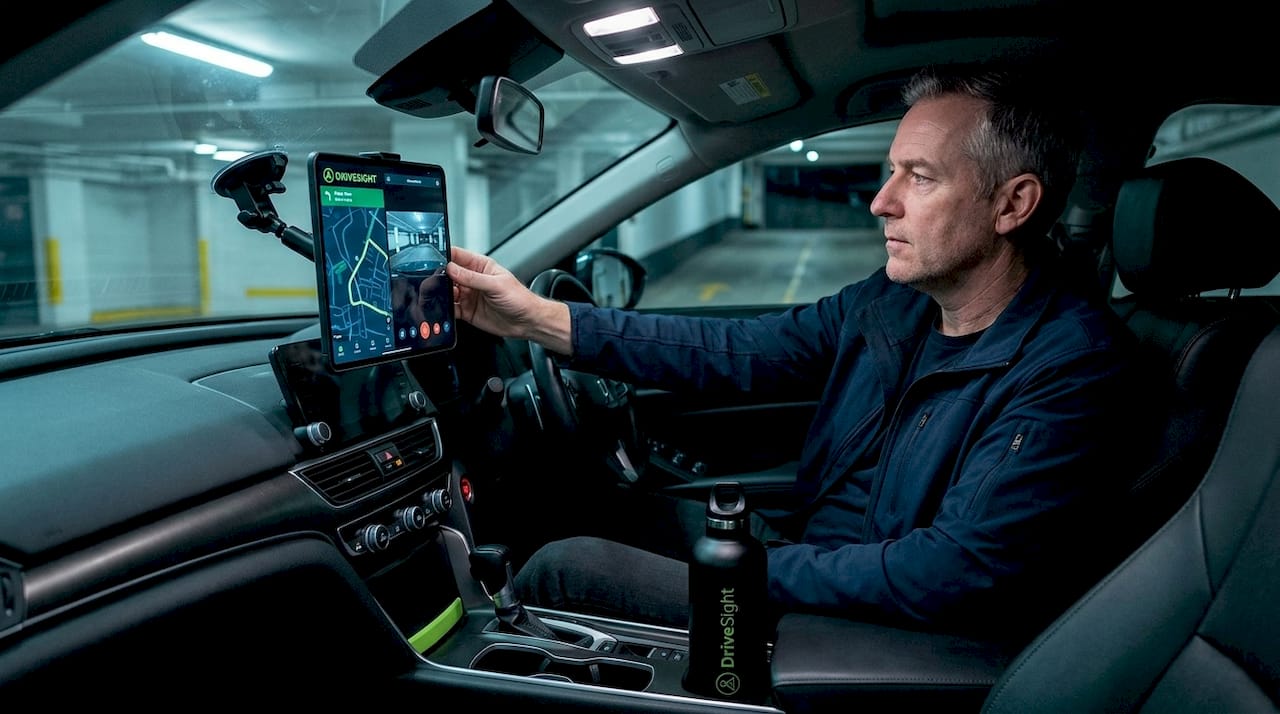
Most drivers think a dashcam is just a camera that records the road ahead. That assumption leaves a lot of value on the table. The role of GPS in dashcam apps goes far beyond knowing where you were when something happened. GPS turns raw video footage into verifiable, time-stamped, location-confirmed evidence. It enables real-time speed tracking, route logging, and driver behavior monitoring. This article breaks down exactly what GPS does inside a dashcam app, why it matters for insurance claims and legal disputes, and how to get the most out of it every time you drive.
Table of Contents
- Key takeaways
- How GPS integrates with dashcam apps
- GPS as legal and insurance evidence
- GPS for safety, navigation, and fleet management
- GPS limitations and how to work around them
- Choosing and using a dashcam app with strong GPS features
- My take on GPS and dashcam apps
- Try Phonedashcam for GPS-powered driving protection
- FAQ
Key takeaways
| Point | Details |
|---|---|
| GPS validates footage | Location and speed data embedded in video makes dashcam recordings significantly harder to dispute in court or with insurers. |
| Speed and route tracking | GPS logs every trip in real time, providing verifiable speed, braking events, and route history for incident review. |
| Fleet benefits are measurable | Combining GPS telematics with dashcam video removes the guesswork from fleet incident analysis and driver coaching. |
| GPS has real limitations | Tunnels, dense urban areas, and electromagnetic interference degrade signal accuracy, so pairing GPS with accelerometers improves reliability. |
| App-based GPS is accessible | Modern dashcam apps display GPS data during playback and allow live tracking via smartphone, making the data usable without specialized hardware. |
How GPS integrates with dashcam apps
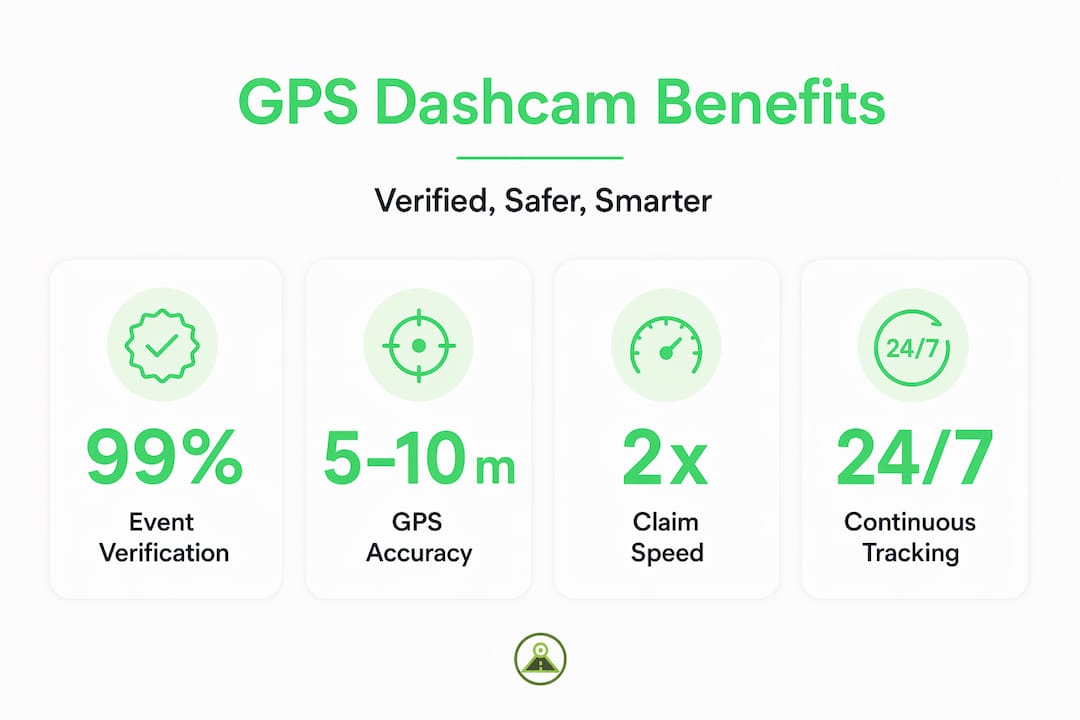
At its core, GPS works by receiving signals from satellites orbiting Earth. Your dashcam app or device locks onto signals from four or more satellites to calculate your vehicle’s position through a process called trilateration. Under good conditions, that calculation puts your location within 5 to 10 meters of accuracy. That is precise enough to reconstruct an incident on a specific lane of a specific road.
The critical step happens next: the app synchronizes that positional data with the video recording itself. Every frame gets tagged with coordinates, speed, heading, and a timestamp. When you play back footage, you are not just watching video. You are watching a data-rich record where the system knows you were traveling 47 mph northbound on a specific street at 8:14 a.m.
Here is what GPS data typically overlays or records alongside dashcam footage:
- Coordinates: Latitude and longitude logged at regular intervals throughout the trip
- Speed: Real-time vehicle speed derived from positional change over time
- Heading: The compass direction your vehicle was traveling
- Timestamps: Precise date and time synced to GPS satellite clocks, not just your phone’s local clock
- Route history: A full breadcrumb trail of the entire journey available for playback
One detail most drivers miss: GPS satellite clocks are extraordinarily accurate, synchronized to atomic time standards. This means the timestamp on GPS-equipped footage is far more reliable than a device clock that can drift or be manually adjusted. That precision matters enormously in legal contexts.
Many dashcam apps provide GPS data through dedicated smartphone interfaces over Bluetooth or Wi-Fi, so you can review routes and speed logs directly from your phone without pulling the SD card.
Pro Tip: Position your phone or dashcam mount high on the windshield and away from metallic window tinting. Both factors directly improve satellite signal reception and reduce the time it takes to acquire a GPS lock at the start of a trip.
GPS as legal and insurance evidence
This is where GPS stops being a convenience feature and becomes a genuine safety tool. When an accident happens, the question is never just “what did the video show?” The questions are: Where exactly were you? How fast were you going? Who had the right of way? GPS answers all three with objective data.

GPS-stamped dashcam footage is significantly harder to challenge in a dispute because the location and speed data corroborates everything the camera captured. A driver who claims they were not speeding but whose GPS log shows 58 mph in a 35-mph zone has a problem. Conversely, a driver falsely accused of running a red light can produce GPS coordinates and timestamps proving they were in a completely different position at the moment of the alleged offense.
Insurance companies respond differently to GPS-equipped claims. Insurers process claims faster when objective, time and location-stamped footage removes the ambiguity that typically drags out investigations. Instead of waiting on witness statements or police reports that may take weeks, an adjuster can review GPS-verified footage and reach a determination quickly. This matters if you are a ride-share driver or delivery driver whose income depends on getting your vehicle back on the road.
A few practices protect the evidentiary value of your GPS footage:
- Never edit the original file. Metadata gets stripped or corrupted when footage is re-encoded. Keep the original file intact and share copies.
- Back up automatically. Cloud backup features save GPS-tagged clips before they are overwritten by looped recording.
- Check that GPS was active before the incident. A cold start without GPS lock means early footage may lack coordinate data.
- Preserve the full clip. Trimming footage removes the before and after context that GPS data helps establish.
“GPS data acts as a context layer, enriching video evidence for clearer incident analysis by answering where, when, and how fast an incident occurred.” Source
For anyone traveling in areas with limited infrastructure, the combination of GPS and continuous recording is especially valuable. A dashcam in remote areas provides documented proof of location even when there are no witnesses or nearby traffic cameras.
GPS for safety, navigation, and fleet management
The everyday benefits of dashcam GPS tracking extend well beyond incident response. For individual drivers, GPS gives you a post-trip record of your own behavior. Did you brake hard at that intersection? Were you consistently exceeding the speed limit on the highway? This kind of self-review is genuinely useful for developing safer habits, particularly for new drivers.
For fleets, the value multiplies quickly. GPS and video data combined allow fleet managers to analyze incidents without switching between separate telematics and video systems. The synchronized record answers what happened, exactly where it happened, and at what speed, all in one review session.
Here is how GPS features in dashcam apps deliver practical value across different use cases:
- Speed monitoring: Automatic alerts when a vehicle exceeds preset thresholds, useful for both personal accountability and fleet compliance.
- Hard braking and acceleration detection: GPS speed changes combined with accelerometer data flag aggressive driving events for review.
- Route tracking and optimization: Full trip logs allow route analysis, helping delivery drivers and fleet managers identify inefficient paths.
- Geofencing: Alerts when a vehicle enters or exits a defined geographic area, relevant for fleet asset protection.
- Live tracking: Remote viewing of current vehicle position in real time through a connected smartphone app.
GPS data enables safety coaching and driver accountability improvements that go beyond simply watching video clips. When a manager can pull up a map showing every hard braking event on a driver’s route overlaid on GPS data, the conversation becomes specific and constructive rather than vague.
| Use case | GPS feature used | Primary benefit |
|---|---|---|
| Personal driving review | Speed and route logs | Identify unsafe habits on specific roads |
| Insurance claim support | Coordinates and timestamps | Objective evidence of position and speed |
| Fleet driver coaching | Speed alerts and braking events | Data-driven performance feedback |
| Remote area travel | Continuous location logging | Location proof when witnesses are absent |
| Ride-share and delivery | Live tracking and route history | Dispute resolution and route documentation |
Pro Tip: If you use an Android phone as your dashcam, check that location permissions are set to “Allow all the time” rather than “Only while using the app.” Background location access keeps GPS logging active even when your screen is off during a long drive.
GPS limitations and how to work around them
GPS is not infallible. Knowing where it can fail helps you make better decisions about how to configure your setup.
Physical obstructions and electromagnetic interference are the two most common culprits. Tunnels cut off satellite signals entirely. Dense urban environments with tall buildings cause multipath errors, where satellite signals bounce off structures before reaching your receiver, introducing positional inaccuracies. Certain vehicle electronics and heated windshields can also introduce interference.
These are the main limitations to account for:
- Signal loss in tunnels: GPS data will gap out. A good dashcam app uses accelerometer data to continue estimating position and speed during the blackout.
- Cold start delay: After the app launches, it can take 30 to 60 seconds to acquire a strong satellite lock. Footage recorded in that window may lack accurate GPS data.
- Multipath errors in cities: In dense urban canyons, GPS accuracy can degrade from 5 meters to 50 meters or more, reducing precision for incident reconstruction.
- Hardware quality variation: Consumer-grade GPS receivers embedded in budget hardware show more drift and slower lock times compared to higher-quality chipsets.
- Software update dependency: GPS functionality in apps depends on current firmware and location database updates. Running outdated software can reduce performance.
The practical fix for most of these issues involves using complementary sensors. Accelerometers and gyroscopes inside your phone or dashcam unit fill in gaps when GPS signal is lost. For road trip recordings, this hybrid approach keeps your data continuous even through rural areas with limited satellite geometry.
Choosing and using a dashcam app with strong GPS features
Not all dashcam apps treat GPS with equal seriousness. Some log location data to a separate file that can get separated from the video. Others embed GPS metadata directly into the video file, which is far more useful for evidence and dispute resolution.
Here is what to look for when evaluating GPS functionality in a dashcam app:
| Feature | Why it matters |
|---|---|
| GPS data embedded in video | Keeps location, speed, and timestamps inseparable from footage |
| Automatic cloud backup | Preserves GPS-tagged clips before loop recording overwrites them |
| Accelerometer integration | Maintains speed and impact data when GPS signal drops |
| Live GPS tracking via app | Allows real-time location viewing from a remote smartphone |
| Speed and alert overlays | Displays current speed on-screen for instant driver awareness |
When reviewing footage after an incident, pull up the GPS track first. Look at the speed log in the seconds before impact. Cross-reference the coordinates with a mapping tool to confirm the exact location. This reconstructed sequence is what you send to your insurance adjuster or attorney.
Pro Tip: After any incident, immediately save the clip manually if your app does not do it automatically. Then note the GPS coordinates shown at the moment of impact and write them down separately. Even if a file gets corrupted, you have a reference point for the location.
Avoid one common mistake: assuming GPS is recording just because the app is open. Check your app’s location permission settings and confirm the GPS icon appears active at the start of every trip. For Android Auto users, verify that GPS data logging continues when the display switches to Android Auto mode, since some apps suspend background services in that state.
My take on GPS and dashcam apps
I’ve reviewed a lot of incident footage over the years, and the difference between GPS-equipped recordings and footage without location data is stark. Without GPS, a video clip raises as many questions as it answers. With it, the entire sequence becomes verifiable.
What I’ve found is that drivers consistently underestimate how much GPS changes the insurance dynamic. In my experience, the cases that drag on for months are almost always the ones where the claimant has video but no GPS data. The insurer cannot independently verify speed or location, so the investigation stalls waiting for third-party evidence.
The other thing I’ve learned is that GPS data is only as useful as your backup strategy. The best GPS-stamped footage in the world disappears if the loop recording overwrites it before you save the clip. Automatic cloud backup is not a luxury feature. For anyone using their dashcam as a genuine safety tool, it is a fundamental requirement.
Finally, fleet operators who think of dashcam GPS as just a tracking tool are missing half the value. The combination of GPS monitoring and video evidence is what creates a defensible record. One without the other leaves gaps that opposing parties will exploit.
— Cyberlab
Try Phonedashcam for GPS-powered driving protection
If you want GPS functionality built directly into your dashcam setup without buying separate hardware, Phonedashcam turns your Android phone into a fully capable GPS-enabled dashcam.

The app embeds GPS coordinates, speed, and timestamps directly into your recordings. Automatic crash detection saves clips before they can be overwritten. Cloud backup keeps your GPS-tagged footage accessible even if your phone is damaged in an accident. With support for over 336,000 US-based speed cameras, red light cameras, and police traps, Phonedashcam also gives you live location-based alerts while you drive. You can download the free Android app and start recording GPS-verified footage today. For a full look at what the app includes, visit the feature overview for 2026.
FAQ
What does GPS add to dashcam footage?
GPS adds verified location coordinates, vehicle speed, heading, and precise timestamps to every frame of footage. This makes recordings significantly more credible as legal and insurance evidence because the data is drawn from satellite clocks rather than a device that could be manually adjusted.
How accurate is GPS data in dashcam apps?
Under clear sky conditions, GPS accuracy in dashcams typically falls within 5 to 10 meters. Accuracy degrades in tunnels, dense urban areas with tall buildings, and locations with electromagnetic interference from vehicle electronics.
Can GPS dashcam data be used in insurance claims?
Yes. GPS-verified dashcam footage accelerates insurance claims by providing objective speed, location, and time data that reduces reliance on witness accounts. Insurers handle GPS-stamped claims more efficiently because the key facts are already established.
Does GPS work on dashcam apps that use smartphones?
Yes. Smartphone-based dashcam apps access the phone’s built-in GPS receiver, which functions the same way as a dedicated dashcam GPS module. For continuous GPS logging, location permissions must be set to “Allow all the time” and the app must remain active during the trip.
What is the role of GPS tracking in fleet dashcams?
The role of GPS tracking in fleet dashcams is to synchronize vehicle location, speed, and route data with video footage so fleet managers can reconstruct incidents, coach drivers on specific behaviors, and verify compliance without relying on memory or separate telematics systems.
Recommended
- Phone Dashcam Blog — Dashcam Guides, App Comparisons & Driving Tips
- Phone Dashcam — Free Dash Cam App for Android
- Best Dash Cam App with Android Auto Support (2026) — Phone Dashcam
- What is road trip dashcam recording explained: your driver’s guide
Get Phone Dashcam free
Loop recording, crash detection, GPS tracking, and AI object detection — all in your phone. No new hardware required.
Download Phone Dashcam