Why You Need a Dashcam When Driving in Remote Areas
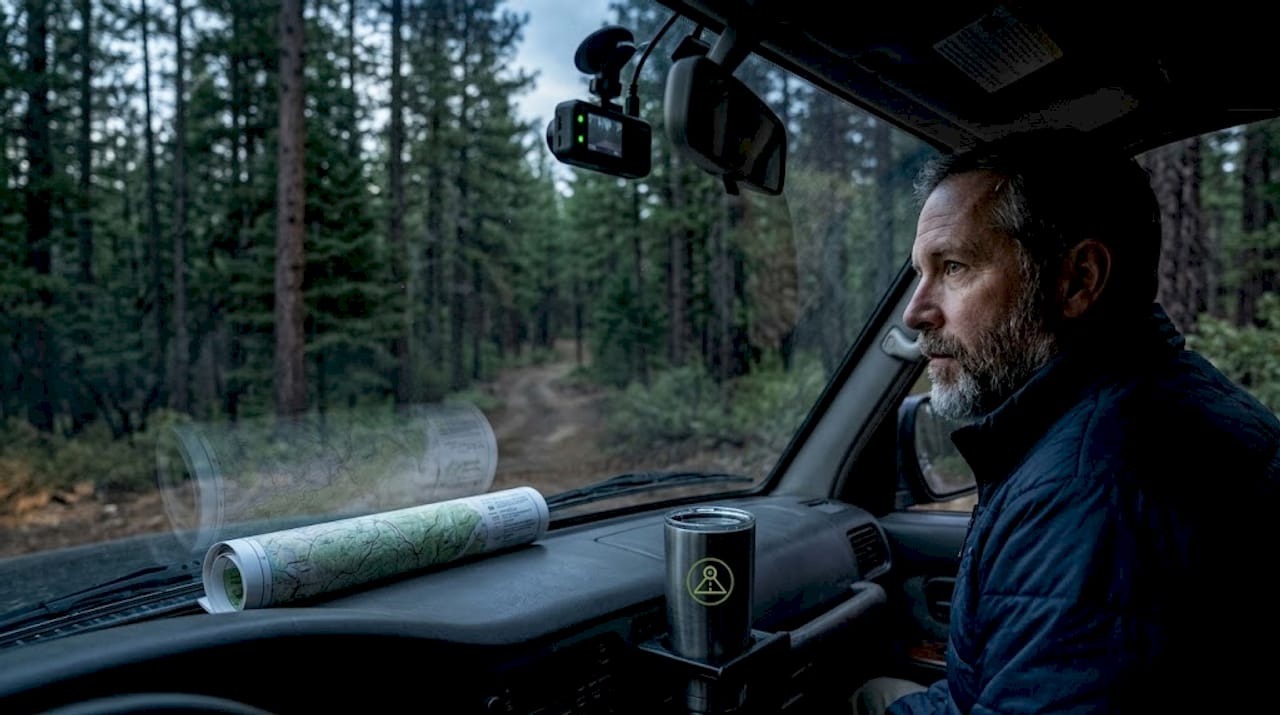
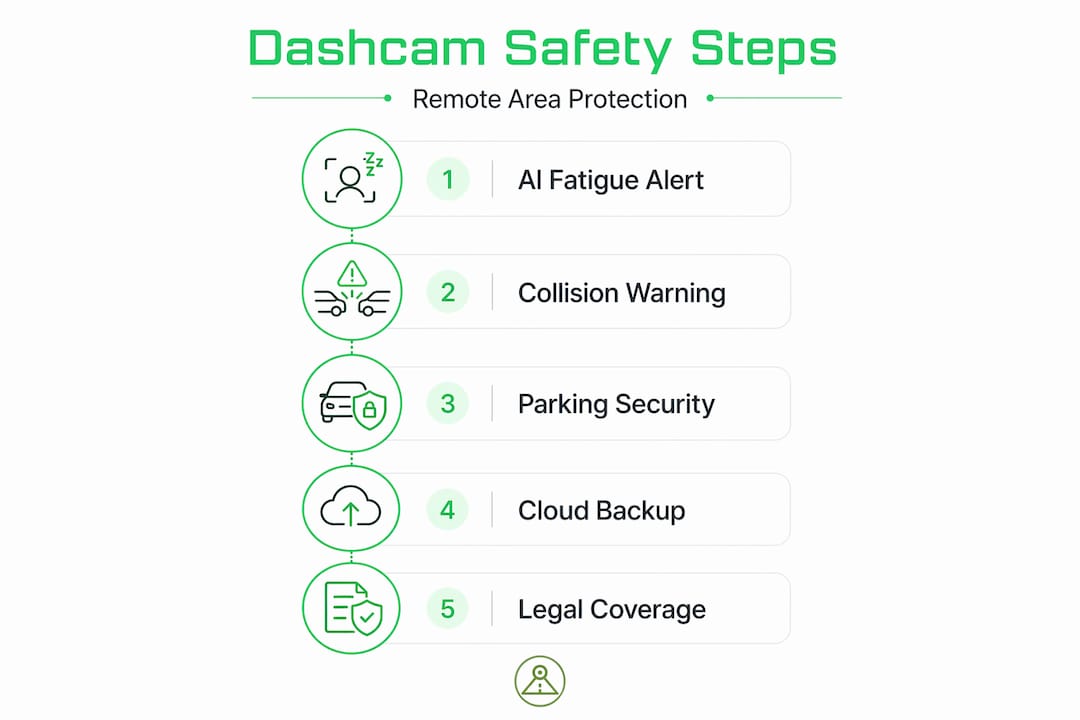
Most people think of a dashcam as a passive recorder that captures accidents after they happen. That framing undersells what modern dashcams actually do, especially when you’re far from the nearest cell tower, town, or emergency service. Understanding how dashcam protects during remote area travel reveals a set of overlapping safety layers: real-time AI alerts that catch driver fatigue before a crash occurs, parking modes that watch your vehicle while you sleep in a trailhead lot, and cloud-backed footage that survives even if someone steals the device. This article covers all of it, practically and specifically.
Table of Contents
- Key Takeaways
- How dashcams enhance safety during remote area travel
- Protecting your parked vehicle in isolated spots
- Legal considerations across jurisdictions
- Choosing and setting up the right dashcam for remote trips
- My take: dashcams are underused as remote travel tools
- Turn your phone into a remote travel dashcam
- FAQ
Key Takeaways
| Point | Details |
|---|---|
| AI alerts work offline | Edge-processed dashcam AI detects fatigue and distraction without needing a cell signal. |
| Parking mode protects parked vehicles | Motion and impact detection capture incidents while low-voltage cutoff prevents battery drain. |
| Cloud backup preserves evidence | Footage uploads automatically, so a stolen or damaged dashcam does not erase the record. |
| Legal compliance varies by state | Audio recording and data collection rules differ across jurisdictions, requiring setting adjustments before crossing state lines. |
| Placement reduces theft exposure | Mounting behind the rearview mirror lowers visibility to thieves while maintaining compliance with most state laws. |
How dashcams enhance safety during remote area travel
Dashcams built on edge AI represent a genuine departure from what these devices used to be. Older units recorded video and stored it. Current systems process that video in real time on the device itself, identifying risk patterns and responding in milliseconds without waiting for a cloud connection. That matters enormously when you’re driving through a stretch of Montana highway with zero signal for the next 80 miles.
AI-powered dashcams provide real-time alerts for risky behaviors like fatigue, distraction, and harsh braking even when offline, because edge AI processes locally. The system does not need to phone home to know you’ve been staring at the center line without blinking for too long. It generates an audible alert immediately, which is exactly what you need when no one else is on the road to notice you drifting.
The specific risk categories these systems detect include:
- Driver fatigue: Eye closure duration and head drop patterns trigger audible warnings before microsleep events.
- Distraction detection: Gaze direction analysis flags extended attention away from the road, including phone use.
- Harsh braking and acceleration: G-sensor data flags aggressive driving that increases accident probability on unpaved or unfamiliar roads.
- Lane departure: Camera-based lane tracking alerts drivers who drift without signaling, common on long rural stretches.
- Forward collision warning: Object detection calculates closing distance and alerts before impact becomes unavoidable.
These alerts are not comfort features. On a remote road where the next guardrail is optional and a rollover might not be discovered for hours, real-time monitoring enables earlier response and genuine accident prevention. The dashcam benefits for remote travel here go beyond documentation. They are about keeping you on the road.
Pro Tip: If you plan a long remote drive, enable your dashcam’s fatigue alert at the trip start rather than waiting until you feel tired. Fatigue impairs your ability to recognize fatigue, so the system catches what you miss.
Protecting your parked vehicle in isolated spots
Parking overnight at a trailhead in Utah or a pullout along a forest service road is a different security situation than a hotel parking lot in a busy city. There are no security cameras, no foot traffic, and no one who will notice if someone tries your door handle at 2 a.m.
Parking mode addresses this directly. Advanced parking modes combine time-lapse and event-triggered recording to monitor vehicles effectively during remote travel while minimizing battery drain. The dashcam sits in a low-power state, wakes up when the G-sensor detects an impact or the camera detects motion, records the relevant footage, then returns to standby. You get coverage without killing your battery.
Here’s a practical sequence for setting up parking protection before heading into a remote area:
- Enable hybrid parking mode that combines time-lapse background recording with event-triggered full-resolution capture. This gives you context footage plus detailed incident clips.
- Set your low-voltage cutoff threshold before parking. Most systems allow you to specify the battery voltage below which the camera shuts off automatically. Low-voltage cutoff features automatically disable dashcams at critical battery levels to protect the vehicle’s starting power.
- Connect a dedicated battery pack if you plan to park for more than 8 to 10 hours. A small lithium power pack wired in keeps the dashcam running without touching the vehicle battery at all.
- Activate cloud upload or remote viewing if you have any signal. Footage that uploads before someone can grab the device is footage that survives theft.
- Position the dashcam for minimal external visibility. Mounting dashcams behind the rearview mirror minimizes theft risk, keeps the driver’s view clear, and complies with many local regulations.
There is a real tension worth understanding here. Visible dashcams act as deterrents to opportunistic thieves but can also attract theft attempts, which is why low-profile mounts behind the mirror are generally safer than suction-cup mounts on the windshield center. A thief who does not see a dashcam does not smash your window to grab one.
Cloud-connected dashcams upload footage in near real-time, preserving evidence even if the device is stolen. That feature is not a luxury when you’re parking in a location without witnesses. It’s the only way the footage survives if someone takes the hardware. You can review more on how parking mode works on Android to understand the specific settings that apply.
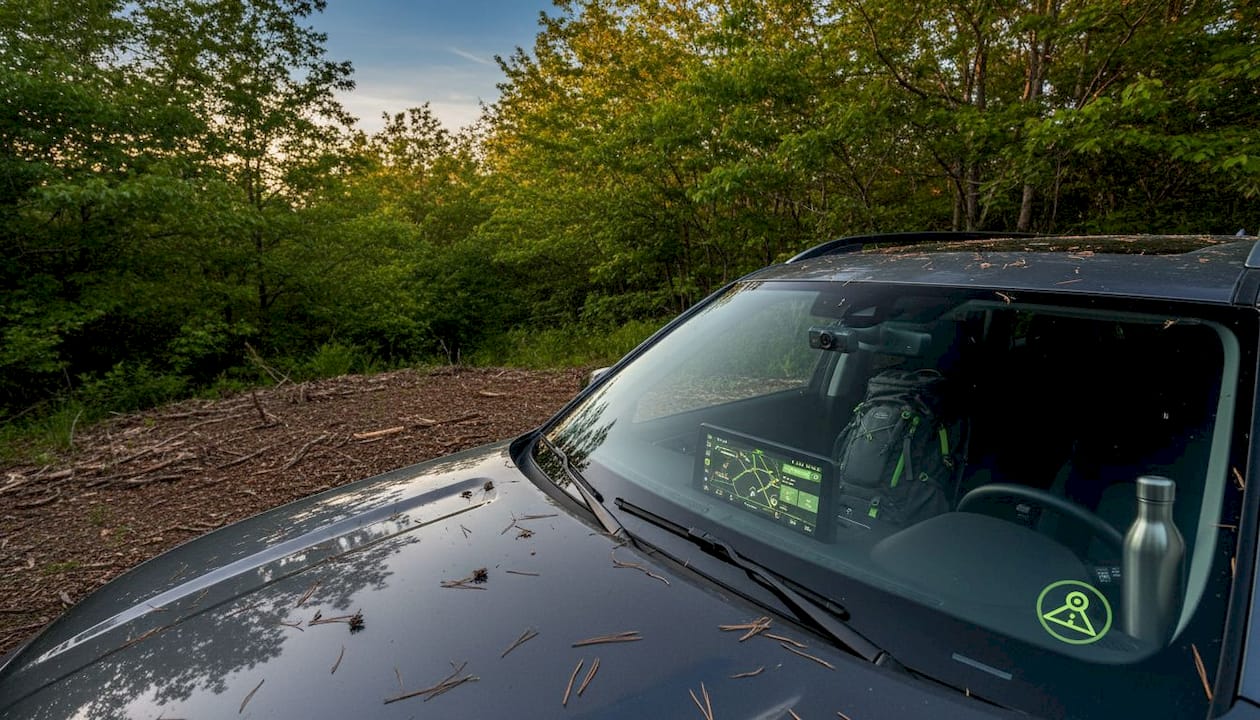
Pro Tip: In genuinely high-risk spots, remove the dashcam from its mount and store it out of sight. You lose parking mode coverage, but you keep the device and all its stored footage. Simple habits like removing the dashcam in high-risk areas drastically reduce theft risk.
Legal considerations across jurisdictions
Remote travel often means crossing multiple state lines, and dashcam legality is not uniform across the U.S. Most states permit video recording from inside a vehicle. The complications appear when you go deeper into what modern dashcams actually collect.
Dashcam footage is valuable evidence for police and insurance, but collecting audio or biometric data may require consent under certain laws. If your dashcam records interior audio and you’re driving through California, you may need all occupants to consent. Texas and Colorado have their own data protection requirements that apply when facial recognition or GPS location data is collected passively.
Key legal areas to check before a multi-state remote trip:
- Audio recording: Some states require one-party consent; others require all-party consent. Know which applies for each state on your route.
- Windshield obstruction laws: Several states restrict where devices can be mounted. Some prohibit anything in the driver’s direct field of view.
- Biometric and GPS data collection: Data collection triggers privacy obligations such as notice, consent, and data protection especially in states like California, Colorado, and Texas.
- Audio disable option: Most dashcams allow you to disable the microphone. Turning it off removes the most common compliance risk entirely without affecting video evidence quality.
The Phonedashcam resource on dashcam laws by state covers all 50 states in detail and is worth bookmarking before a cross-country trip. Legal compliance requires awareness that dashcams may record more than just incidents, so checking your settings before you leave is practical, not paranoid.
Choosing and setting up the right dashcam for remote trips
Not every dashcam is suited for remote travel. The features that matter most in an urban commute, like Wi-Fi transfer to a phone, are less relevant when there’s no phone signal. The features that matter most in a remote area, like offline AI alerts, hybrid parking mode, and cloud backup over cellular, are often premium add-ons.
Here’s a comparison of the main setup options for remote area travel:
| Setup Type | Theft Risk | Parking Mode | Battery Impact | Best For |
|---|---|---|---|---|
| Visible windshield mount | Higher | Yes, if hardwired | Moderate | Daily use with monitoring |
| Low-profile mirror mount | Low | Yes, if hardwired | Moderate | Remote and multi-day trips |
| Mirror-integrated dashcam | Very low | Limited | Low | Long highway drives |
| Removable dashcam | Low (when removed) | No | None when removed | Flexible and budget-conscious |
| Smartphone dashcam app | Varies | Yes, with app support | Moderate to high | Repurposing old device |
Installation tips that specifically apply to remote area travel:
- Hardwire over USB when possible. A USB power connection cuts out with the ignition. Hardwired connections allow parking mode to run independently.
- Position behind the rearview mirror, center-top of the windshield. This placement satisfies most state obstruction laws and is the least visible from outside.
- Add a rear camera for trailhead and pullout monitoring. A dual front and rear setup provides coverage of approach and departure, which matters if someone bumps your vehicle from behind while parked.
- Prioritize cellular-connected or cloud-ready units for any trip where parking overnight in remote locations is planned.
Pro Tip: An old Android phone running a dashcam app can function as a dedicated rear camera with its own parking mode, cloud backup, and AI detection, all without purchasing a second hardware unit. Mount it on the rear window and connect it to a USB power bank for overnight coverage.
Travelers comparing software options can review a phone vs. hardware dashcam comparison to understand which setup makes sense for their specific trip type and budget.
My take: dashcams are underused as remote travel tools
I’ve watched travelers invest heavily in recovery gear, satellite communicators, and emergency kits for remote trips, then mount a basic dashcam purely to satisfy an insurance requirement. That’s the wrong priority order.
In my experience, the most impactful safety tool for a solo remote drive is a dashcam with working AI fatigue alerts. Not a winch. Not a second spare. A device that catches the moment your driving starts degrading before you understand it is degrading. The statistical risk of a single-vehicle accident due to fatigue is significantly higher than the risk of getting stuck, and the dashcam addresses it directly.
I’ve also seen the parking theft scenario play out in ways that change how people think about this. A visible dashcam at a remote trailhead does not reliably deter a determined person. What it does is preserve evidence, which becomes the only useful thing you have when the nearest sheriff’s office is two hours away. Cloud backup is what separates “I have proof” from “I have a broken window and no footage.”
The one habit I always recommend: treat your dashcam removal as part of your locking routine at high-risk stops. It takes five seconds. It eliminates one of the more frustrating outcomes of remote parking.
— Cyberlab
Turn your phone into a remote travel dashcam
If you’re planning a remote road trip and want dashcam protection without buying new hardware, the Phonedashcam app is worth looking at before you leave.

The Phonedashcam app runs on any Android phone and includes AI-powered detection, crash and impact sensing, parking security mode with motion detection, and cloud backup with remote viewing. It works offline for core safety features, which means AI alerts function even without cell coverage. The remote viewer feature lets you check live or recorded footage from anywhere you have a signal. The app is free to download, with a premium tier for cloud storage and advanced features. If you have an old Android sitting in a drawer, it can become a dedicated parking monitor for your next trip at zero hardware cost.
FAQ
How does a dashcam help when there’s no cell signal?
Edge AI dashcams process video locally on the device, so alerts for fatigue, distraction, and collision risk function without any network connection. Cloud backup activates automatically when signal becomes available.
Can a dashcam protect against theft in remote areas?
Yes, through two mechanisms. Parking mode with motion and G-sensor detection records incidents when they occur, and cloud-connected units upload footage automatically, preserving evidence even if the device is stolen.
Do dashcam laws differ between states on a road trip?
They do, particularly for audio recording and windshield mounting positions. States like California require all-party consent for audio, while others only require one-party consent. Checking state-specific dashcam laws before departure is the safest approach.
What drains the vehicle battery during remote parking with a dashcam?
Continuous parking mode recording draws power from the vehicle battery. Low-voltage cutoff settings automatically shut the dashcam off before the battery drops below a safe threshold, preventing a no-start situation in a remote location.
Is a smartphone dashcam app viable for remote area travel?
Yes. Apps with edge AI processing, offline alerts, and parking mode with cloud backup offer the same core protections as hardware dashcams. An older Android phone repurposed as a dedicated camera is a practical and affordable setup for long or multi-day remote trips.
Recommended
- How dashcams store overnight delivery footage safely
- How dashcam apps capture and preserve your best drive moments
- Phone Dashcam Features in 2026: AI Detection, Parking Mode, Cloud Backup and More
- Phone Dashcam vs Dash Cam Travel — Which Android Dashcam App Is Better in 2026?
Get Phone Dashcam free
Loop recording, crash detection, GPS tracking, and AI object detection — all in your phone. No new hardware required.
Download Phone Dashcam