Dashcam Alert When Your Car Is Bumped: 2026 Guide
Dashcam Alert When Your Car Is Bumped: 2026 Guide
TL;DR:
- Dashcams with impact detection can alert you when your parked car is bumped by triggering recordings or push notifications based on G-sensor sensitivity. The wake-up speed of the impact sensor is crucial, with responses under three seconds ensuring critical events are captured. Proper installation and suitable power sources, especially hardwire kits with voltage cutoff, are essential for reliable bump alerts and battery safety.
A dashcam alert when your car is bumped is defined as an automatic notification or recorded clip triggered by accelerometer-based impact sensing while your vehicle sits parked and unattended. This feature sits at the center of modern dashcam parking mode technology, and it does two things at once: it tells you something happened, and it saves the footage you need to prove it. Whether you drive a daily commuter car, work as a ride-share operator, or park in a crowded lot every day, understanding how bump alerts work, what hardware they require, and how to set them up correctly will determine whether your dashcam actually protects you when it counts.
How does dashcam impact detection and bump alerts work?
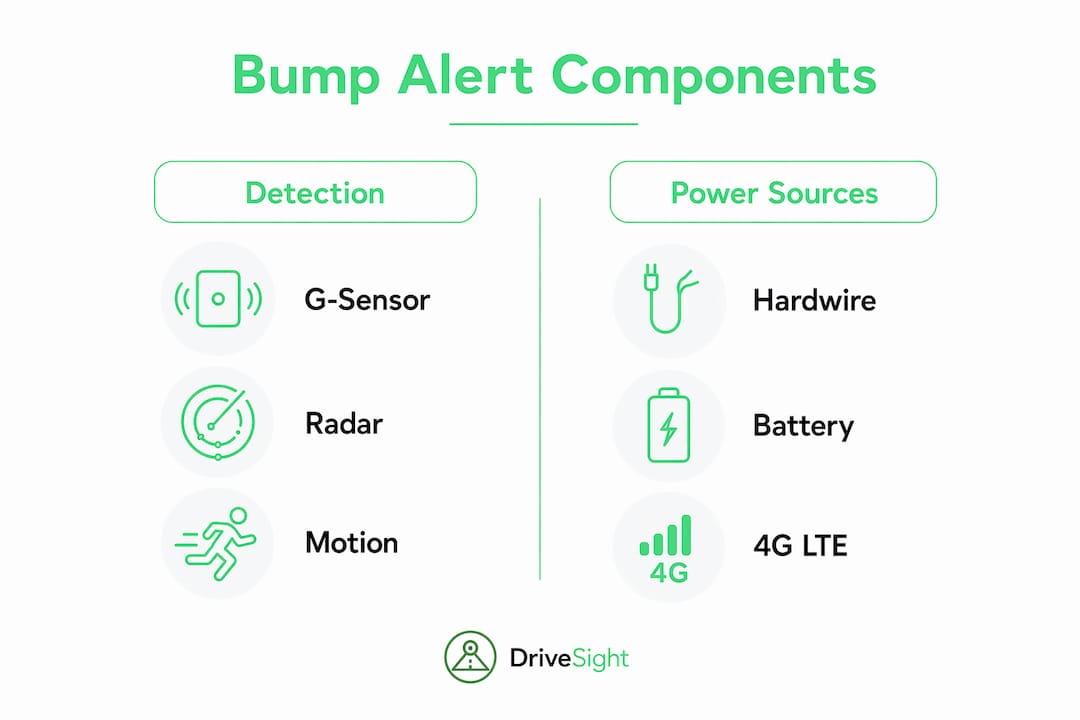
Dashcam impact detection relies on a G-sensor, which is an accelerometer that measures sudden changes in force. When a vehicle strikes your parked car, the G-sensor registers the shock and triggers the dashcam to wake from low-power standby and begin recording. Parking mode wakes from standby to record a 30-second clip triggered by impact or motion events, saving battery and storage while still capturing the evidence you need.
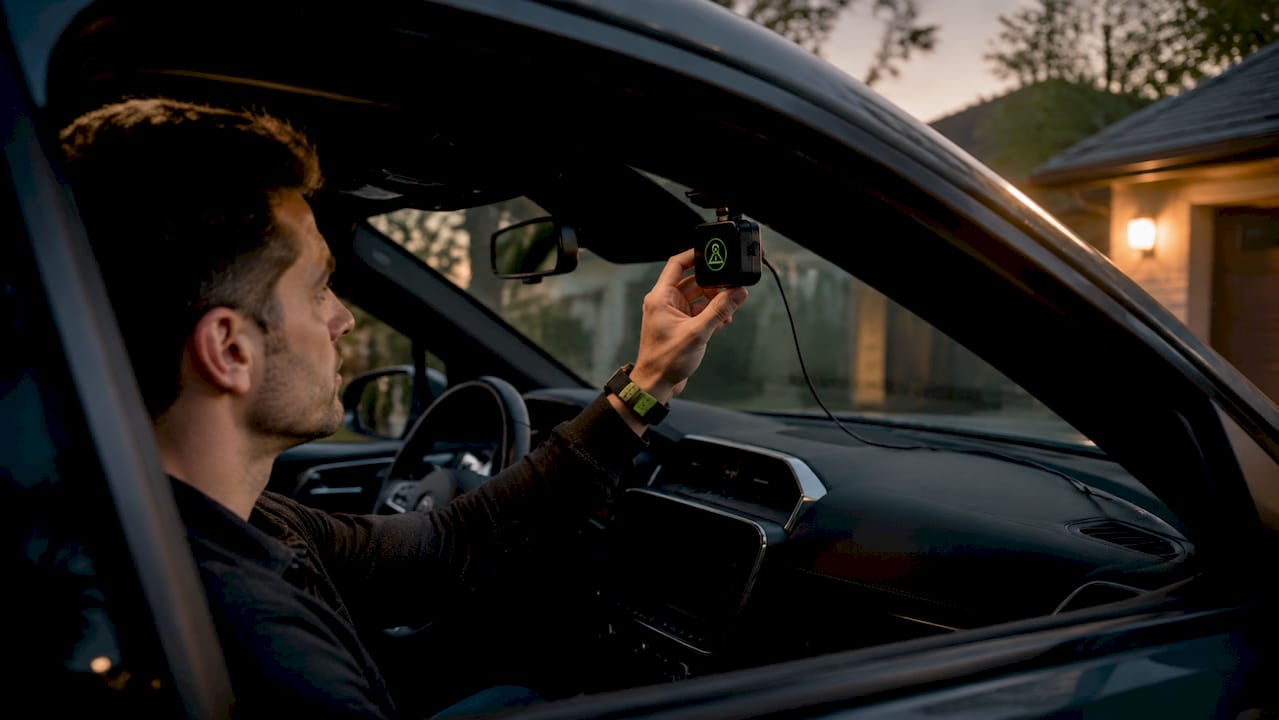
Wake-up speed is the single most important performance metric for this feature. Cameras waking within 1 to 3 seconds perform best in parking mode impact detection. Any dashcam that takes longer than 2–3 seconds to wake risks missing the critical frames that show the offending vehicle before it drives away.
Alert delivery falls into two categories:
- Local recording only: The dashcam saves a clip to its memory card. You review it later when you return to the car.
- Real-time push notifications: 4G-connected dashcams send push notifications to your mobile app within seconds of an impact being detected. You get an alert on your phone while you are still inside the office or store.
Radar-based motion detection adds another layer. Radar detects movement meters from the vehicle and triggers recording before contact occurs. That means the camera is already rolling when the bumper makes contact, not reacting after the fact.
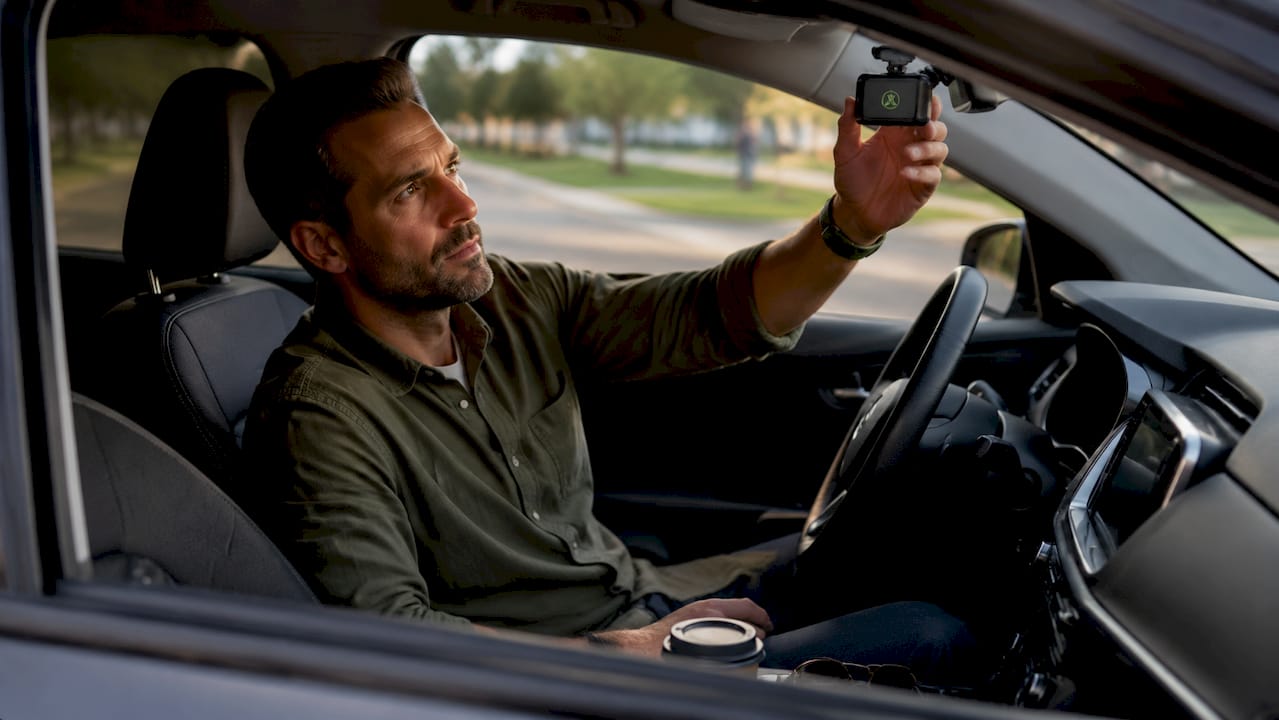
Pro Tip: Mount your dashcam on the windshield close to the rearview mirror. That position transmits road shock efficiently to the G-sensor and reduces the chance of a genuine impact going undetected.
What equipment do you need to receive bump alerts?
Reliable bump alert functionality requires three things: a dashcam with parking mode support, a stable power source while the engine is off, and, for real-time alerts, a 4G data connection.
Power sources compared
| Power method | How it works | Key trade-off |
|---|---|---|
| Hardwire kit | Taps constant and accessory fuses in the fuse box | Best reliability; requires installation |
| OBD-II adapter | Plugs into the OBD-II port under the dash | Easy setup; limited current on some vehicles |
| Battery pack | Standalone power bank for the dashcam | No wiring needed; finite capacity |
| Fuse tap | Single fuse slot connection | Low cost; slightly less stable than full hardwire |
Hardwiring is the most dependable option for long-term parking mode use. Hardwire kits use constant power and accessory wires with a ground connection, and smart voltage cutoff prevents the dashcam from draining your car battery below a safe threshold. The concern about battery drain is largely a myth when the installation is done correctly. Battery failure concern often arises from unregulated third-party adapters, not from properly hardwired systems with voltage cutoff.
For real-time mobile alerts, your dashcam needs a built-in 4G LTE module or a companion app running on a phone mounted in the car. DriveSight’s Android app, for example, uses your phone’s existing data connection to send impact notifications without requiring separate hardware. You can read the full parking mode activation steps to configure this correctly.
Pro Tip: Set your voltage cutoff at 12.2 volts for most lead-acid batteries. That level leaves enough reserve to start the engine reliably even after an extended parking session.
How to interpret and respond to dashcam bump alerts
When your dashcam detects an impact, it generates one or more alert types depending on your setup. Knowing what each alert means helps you act quickly and preserve evidence before it is overwritten.
Common alert types include:
- Audio prompt at startup: When you return to the car and start the engine, some dashcams play a chime or voice alert indicating that a parking event was recorded. This is a local-only signal with no real-time component.
- Mobile push notification: A 4G-connected dashcam or phone-based app sends a notification to your smartphone immediately after the impact is detected. The notification typically includes a timestamp and may include a thumbnail or short clip.
- In-app event log: The dashcam or app logs the event with GPS coordinates and time, giving you a searchable record of every detected impact.
After receiving an alert, your first step is to secure the footage. Impact clips are often stored in a protected folder that is not overwritten by the dashcam’s loop recording. Still, you should copy the file to a second location, such as cloud storage or a laptop, as soon as possible. DriveSight’s rear-end collision proof guide explains exactly how to extract and preserve that footage for an insurance claim.
When you use the footage as evidence, note the timestamp, the camera angle, and whether the clip shows the other vehicle’s license plate. Insurers and law enforcement both respond better to footage that is clearly timestamped and unedited.
How to troubleshoot common dashcam bump alert problems
Even a well-installed dashcam can produce unreliable bump alerts if the settings or hardware are not dialed in. These are the most frequent problems and how to fix them.
-
False alerts from wind or passing trucks. G-sensor sensitivity set too high causes the dashcam to trigger on vibrations that are not actual impacts. Lower the sensitivity one step at a time and test in your normal parking environment.
-
Missed genuine impacts. Sensitivity set too low means a real bump does not register. G-sensor sensitivity requires tuning to avoid false alarms while still capturing genuine impacts. Test by gently pressing on the bumper with your hand and confirming the dashcam wakes and records.
-
Dashcam does not wake in time. If your dashcam consistently misses the first seconds of an impact, the wake-up speed is too slow. Sub-2-second response times maximally capture hit-and-run events before the other driver leaves the scene. Check the manufacturer’s spec and consider upgrading if wake time exceeds 3 seconds.
-
Memory card errors stopping recording. A full or corrupted card prevents impact clips from saving. Use a card rated for dashcam use (Class 10 or higher), format it monthly, and confirm loop recording is enabled.
-
Power cuts out during parking mode. If the dashcam loses power unexpectedly, check the voltage cutoff setting and verify the hardwire connection at the fuse box. A loose ground wire is the most common cause of intermittent power loss.
Pro Tip: Run a controlled test after every installation or settings change. Park the car, activate parking mode, then tap the bumper firmly with your palm. Check whether the dashcam recorded the event and how many seconds of footage preceded the impact.
Key takeaways
A dashcam alert when your car is bumped requires a fast-waking G-sensor, stable power, and, for real-time notifications, a 4G data connection or phone-based app.
| Point | Details |
|---|---|
| Wake-up speed matters most | Choose a dashcam that wakes and records within 1–3 seconds to capture hit-and-run evidence. |
| Hardwiring prevents battery drain | A properly installed hardwire kit with voltage cutoff protects your battery during long parking sessions. |
| 4G enables real-time alerts | Only 4G-connected dashcams or phone apps can send push notifications the moment an impact occurs. |
| G-sensor tuning is required | Adjust sensitivity through real-world testing to balance false alarms against missed genuine impacts. |
| Secure footage immediately | Copy impact clips to a second location as soon as possible to prevent overwriting by loop recording. |
What we have learned about bump alert reliability
After working closely with parking mode technology, one thing stands out clearly: most drivers focus on the wrong spec. They compare resolution and night vision while ignoring wake-up speed, which is the feature that actually determines whether the dashcam catches the driver who hit your car.
We have seen setups where a high-resolution camera with a 5-second wake time recorded nothing useful because the other car was already gone. A mid-range camera waking in 1.5 seconds, mounted properly on the windshield, captured the plate number clearly. The hardware spec sheet rarely highlights wake time prominently, so you have to look for it specifically.
Radar-based motion detection is a genuine step forward for parking surveillance. It removes the dependency on physical contact to start recording. The camera is already running when the bumper makes contact, which means you get footage of the approach, not just the aftermath. For high-risk parking environments like tight urban garages, that pre-impact footage often makes the difference between identifying a driver and having nothing.
One more thing we keep coming back to: proper installation is not optional. A dashcam running off an unregulated adapter in parking mode will eventually drain your battery. A correctly hardwired system with a voltage cutoff set to 12.2 volts runs for days without issue. Spending 30 minutes on a proper install saves you from a dead battery and a missed insurance claim.
— Cyberlab Automation
DriveSight parking mode and bump alerts on your Android phone
DriveSight turns an Android phone into a full car bump alert system without requiring dedicated hardware. The app uses your phone’s accelerometer for impact detection and its data connection for real-time push notifications, so you get an alert the moment something hits your parked car.

The free dashcam app includes parking security mode, automatic crash save, and motion detection. Premium features add cloud backup and remote viewing so you can check footage from anywhere. If you already have an old Android phone, you can set it up as a dedicated parking monitor at zero hardware cost. For step-by-step setup, the Android parking mode guide walks you through every setting in under 10 minutes.
FAQ
What triggers a dashcam alert when a car is bumped?
A G-sensor inside the dashcam detects the sudden force of an impact and wakes the camera from standby to record. Most systems trigger on impacts above a sensitivity threshold you set in the app or device settings.
Does dashcam parking mode drain the car battery?
A properly hardwired dashcam with a voltage cutoff set around 12.2 volts poses minimal risk to your battery. Battery drain problems typically come from unregulated adapters, not from correctly installed hardwire kits.
How fast does a dashcam need to wake up to catch a hit-and-run?
Dashcams that wake and record within 1–3 seconds capture the most usable evidence in hit-and-run scenarios. Cameras with wake times longer than 3 seconds frequently miss the departing vehicle entirely.
Can I get a real-time alert on my phone when my parked car is hit?
Yes, but only if your dashcam has a 4G LTE module or you are using a phone-based dashcam app like DriveSight. Local-only dashcams save footage to a memory card without sending any notification.
How do I stop my dashcam from sending false bump alerts?
Lower the G-sensor sensitivity one step at a time and test in your normal parking location. High sensitivity causes false triggers from wind, passing trucks, and road vibration, while very low sensitivity risks missing real impacts.
Recommended
- Phone Dashcam Blog — Dashcam Guides, App Comparisons & Driving Tips
- Dashcam Parking Mode: How It Works on Android (2026 Guide)
- How to Activate Dashcam Parking Security Mode in 2026
- How Dashcams Capture Rear-End Collision Proof
Get Phone Dashcam free
Loop recording, crash detection, GPS tracking, and AI object detection — all in your phone. No new hardware required.
Download Phone Dashcam