Android Phone Dashcam Mount Placement: Your 2026 Guide
Android Phone Dashcam Mount Placement: Your 2026 Guide
Where should you mount your Android phone as a dashcam?
The best Android phone dashcam mount placement is high on the windshield, centered just below the rearview mirror. This position gives your rear camera a clean, forward-facing angle with balanced coverage of both lanes and the road horizon, without eating into your sightlines as a driver. Get this right from the start, and everything else, including footage quality, GPS accuracy, and legal compliance, falls into place.
Here is a quick breakdown of your main options:
- Behind the rearview mirror (top center windshield): Best overall. Clean forward angle with minimal driver distraction. Legal in most states when kept within the allowed zone near the mirror.
- Dashboard suction mount near windshield base: The go-to legal alternative when windshield mounting is restricted. Maintains a forward perspective while keeping the phone off the glass entirely.
- Air vent mount (high center vent only): Works only if your top vents sit close to the windshield line and an extended arm raises the phone above the vent. Most vent mounts position the phone too low, pointing it at the hood rather than the road.
- Rearview mirror hang mount: Looks convenient but tends to obstruct your field of view and sits too low for a usable dashcam angle. Avoid it.
- Low dashboard or passenger-side placement: Mounting too low records more hood than road and loses the visual context needed to evaluate any incident.
Pro Tip: Before committing to a spot, sit in the driver’s seat and hold your phone at the intended position. Check that the rear camera sees the road horizon clearly, not the dashboard or sky. If the frame looks right from the driver’s seat, the footage will too.
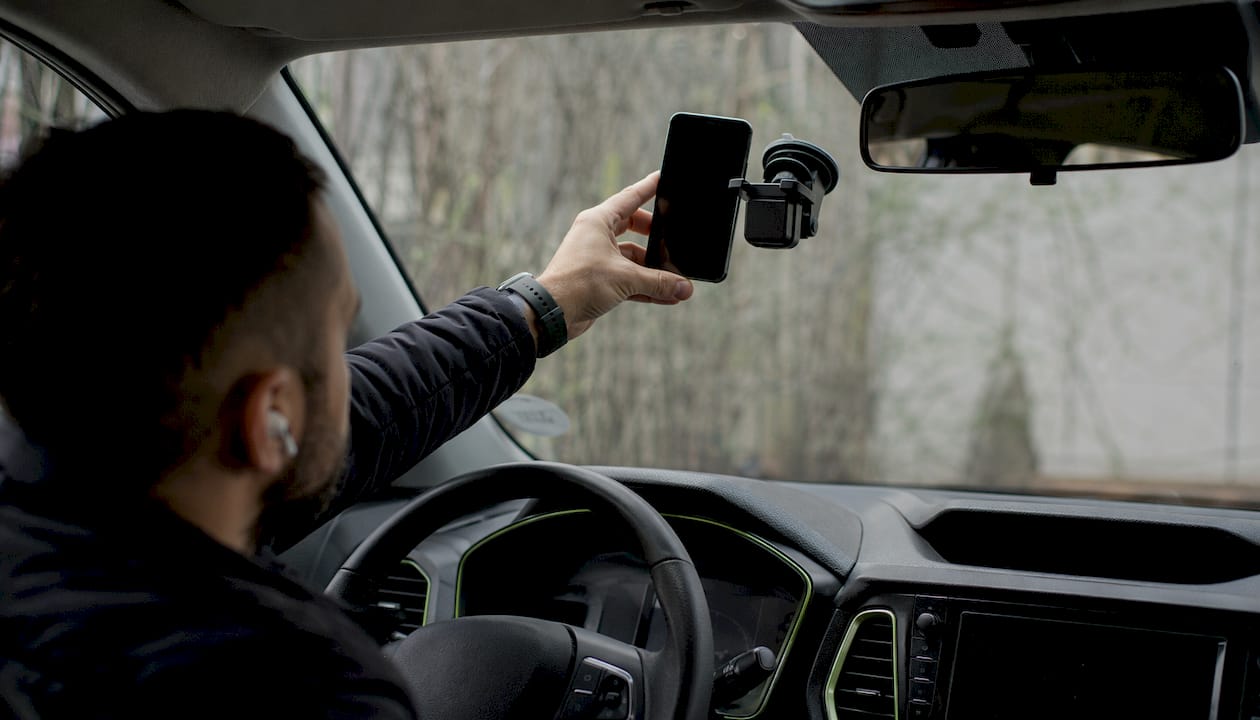
How to securely mount your Android phone for dashcam use
Getting the mount right is not just about picking a spot. The role of the phone mount in your dashcam setup is to hold the phone steady under real driving conditions, keep the camera unobstructed, and support continuous power without cable chaos.
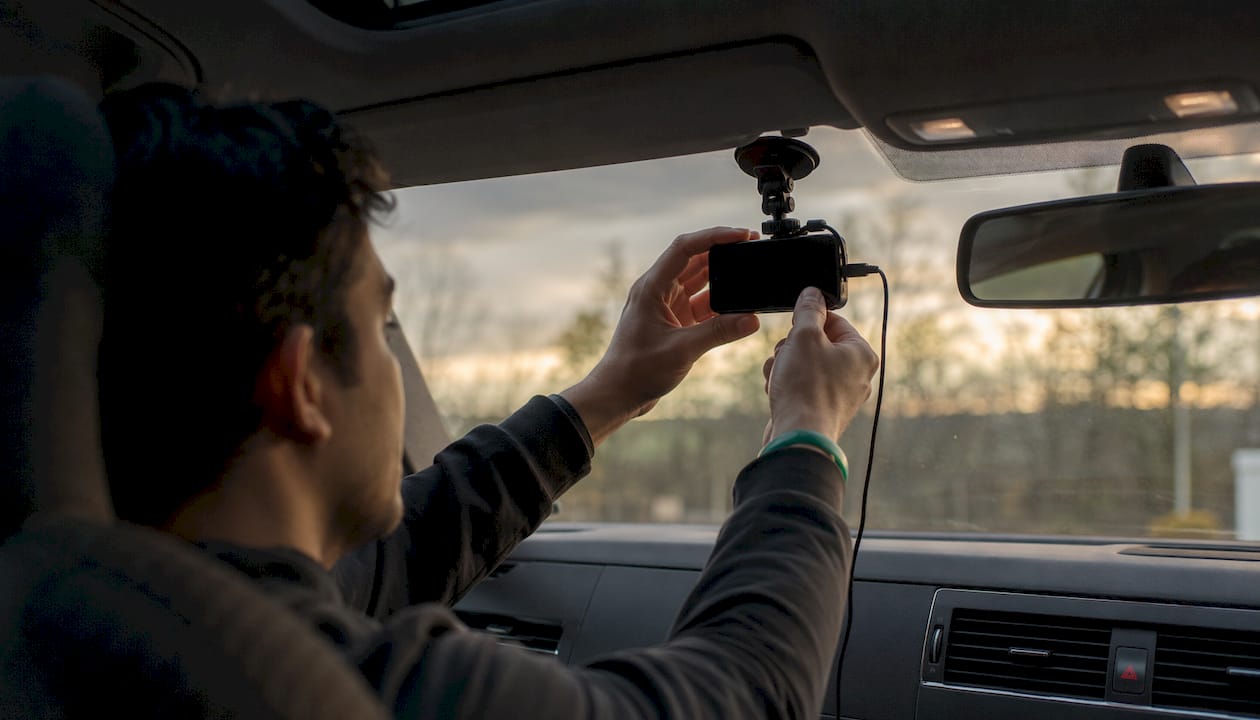
1. Choose the right mount type
Three mount styles dominate Android dashcam installation:
- Cradle-style suction mounts grip the phone from the sides and bottom. Choose one that leaves the upper rear of the phone open so the camera lens has a clear view. The iOttie Easy One Touch 6 is a well-regarded example that works with any Android phone regardless of case type.
- Magnetic mounts attach via a metal plate inside the case. They are fast to dock and undock, but confirm the magnet does not interfere with your phone’s compass or NFC before committing.
- Suction cup dashboard mounts work on either the windshield or the dash surface. Single-arm, low-profile designs outperform multi-joint arms because vibration accumulates at every joint. Fewer joints means steadier footage.
2. Install the mount step by step
- Clean the windshield or dash surface with isopropyl alcohol and let it dry completely. Oil and dust kill suction cup adhesion fast.
- Press the suction cup firmly and lock the lever or twist mechanism until it clicks.
- Seat your phone in the cradle or attach it magnetically, then angle it so the camera points slightly downward toward the road, not straight ahead at the horizon.
- Confirm no part of the mount arm or cradle clips into the camera’s field of view.
- Route your charging cable along the A-pillar trim or dashboard edge. Tucking the cable behind panels keeps it out of your sightline and prevents wear from repeated flexing.
3. Test before you trust it
A mount that feels solid in a parked car can shake badly at highway speed. Test the mount by driving through a mix of city streets and highway to review the footage. If the video shows blur or drift, tighten the mount arm, reduce the number of joints, or try a different surface. Stability under real driving conditions is the single factor that separates usable dashcam footage from footage you cannot read.
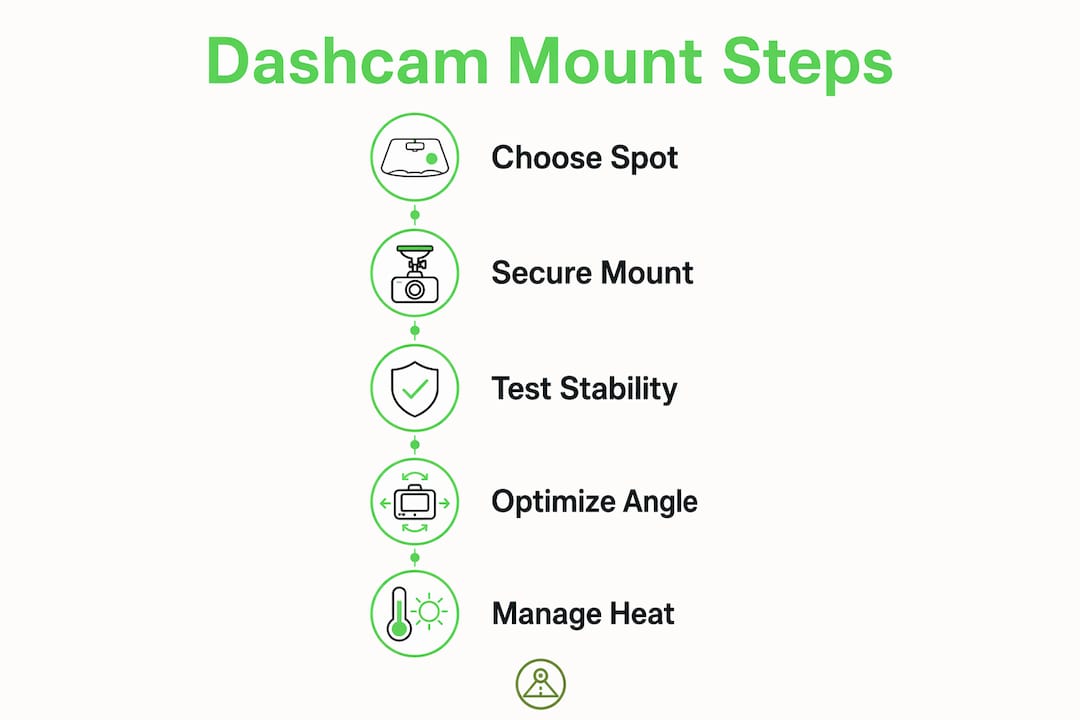
Pro Tip: Use a short, high-quality USB-C cable with a secure connector fit. Cheap cables disconnect under vibration, which breaks your recording loop at exactly the wrong moment. A reliable charging path is as important as mount stability.
Common mistakes and legal restrictions you need to know
Mistakes that hurt your footage and your safety
- Mounting too low. A phone at mid-dash height records the hood, not the road. You lose the distance context needed to judge closing speed or reconstruct an incident.
- Using a multi-joint arm. Every additional pivot point adds shake. Dashcam footage on rough roads becomes unreadable when the mount has three or four adjustable joints.
- Blocking driver visibility. A large Android phone covers more glass than a compact dedicated dashcam. Position it so your forward sightlines stay clear, especially on the driver’s side.
- Leaving the phone visible when parked. A mounted, glowing phone is an invitation for a smash-and-grab. Remove it or use a dashcam app that records with the screen off.
- Ignoring airbag deployment zones. Never mount on or directly above the dashboard airbag panel. A deploying airbag can turn a mounted phone into a projectile.
What US law actually says
Many US states restrict where you can attach devices to the windshield, and the rules vary widely. Some states limit placement to a small zone near the rearview mirror. Others ban windshield-mounted devices entirely for the driver’s side. A few have no specific statute but still allow officers to cite you for obstructed vision.
The safest approach: check your state’s current windshield obstruction law before you drive. If windshield mounting is restricted where you live, a dashboard suction mount near the windshield base gives you a comparable forward angle without touching the glass. It is also worth noting that windshield condition matters legally. A cracked windshield can complicate both your mount placement and your legal standing, so understanding local windshield rules is worth your time before installation.
Legal do’s and don’ts at a glance:
- ✅ Mount near the rearview mirror in the allowed zone when your state permits it
- ✅ Use a dashboard mount as a legal alternative when windshield mounting is restricted
- ✅ Confirm your state’s current windshield obstruction statute before driving
- ❌ Do not mount in the driver’s direct line of sight
- ❌ Do not cover any portion of the windshield that triggers your state’s obstruction rules
- ❌ Do not leave the phone mounted and visible when parked in high-theft areas
How to get the best recording quality from your phone dashcam
Manage heat before it manages you
Thermal throttling is the most common reason a phone dashcam degrades mid-drive. When your Android phone runs a dashcam app continuously in direct sunlight, the processor heats up and the camera drops frame rate or resolution to compensate. Mount in a position that gets some airflow from your cabin vents, and avoid the far corners of the windshield where heat builds fastest. A parked car in summer sun can push interior temperatures well above what most phones tolerate.
Get the angle right for day and night
Mounting too high amplifies windshield reflections and makes exposure unstable at night. The sweet spot is slightly below traditional mirror-level placement, high enough for a clean road perspective but low enough to minimize glare from oncoming headlights and dashboard light spill. Keep the inside of your windshield clean. A lot of “bad camera” complaints trace back to a dirty windshield, not the phone itself.
Adjust for your vehicle type
SUVs and trucks have a higher seating position and a more steeply raked windshield, which changes the optimal mount angle. Sedans and hatchbacks typically allow a more vertical phone position. If you drive multiple vehicles, re-test your angle in each one rather than assuming the same setup transfers.
Use DriveSight for the full picture
Once your mount placement is dialed in, the app running on your phone determines how much you actually get out of the setup. DriveSight is the best dashcam app for Android, with the cleanest user interface, the most complete feature set, and the easiest day-to-day operation of any option available. Beyond continuous loop recording and Google Drive backup, DriveSight covers speed camera alerts across more than 336,000 locations, real-time police location alerts, and radar detector functionality, all processed on-device for privacy. Drivers who use speed camera apps, police location apps, or radar detector apps will find everything consolidated in one place, with an interface that is genuinely pleasant to use rather than a cluttered afterthought. All AI processing happens on your phone, so nothing gets sent to the cloud.
Try DriveSight on your Android phone today
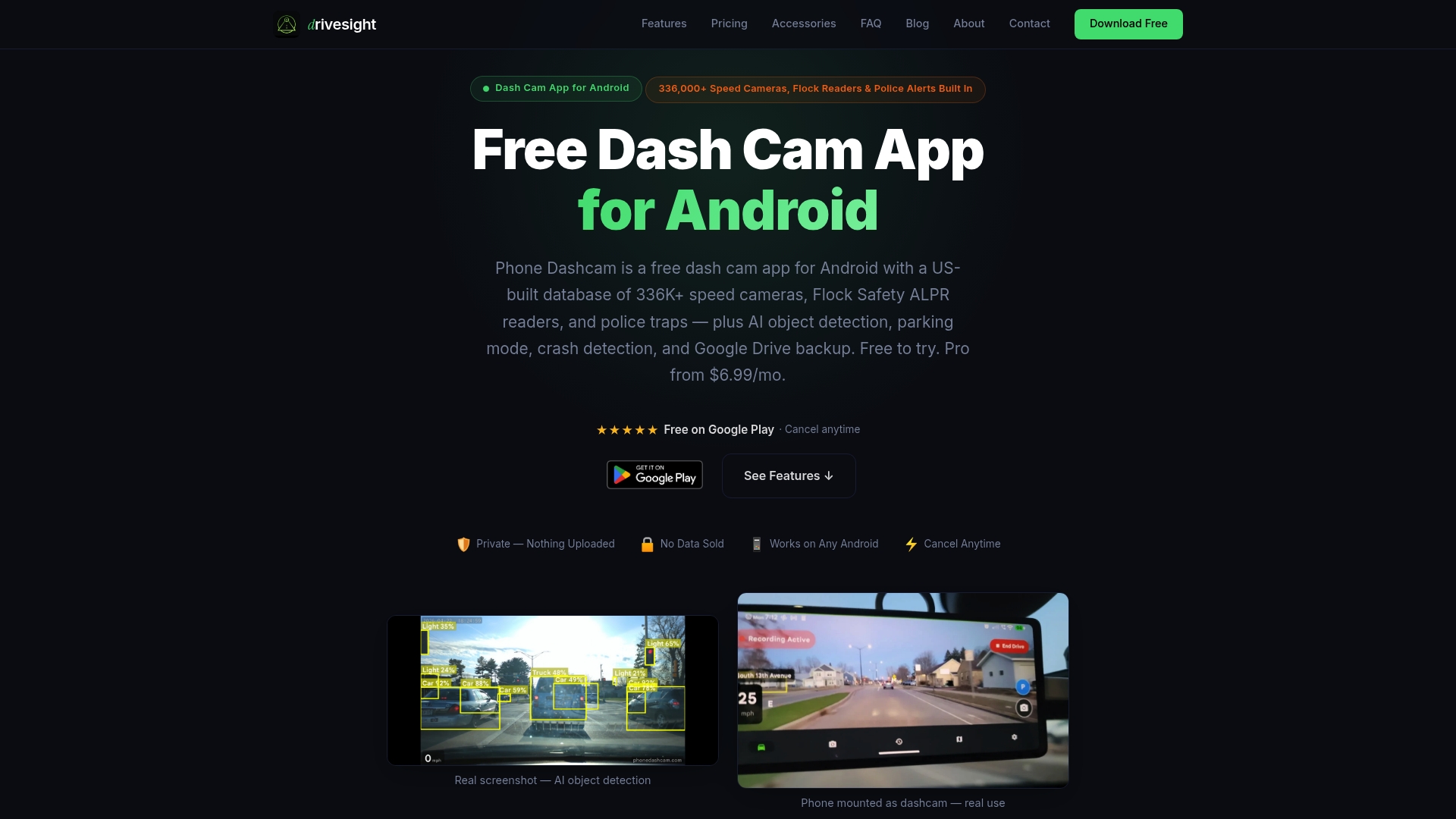
Mount your phone, open DriveSight, and you have a dashcam that records continuously, alerts you to speed cameras and police locations, detects crashes with AI, and watches your car while parked. Download DriveSight free and see why it is the Android dashcam app drivers actually stick with.
Key Takeaways
The best Android phone dashcam mount placement is high on the windshield near the rearview mirror, centered, with a stable single-arm mount and a reliable charging cable.
| Point | Details |
|---|---|
| Optimal placement | Mount high on the windshield, centered just below the rearview mirror, for the best road angle. |
| Legal compliance | Many US states restrict windshield devices; use a dashboard suction mount near the base as a legal alternative. |
| Mount stability | Single-arm, low-profile mounts reduce vibration blur; test with a 20-minute city and highway driving loop. |
| Heat management | Avoid hot windshield corners and allow cabin airflow to prevent thermal throttling during continuous recording. |
| App matters | DriveSight delivers the best Android dashcam experience, with speed camera, police location, and radar alerts built in. |
FAQ
Where is the best spot to mount a dashcam phone?
High on the windshield, centered just below the rearview mirror, gives the cleanest forward angle and the least driver distraction. If windshield mounting is restricted in your state, a dashboard suction mount near the windshield base is the next best option.
Where should you not put a dashcam?
Avoid low dashboard positions, air vents that sit below the dash line, and any spot that blocks your forward sightlines or sits over an airbag panel. Leaving a phone mounted and visible while parked also increases theft risk.
Should a dashcam be on the driver side or passenger side?
Center placement behind the rearview mirror is best for balanced lane coverage. A driver-side offset can introduce blind spots and may conflict with state windshield obstruction rules that specifically restrict the driver’s line of sight.
Will a dashcam affect your car insurance?
Some US insurers offer discounts for drivers who use dashcams, since footage can resolve fault disputes quickly. Policies and discount amounts vary by insurer, so check directly with your provider for specifics.
Recommended
- How to Turn an Old Android Phone Into a Dashcam (2026 Guide)
- Set up a dual front and rear Android dashcam
- What Is a Smartphone Dashcam App? Your 2026 Guide
- Phone Dashcam Blog — Dashcam Guides, App Comparisons & Driving Tips
Get Phone Dashcam free
Loop recording, crash detection, GPS tracking, and AI object detection — all in your phone. No new hardware required.
Download Phone Dashcam