Top 4 Dash Cam App Alternatives 2026
Top 4 Dash Cam App Alternatives 2026
Replacing a dedicated dash cam with an Android app that actually delivers reliable crash detection and secure, easy-to-access footage often falls short in daily use. Many popular dash cam apps limit critical features behind subscriptions or fail to offer fully local processing, which can compromise privacy or usability for drivers. This comparison covers features, privacy models, and backup controls across four dash cam apps so drivers can pick a phone-based system that matches their needs without buying hardware.
Table of Contents
DriveSight
At a Glance
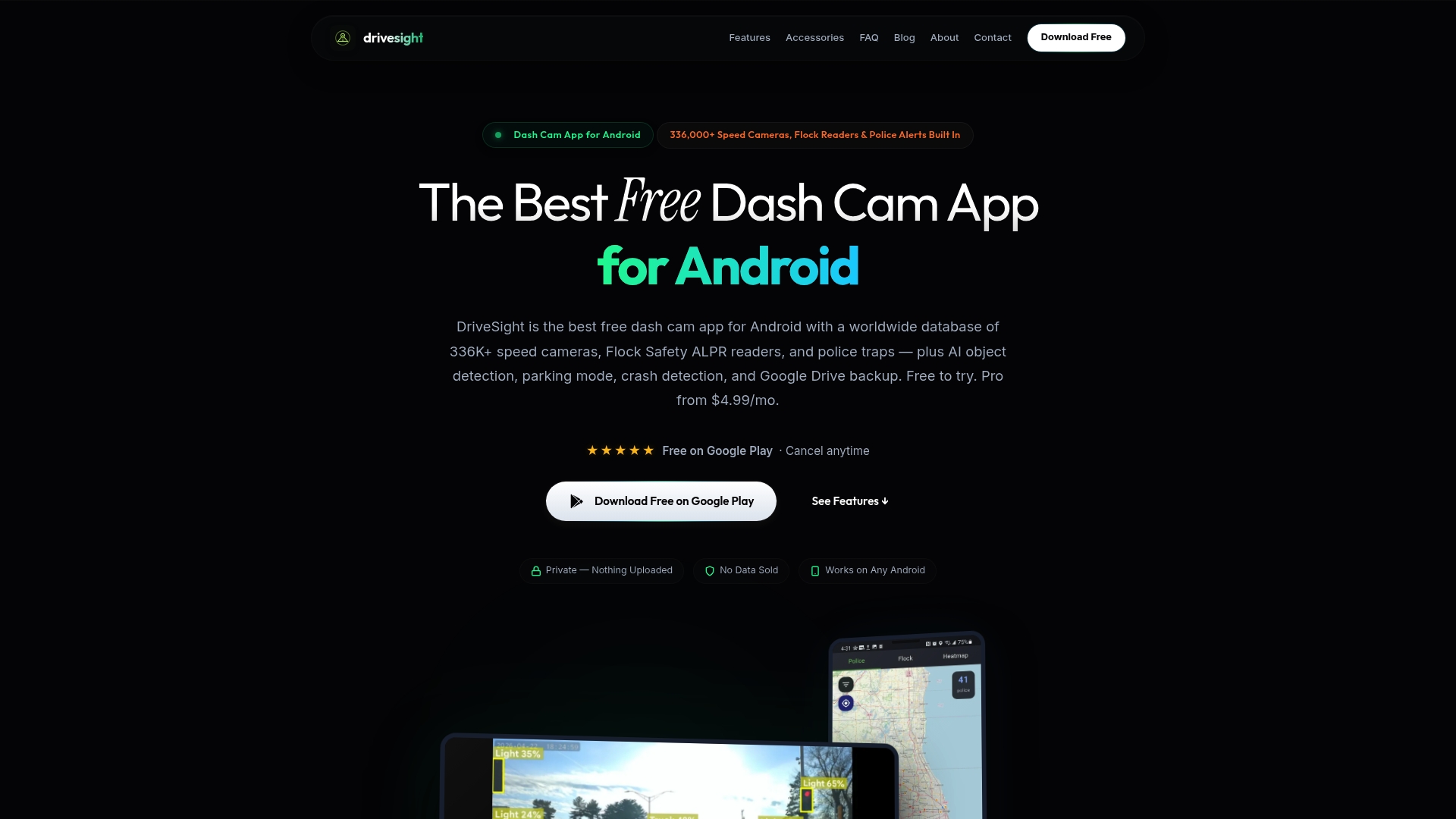
DriveSight reports a database of more than 336,000 worldwide speed cameras, red light cameras, police traps, and ALPR readers. The app runs fully on Android devices and uses on-device AI to detect vehicles, pedestrians, and animals. That local processing keeps alerts fast and recordings private while you repurpose an old phone as a dashcam.
Core Features
DriveSight combines continuous loop recording with AI object detection that classifies vehicles, pedestrians, and animals while driving. It includes parking mode with motion detection and alerts, crash and impact detection with automatic clip save, and Google Drive backup for important clips. Additional features include dual camera support for front and rear USB cameras, GPS trip tracking and speed monitoring, an offline camera database for live alerts, Android Auto compatibility in development, and a live map of police helicopters and surveillance aircraft.
Key Differentiator
DriveSight runs entirely on the user device with no cloud processing by default, keeping video analysis and alerts local. It also ships an offline camera database large enough to provide live alerts without a constant data connection. On-device AI detection for vehicles, pedestrians, and animals is the technical anchor that ties privacy, alerts, and automated crash saves together.
Pros
DriveSight is cost-effective because you can reuse a spare Android phone rather than buy dedicated dashcam hardware. Local processing preserves your footage on the device unless you explicitly upload clips, which reduces exposure and gives you control over backups. The offline camera database above provides real-time alerts for speed cameras and police traps without heavy data use. Parking mode plus auto-save on impact gives practical evidence collection for theft or hit-and-run claims, and Google Drive backup makes retrieving key clips straightforward.
Cons
- Reliability depends on the phone’s hardware and app stability. Crashes or missed recordings are possible if the device overheats or the battery dies while recording.
Who It’s For
Drivers who already own an Android phone and want dashcam features without buying hardware will get the most value. Daily commuters, rideshare and delivery drivers, and long-distance travelers benefit from live camera alerts and automated crash saves. People who value local control over footage and optional cloud backup will find this setup particularly useful.
Unique Value Proposition
Turning a spare Android phone into a dashcam removes the upfront cost of a dedicated device and keeps your footage under your control. That approach changes the setup model from hardware procurement to simple mounting and configuration, so you can deploy monitoring for multiple cars at a fraction of the equipment cost. For drivers who rotate vehicles or need a temporary solution, this workflow is fast and economical.
Real World Use Case
Mount an old Android phone on the windshield and enable parking mode with motion alerts and auto-save. While driving, receive offline alerts for nearby camera locations and AI detections of pedestrians or animals. When an incident occurs, DriveSight auto-saves the clip and can upload the important file to Google Drive for remote access.
Website: https://phonedashcam.com
dashcamUa
At a Glance
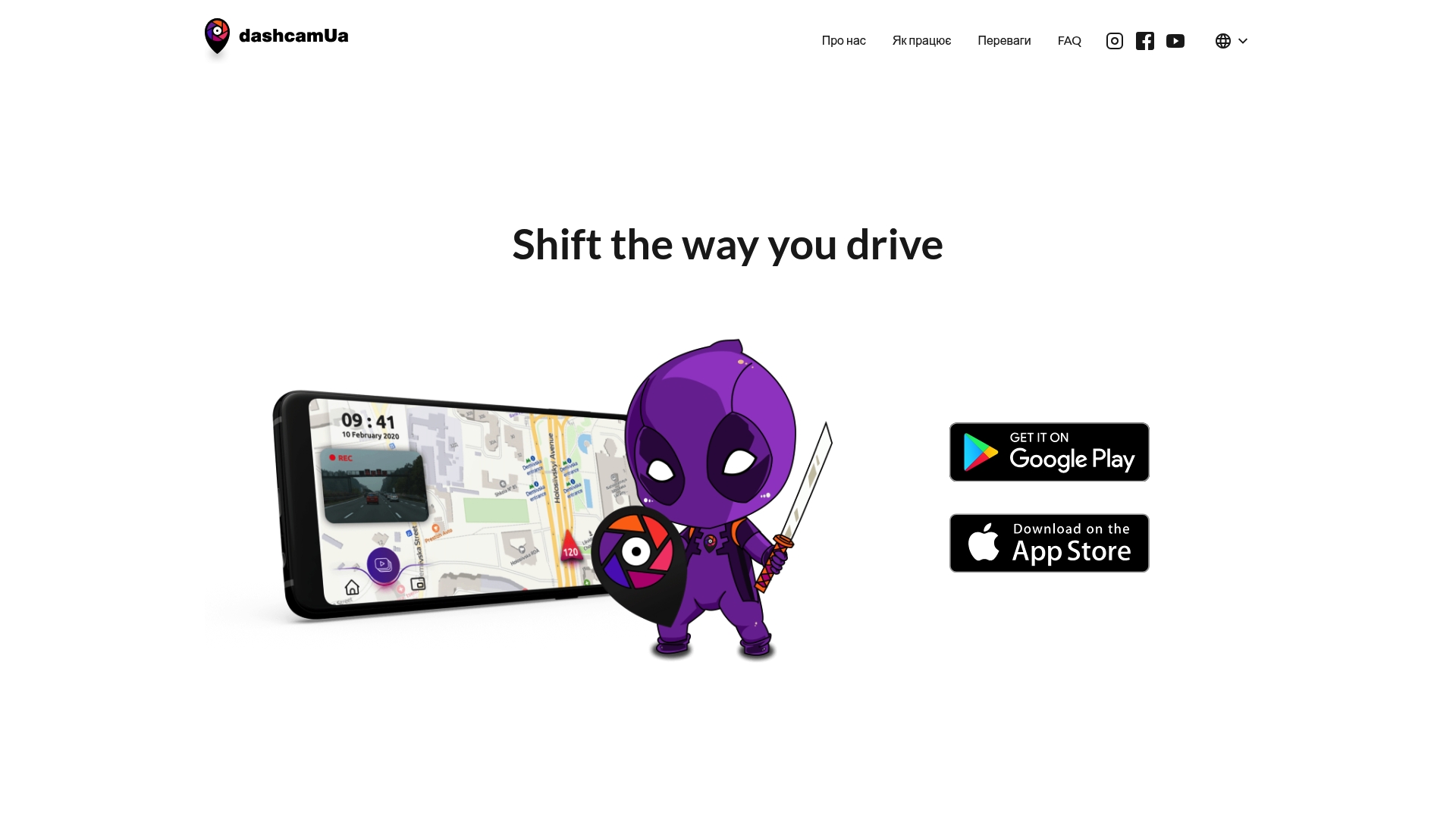
dashcamUa reports a 98.2% crash detection rate. That vendor claim anchors the app’s safety message, so explains its focus on automated evidence capture. The app also lets members save the last 30 seconds of footage with a single tap and forward reports to police while protecting contributor anonymity.
Core Features
dashcamUa combines automated incident detection with quick evidence delivery and reward tracking. The platform records continuously on the phone, allows one-tap saving of the last 30 seconds, and submits incident reports to law enforcement while preserving contributor anonymity. It also advertises integrations with dash recorders, CarPlay, and Android Auto to let drivers use their phone as the recorder.
Key Differentiator
The standout feature is the app’s claim of a 98.2% accident detection rate paired with immediate, anonymous delivery of video to police and a cashback reward path for validated fines. That emphasis on automated capture plus financial incentive targets civic reporting rather than simple personal evidence storage.
Pros
dashcamUa groups useful community functions into a single mobile workflow. The app’s one-tap save and incident submission reduce friction when filing a police report, and the advertised cashback makes participation tangible for regular contributors. On-device anonymity and video security aim to reduce privacy concerns while integrations with CarPlay and Android Auto improve in-car ergonomics for drivers who prefer a phone-based recorder.
Cons
- Functionality remains in a testing phase with limited integrations, so broader device compatibility is not guaranteed.
- Requires a smartphone with specific features and correct settings, which may exclude older or budget devices.
- Handheld recordings and poor lighting can produce incorrect or unusable captures.
When It May Not Fit
If you need a mature, fully integrated fleet solution or guaranteed compatibility with every dash recorder, this app may be too early-stage. It also does not fit drivers who lack a modern smartphone or who rely on fixed hardware dash cams for insurance-grade footage.
Who It’s For
Drivers who want to contribute to road safety and are comfortable using their smartphone as the primary recorder. Regular commuters, civic-minded drivers, and people willing to test new features will get the most from the app’s reporting plus cashback model.
Real World Use Case
A commuter records a near-miss at an intersection and taps to save the last 30 seconds. The app anonymizes the clip, submits it to the police with a report, and the driver later receives a cashback reward after the fine is confirmed.
Website: https://dashcamapp.org
okDriver
At a Glance
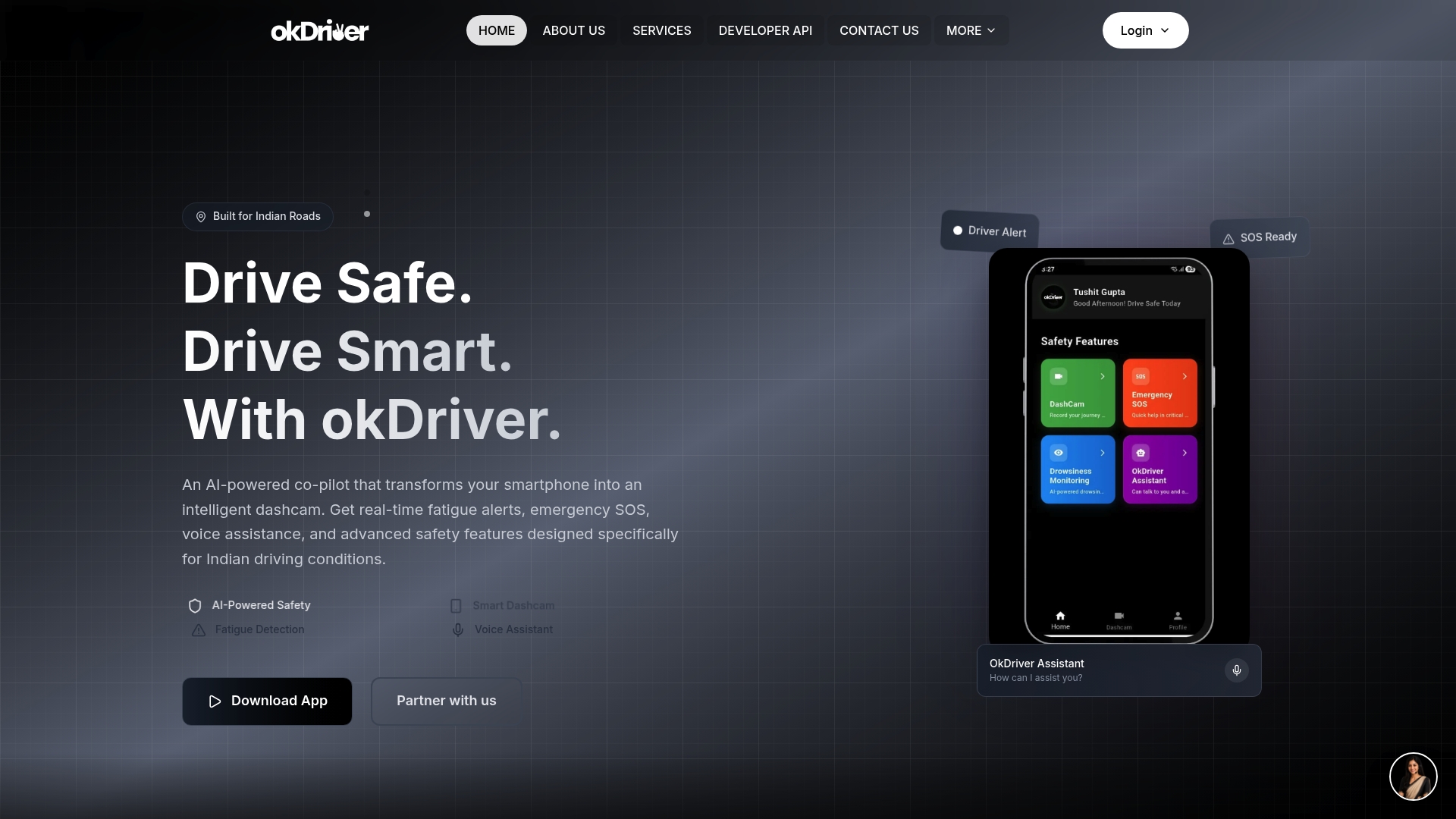
Offers both a mobile app and optional hardware that bring AI powered fatigue detection and emergency SOS to Indian drivers. The app turns an Android phone into a dash cam app for android phones while adding driver monitoring and voice assistance. okDriver targets cab drivers, fleet operators, truck drivers, and school transport with features tuned for local traffic behavior.
Core Features
The app converts a smartphone into an intelligent dash cam and records while driving, with options for local or cloud storage. It issues real time fatigue alerts and runs continuous driver monitoring to spot unsafe behavior. The package also includes voice activated AI co pilot for navigation and quick queries plus AI rules that warn about speeding and traffic law noncompliance.
Key Differentiator
The product is designed specifically for Indian road conditions, with models and alerts tailored to local driving patterns and enforcement. That local focus appears across software and optional hardware, which lets operators pick a phone first approach or full device installs. This narrower regional tuning separates it from generic dash cam apps built for global markets.
Pros
okDriver delivers practical safety features that matter on crowded Indian roads. The combination of fatigue detection and Emergency SOS gives drivers both prevention and response tools, and the voice co pilot reduces distraction by letting drivers keep hands on the wheel. Support for both local storage and cloud backup fits drivers who reuse old phones and those who want remote fleet oversight. Backing from prominent Indian institutions adds credibility for transport operators evaluating new safety tech.
Cons
- Limited public detail on data privacy and security practices raises questions for operators handling passenger or student records.
- Several advanced features depend on the smartphone camera and sensors, so older phones will show reduced accuracy.
- Premium hardware offerings carry added cost that may put them out of reach for small owner operators.
- Integrations outside the native ecosystem appear limited, which may complicate linking with existing fleet management stacks.
When It May Not Fit
If your fleet operates outside India this product may not match local traffic rules or enforcement alerts. Small operators with very tight budgets could find the premium hardware unaffordable. Teams that require broad third party integrations or centralized telematics may prefer a platform with open APIs and wider ecosystem support.
Who It’s For
Drivers and fleet managers in India who want an affordable path to AI driven safety will find this appealing. It matches well for cab drivers, logistics fleets, and school transport services that prioritize fatigue alerts and quick emergency response. Solo commuters who want a phone based dash cam and occasional cloud backup also fit the profile.
Real World Use Case
A logistics firm installs okDriver hardware in long haul trucks and deploys the mobile app on driver phones. The system raises fatigue alerts during long shifts and logs speeding incidents for supervisor review. Over time the company reports fewer fatigue related events and clearer evidence for regulatory checks.
Pricing
A free version provides basic dash cam recording and core alerts. Premium plans add cloud storage, advanced monitoring, and access to the optional hardware stack. Exact plan names and prices are listed on the vendor site.
Website: https://okdriver.in
Road’s Eye
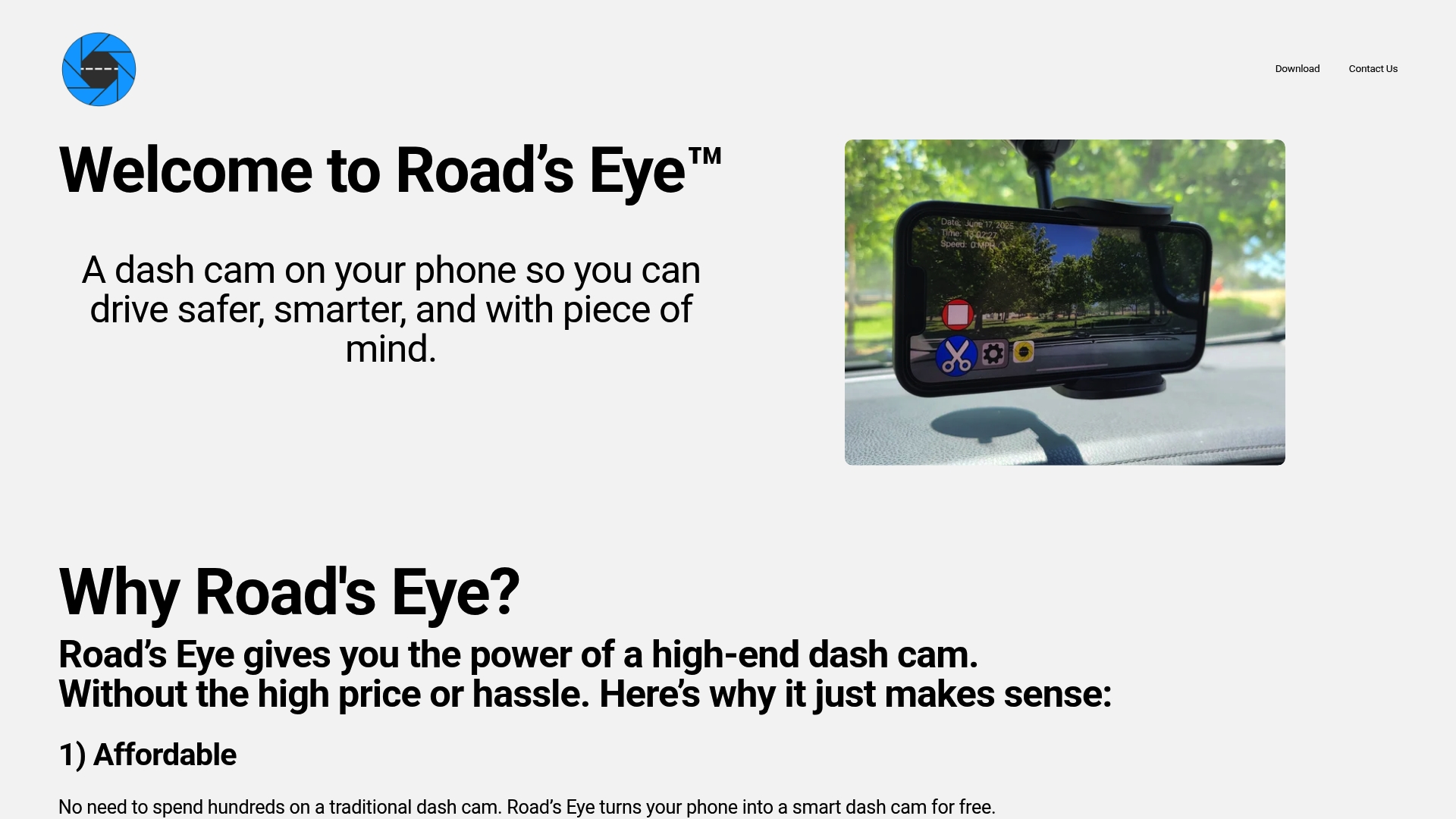
At a Glance
Automatic crash detection and clip saving runs in the background while you drive. The app also answers voice commands so you can keep your eyes on the road. It supports adjustable resolution and frame rates and offers driving overlay options for speed and time.
Core Features
Road’s Eye starts recording automatically when it detects a drive and saves incident clips with crash detection. It offers voice commands, adjustable video resolution and FPS, and an on-screen driving overlay that can show speed, date, and time. The app advertises future feature updates delivered by software so you get new options without changing hardware.
Key Differentiator
The standout feature is turning an existing phone into a capable dash cam with automatic recording and crash detection. That approach removes upfront hardware cost and lets the app evolve through updates. The vendor positions the app as a low-cost alternative to installed dash cams.
Pros
Road’s Eye makes a usable dash cam out of a spare Android phone, which lowers cost for commuters. Setup requires no wiring or dash mounts beyond your normal phone holder, so installation is quick and nontechnical. Crash detection plus automatic clip saving reduces the risk of losing evidence after an incident. Voice control reduces touch interactions while driving.
Cons
- Some important features are gated behind a subscription, which means you may still pay for advanced options.
- The app depends on your phone hardware and camera permissions, so performance varies by device model.
- Features like auto recording and crash detection may not work reliably on older or heavily restricted phones.
- Planned features such as dual camera support are not yet broadly available on all devices.
When It May Not Fit
If you need guaranteed, hardware grade recording with continuous parking surveillance, this app may fall short on some phones. Fleet operators who require uniform behavior across many vehicle devices will find device variability problematic. If you cannot grant camera and motion permissions, core features will not function.
Who It’s For
Drivers who want a low cost dash cam without buying extra hardware will like this app. Daily commuters and road trippers who keep a reliable smartphone mounted during drives get the most value. Owners testing phone based recording before buying a dedicated unit will also find it useful.
Real World Use Case
A commuter mounts a phone in the windshield and lets the app record each trip automatically. When a minor collision occurs, crash detection saves the clip and preserves the timestamped footage for insurance. The driver uses voice commands to start or stop recordings without taking hands off the wheel.
Pricing
Road’s Eye is free to use and supported by ads. An optional subscription removes ads and unlocks full customization and access to future paid features. The vendor describes the subscription as the path to advanced options and priority support.
Website: https://roadseye.com
Comparison of alternatives
The comparison between available dash cam apps for Android reveals varying strengths tailored to particular user needs. Core deciding factors tend to revolve around privacy, community engagement, regional specialization, and operational simplicity.
Comparing feature specialization and user collaboration
DriveSight excels at preserving user privacy with its on-device AI processing and extensive offline database. Conversely, dashcamUa emphasizes community collaboration by integrating incident reporting anonymity and cashback rewards for verified submissions—a compelling choice for safety-conscious contributors. However, dashcamUa’s dependence on hardware constraints may limit compatibility for older devices.
Regional tuning and operational clarity
okDriver adapts uniquely to Indian traffic patterns, providing fatigue alerts and a voice-assisting co-pilot tailored to the region’s challenges. This makes it ideal for fleet management in India, whereas Road’s Eye offers straightforward hands-free control options and automatic crash detection, suiting drivers prioritizing minimal manual intervention during recording.
Best fit
- Drivers prioritizing privacy and reliable offline performance will benefit from DriveSight and its emphasis on local control.
- Users who value community engagement and seek tangible rewards for contributing to driving safety should consider dashcamUa.
- Fleet managers and drivers navigating specific road conditions will find okDriver’s regional focus and additional hardware options advantageous.
- Commuters requiring ease of use through voice commands and automated functionality should assess Road’s Eye.
Our pick
DriveSight offers the most practical choice for users who need privacy-focused features and low-cost implementation. By utilizing local processing and an extensive offline database for alerts, users gain reliable monitoring while avoiding cloud dependence. However, those emphasizing external engagement, like cashback rewards, may better align with dashcamUa.
Choose the most suitable dash cam app based on its unique features and user scenarios.
| Product | Key Features | Best For | Pricing | Limitation |
|---|---|---|---|---|
| DriveSight | AI detection, offline alerts, Google Drive backup | Drivers reusing Android phones | Price not published | Performance depends on phone hardware. |
| dashcamUa | High crash detection, one-tap save, police reporting | Civically minded drivers | Price not published | Limited testing phase functionality and compatibility. |
| okDriver | Fatigue alerts, voice AI, native Indian road conditions | Indian professional drivers | Free basic, Optional Premium | Unclear privacy details, requires modern hardware. |
| Road’s Eye | Auto crash save, voice control, adjustable video settings | Budget-conscious individual users | Ad-supported, Optional Subscription | Depends on phone hardware, subscription required for full features. |
How Can You Get Reliable Dash Cam Features Without Buying Extra Hardware?
Drivers looking for a reliable dash cam app for Android often face challenges like hardware costs, privacy concerns, and the need for local control over footage. DriveSight solves these problems by transforming your spare Android phone into a full dash cam with AI-powered detection, offline speed camera alerts, and automatic crash saving. This setup keeps your data private with on-device processing and avoids constant data use with a large, offline camera database.
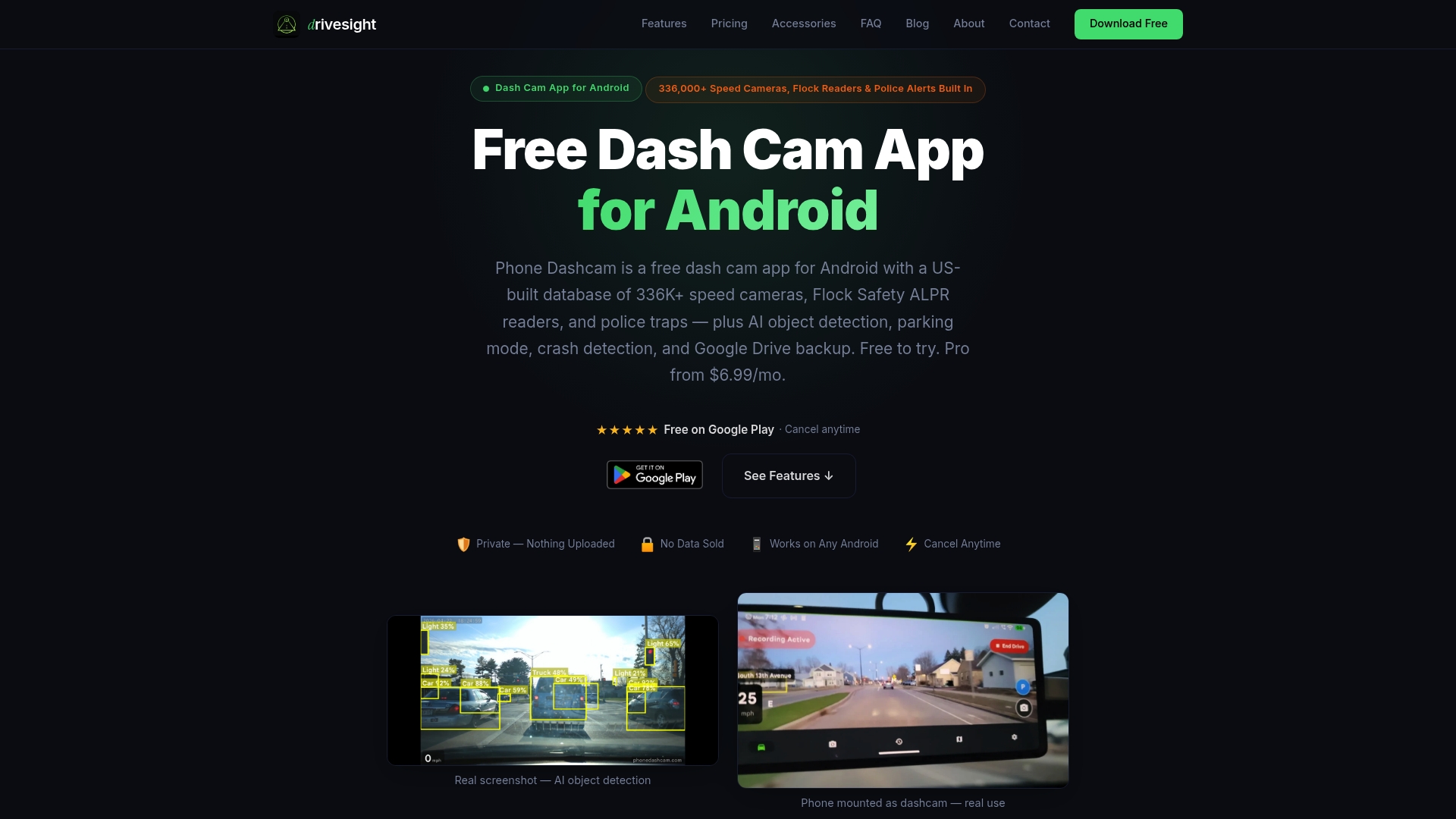
If you are a daily commuter, rideshare operator, or long-distance traveler who wants effective monitoring without extra equipment, try DriveSight. Visit DriveSight to download the app that lets you start recording and safeguarding your drives today. Experience quick alerts, parking security, and easy cloud backups all from your phone.
FAQ
What makes DriveSight a reliable dash cam app for Android?
DriveSight offers continuous loop recording alongside AI object detection that monitors vehicles, pedestrians, and animals. This feature ensures timely alerts and saves clips automatically in case of a crash. Users can expect dependable footage collection that keeps their driving experience safe.
How does dashcamUa compare to DriveSight?
DashcamUa boasts a 98.2% crash detection rate, ensuring quick evidence collection and reporting to law enforcement. This focus on automated incident detection makes it suitable for users who prioritize civic reporting. DriveSight, on the other hand, excels in providing local processing and anonymized footage, making it ideal for personal safety while driving.
Can I use DriveSight if I have limited data?
Yes, DriveSight includes an offline camera database that provides live alerts for speed cameras and police traps without requiring a constant data connection. This feature allows users to access important information while minimizing data usage.
What features should I expect from DriveSight when using it for daily commutes?
DriveSight incorporates features like crash and impact detection, parking mode with motion alerts, and Google Drive backup for important clips. These functionalities enhance its usability for daily commuters by ensuring evidence capture and providing peace of mind.
Does DriveSight require a specific Android device for optimal performance?
DriveSight relies on the user’s device’s hardware and stability; its performance can vary based on the phone used. For the best experience, users should choose a reliable Android device with adequate processing capacity.
Recommended
- Top 5 Android Authority Alternatives 2026
- Top 3 Aptoide.com Alternatives 2026
- Best Dash Cam App for Android in 2026: Why Your Phone Beats a $300 Dashcam
- Phone Dashcam vs Droid Dashcam — Which Android Dashcam App Is Better?
Get Phone Dashcam free
Loop recording, crash detection, GPS tracking, and AI object detection — all in your phone. No new hardware required.
Download Phone Dashcam