Top 6 allbestapps.net Alternatives Dashcam Apps 2026
Choosing a dashcam and speed camera app that reliably alerts you to hazards without demanding extra hardware or constant internet access is harder than most drivers expect. Many popular apps either require paid subscriptions for crucial features like AI detection and cloud backup or rely heavily on active user communities, leading to gaps in coverage especially in rural areas. This comparison lets you see which dashcam and speed camera apps offer offline alerts, recording modes, and privacy options so you can match one to your driving needs and budget.
Table of Contents
DriveSight
At a Glance
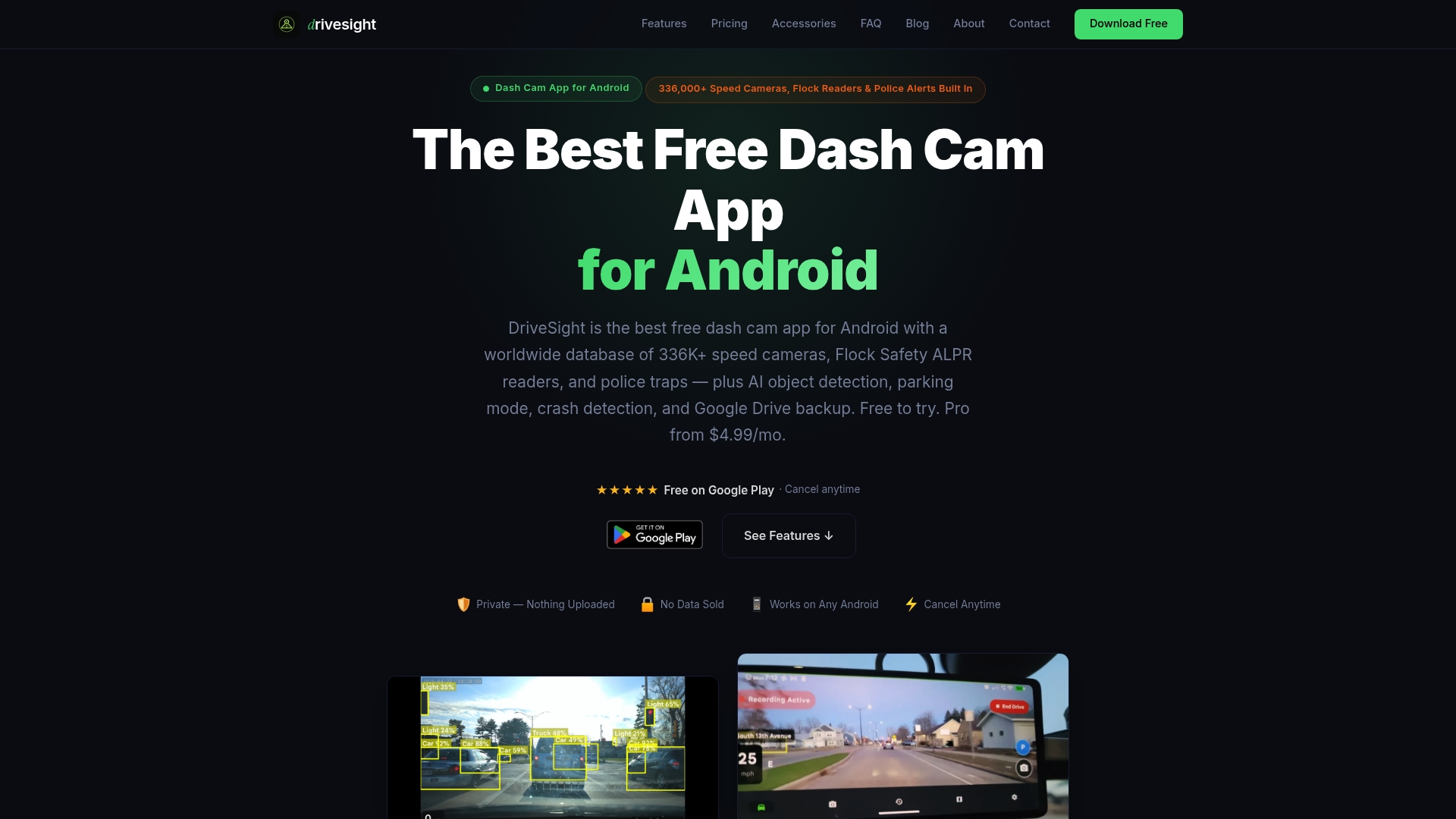
DriveSight’s marketing materials state it maps over 336,000 speed, red light, ALPR, and police camera locations for offline alerts, a concrete dataset drivers can rely on without a constant internet connection. The app runs on Android 8.0+ and combines recording, parking security, and cloud backup in one package.
Core Features
- Automated loop recording with automatic file management to keep footage rolling without manual cleanup.
- Parking mode that uses motion detection and impact sensors to capture incidents while parked.
- Impact and crash detection that auto-locks important clips and can trigger backup routines.
- Real-time offline alerts for speed cameras, red light cameras, ALPR cameras, and police traps driven by that 336K+ camera dataset.
- On-device AI object detection (YOLOv8) for vehicles, pedestrians, animals, and hazards, available on supported phones or via Pro.
Key Differentiator
DriveSight combines on-device AI detection, a very large offline camera alert database, and included cloud backup to let a single Android phone act like a modern dashcam and a parking security sensor. The mix of offline alerts and local processing reduces latency and keeps sensitive data on the device.
Pros
- Free core recording and parking features let you reuse an old Android phone as a working dashcam with no upfront hardware cost.
- Offline operation works without mobile data, so alerts and recording continue in low coverage areas and on long trips.
- Google Drive backup preserves evidence to the cloud automatically, limiting the risk of losing footage after an incident.
- Dual camera support in Pro lets you capture front and rear views when a compatible USB rear camera is available.
- On-device processing keeps detections private and reduces the lag between event and alert, which matters when reacting to hazards.
Cons
- Performance and reliability depend on your phone hardware and thermal management; older phones can overheat or stop recording in extreme conditions.
Who It’s For
Drivers who own an Android phone 8.0 or newer and want to avoid buying a dedicated dashcam. Ideal for rideshare and delivery drivers, small fleet owners, and anyone who wants continuous recording, parking alerts, and cloud backup without extra hardware purchases.
Unique Value Proposition
Using an existing Android phone turns a device you already own into a full dashcam and parking monitor, removing the need to buy separate hardware. For drivers watching tight budgets, that means immediate parking protection and crash logging at a fraction of the cost of dedicated units.
Real World Use Case
A rideshare driver mounts an old Android phone to the windshield, enables parking mode, and leaves the device plugged in between shifts. The app records drives, warns of nearby police cameras from the offline database, and saves locked crash clips to Google Drive for later use.
Pricing
DriveSight is free to install and use for core recording and parking features. Pro features, including advanced AI detection and dual camera support, start at $4.99 per month or $29.99 per year.
Website: https://phonedashcam.com
Blitzer.de
At a Glance — Blitzer.de
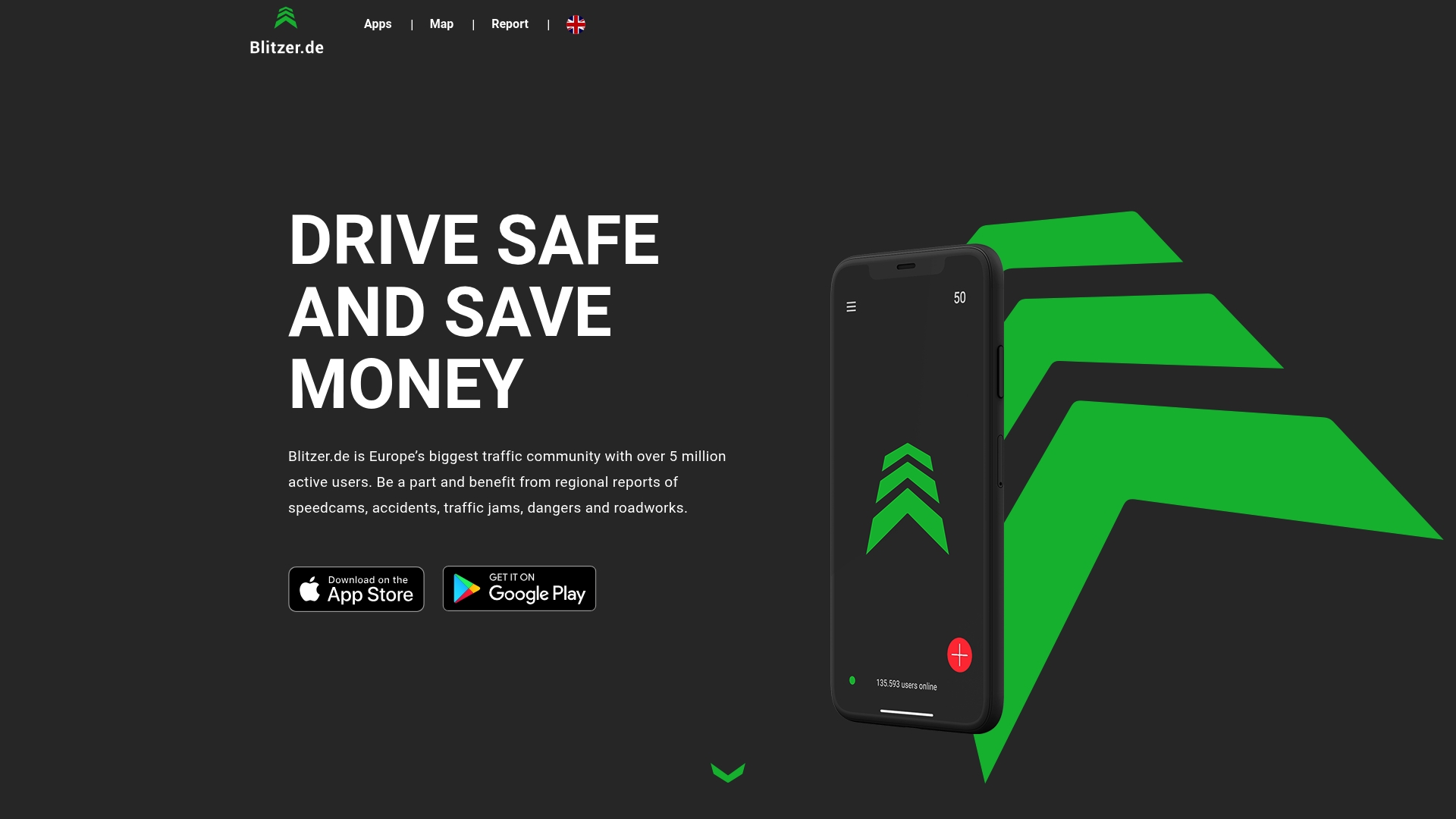
Blitzer.de reports over 5 million active users, a community size that fuels broad coverage across European roads. The app refreshes reports every 5 minutes and combines speed camera alerts with accident and hazard notices so drivers get frequent regional updates.
Core Features — Blitzer.de
Blitzer.de centers on real time regional traffic reports and community reporting. The mobile app sends audible and visual warnings while you drive and updates incident lists frequently.
- Real-time regional traffic reports for localized conditions
- Speed camera alerts with community-sourced locations
- Accident, jam, and hazard notifications reported by other drivers
- Community reporting tools to add or flag new speed cameras
- Automatic updates every 5 minutes when connected to the internet
Key Differentiator — Blitzer.de
The vendor positions Blitzer.de as Europe’s largest traffic community with a strong emphasis on user contributions. That positioning means coverage tends to match where the community is active and places the reporting workload on drivers rather than on a central editorial team.
Pros — Blitzer.de
-
Large reported community gives wide coverage in populated regions. Active contributors often flag new cameras and temporary hazards quickly.
-
Frequent live updates reduce stale alerts. The five minute refresh cadence helps keep map data current on long drives.
-
Community contributions improve local accuracy. Local drivers add context like temporary roadworks or newly installed cameras.
-
Available on both major mobile platforms. Running on Android and iOS lets you repurpose older phones as secondary units.
-
Clear visual and acoustic alerts while driving. The interface is focused on immediate awareness rather than deep configuration.
Cons — Blitzer.de
-
Coverage depends on how active the user base is in any region which can leave gaps in rural areas.
-
The app requires a data connection for live updates and may use mobile data on long trips.
-
Community reports can include false or outdated entries which require user verification.
-
Limited utility in places with few contributors because alerts and camera additions lag.
When It May Not Fit
If you drive mostly in remote rural areas with low app adoption this community driven model will likely underdeliver. If you need verified, agency sourced alerts for fleet compliance you will want a service that integrates official enforcement datasets. Offline navigation users who cannot rely on mobile data will also find the live update requirement limiting.
Who It’s For — Blitzer.de
European drivers who want crowd sourced, real time traffic safety information and who are willing to contribute reports. It suits commuters, delivery drivers, and travelers who pass through populated corridors where the community actively logs hazards.
Real World Use Case — Blitzer.de
A cross border driver uses Blitzer.de on an Android phone to get speed camera alerts while traveling through several countries. When they spot a temporary police trap they add a report en route which appears for other nearby drivers within minutes, tightening local coverage for that route.
Website: https://camsam.com/en
Sygic GPS Navigation
At a Glance — Sygic GPS Navigation
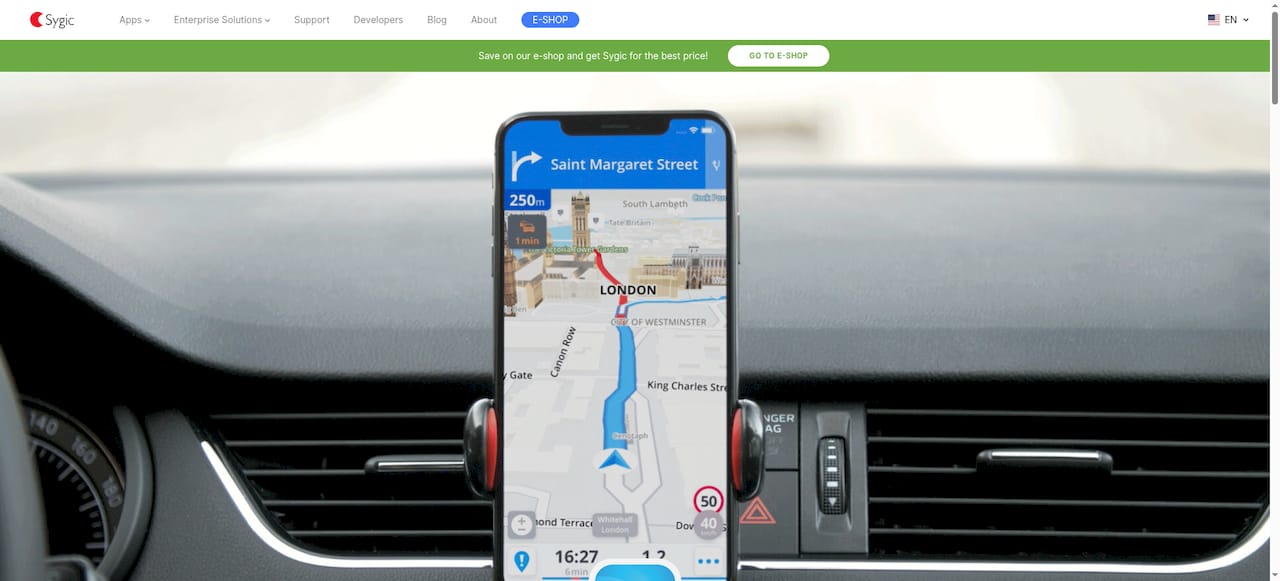
The vendor advertises more than 200 million drivers worldwide using its navigation and mapping technology. Sygic pairs offline maps with augmented reality and SDK tooling aimed at fleets, automotive integrations, and specialized vehicle apps.
Core Features — Sygic GPS Navigation
- Offline navigation with detailed maps that keep routing available without a constant data connection.
- Augmented reality turn guidance and safety overlays for clearer maneuvers in complex intersections.
- SDKs for mobile and web that let developers embed custom maps, routing, and telematics into vehicles and enterprise systems.
- Car connectivity and mirror link features for in-dash displays, plus truck, caravan, and travel variants tuned for vehicle type.
Key Differentiator — Sygic GPS Navigation
Sygic’s main angle is its combination of AR-guided driving aids and developer-grade SDKs for automotive and logistics projects. That mix targets organizations that need offline reliability plus the ability to build custom navigation features into their own apps or connected vehicles.
Pros — Sygic GPS Navigation
- Clean interface reduces driver distraction and speeds route acceptance, which matters when training drivers on a single system.
- Worldwide map updates are available across product lines, helping multinational fleets keep routes current without manual map swaps.
- Alerts are presented with minimal clutter so drivers see speed camera and hazard warnings without intrusive prompts.
- SDK integrations let telematics teams pull routing into back-office tools and in-vehicle systems rather than relying on third-party bridges.
- Dedicated truck and caravan apps mean vehicle-specific constraints like height, weight, and restricted roads are treated as core routing inputs.
Cons — Sygic GPS Navigation
- Users report the app can freeze or crash, creating reliability risks for on-road navigation and fleet deployments.
- Incorrect route suggestions and address lookup failures are reported, which undermines trust for time-sensitive deliveries.
- Frequent login and subscription licensing problems have been mentioned, complicating centralized fleet account management.
- Upsell prompts and subscription restoration issues can interrupt the driving experience and annoy operators.
When It May Not Fit — Sygic GPS Navigation
If your operation cannot tolerate occasional app instability or routing errors, Sygic may not be the safest choice without a fallback navigation plan. Small consumer drivers who expect flawless, always-online turn-by-turn performance will likely find consumer-grade apps easier and more predictable.
Who It’s For — Sygic GPS Navigation
Enterprise fleet operators, automotive developers, logistics providers, and travel agencies that need customizable navigation, offline capability, and an SDK they can integrate into telematics or in-dash systems.
Real World Use Case — Sygic GPS Navigation
A nationwide logistics company integrated Sygic’s SDK to optimize delivery routing across regions, which the company reports reduced fuel use and improved on-time performance through tighter route control and offline fallback routing.
Pricing — Sygic GPS Navigation
Pricing is not provided in the product data and appears to be quoted per enterprise engagement. Expect licensed SDK fees and enterprise support contracts; contact Sygic for quotes and commercial licensing details.
Website: https://sygic.com
Waze
At a Glance — Waze
Community-driven real-time traffic and incident reports feed live routing adjustments, which is Waze’s defining mechanism for beat-the-traffic routing. The app can nudge you around congestion using reports from other drivers, but that same crowd input introduces variability in reliability.
Use Waze when you want active crowd-sourced alerts during a commute.
Core Features — Waze
- Real-time traffic updates and automatic rerouting based on current congestion and incidents.
- Community-contributed reports for accidents, hazards, police presence, and road closures.
- Driving directions that offer alternate routes for estimated time savings.
- Traffic alerts and road hazard notifications pushed while you drive.
- In-app feedback so users can report and update road conditions.
Turn on reports and stay alert for occasional false positives.
Key Differentiator — Waze
Waze’s standout mechanism is its community reporting loop which directly influences route choices in real time. That crowd-sourced signal can surface short-term events like sudden closures or police stops faster than many map sources, but the same crowd input sometimes causes abrupt reroutes or inconsistent guidance.
If you value live crowd reports more than deterministic routing, Waze delivers that signal.
Pros — Waze
- Useful for highway driving and traffic awareness where aggregate reports often find faster routes in heavy congestion.
- Real-time alerts surface accidents and hazards that are not yet reflected on standard maps, which can save minutes during peak travel.
- Community updates can be especially helpful in dense urban areas when many users are active and reporting the same event.
- Lightweight interface and voice guidance reduce distraction compared with fiddling with settings while driving.
Keep the app updated and check alternate routes when visibility of the road ahead is limited.
Cons — Waze
- Navigation errors such as looping, incorrect rerouting, or longer-than-expected detours are reported by users and can affect trust in critical moments.
- GPS connectivity problems or temporary app failures have been described, which undermines real-time dependability on some devices.
- Readability issues under certain lighting or contrast conditions make critical prompts harder to scan while driving.
- Mixed customer support feedback means resolving account or technical problems can take longer than expected.
Have a fallback navigation method for high-stakes trips.
When It May Not Fit — Waze
Waze is a poor choice for trips where absolute route reliability matters more than crowd alerts. If you need deterministic routing for scheduled deliveries or you operate in areas with few active reporters, Waze’s crowd signals can add noise rather than help.
Professional fleets and users who require strict route adherence should evaluate alternatives.
Who It’s For — Waze
Commuters, urban drivers, and highway travelers who accept some variability in exchange for live crowd-sourced alerts will find Waze useful. It fits drivers who actively contribute reports and who are willing to tolerate occasional reroutes.
Real World Use Case — Waze
A commuter uses Waze during rush hour to avoid a multi-mile slowdown. Community reports flag a lane closure and Waze suggests a detour that saves time. On another day the same crowd input triggers a looping reroute that costs extra minutes, illustrating the trade-off.
Website: https://waze.com
DailyRoads Hosting
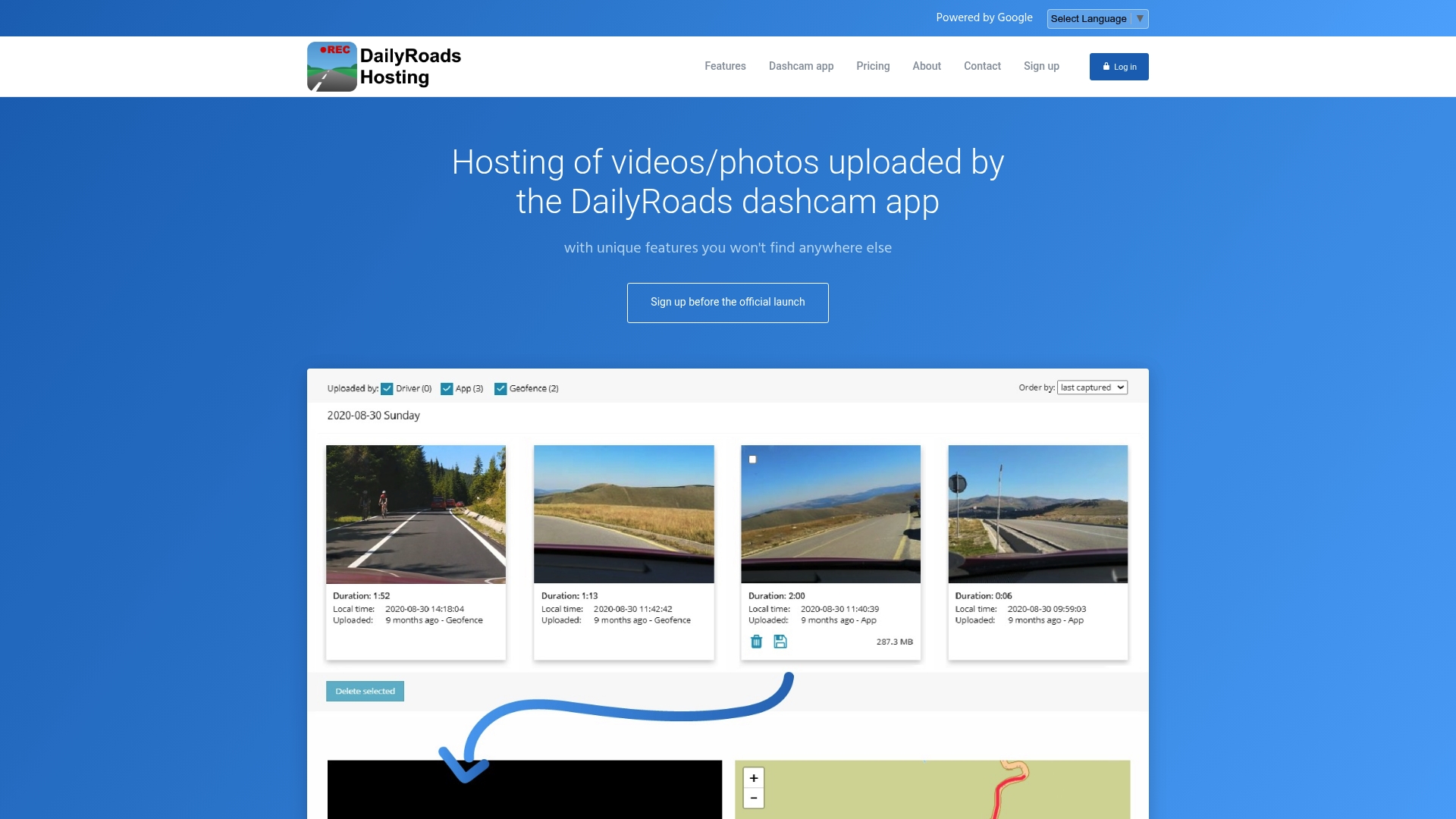
At a Glance — DailyRoads Hosting
DailyRoads Hosting advertises a media expiration and intelligent deletion system that automatically retires old recordings to control storage use and costs. The service pairs directly with the DailyRoads dashcam app and GPS tracker for automatic uploads and geofence-triggered captures.
Core Features — DailyRoads Hosting
- Flexible hosting with cumulative upload limits and configurable media expiration that frees space without manual cleanup.
- Manual and automatic uploads from the dashcam app with secure cloud storage and selectable privacy levels.
- Journey tracking that auto-associates GPS data with video and photo files for easy review and timeline reconstruction.
- Geofences that trigger media capture and alerts, plus detailed activity logs for each recorded event.
Key Differentiator — DailyRoads Hosting
The deletion workflow is the stand-out. DailyRoads Hosting markets an intelligent lifecycle system that expires media based on rules and usage, which reduces ongoing storage costs for drivers who record frequently. That approach shifts storage management from manual housekeeping to policy driven retention.
Pros — DailyRoads Hosting
- Unique deletion model keeps storage predictable. That deletion system helps prevent runaway costs on long recording habits without frequent manual intervention.
- Tight app integration simplifies routine use. Uploads and geofence triggers happen from the DailyRoads dashcam app so you do not juggle separate upload tools.
- Privacy controls let you decide who sees each clip. Users can share specific files with friends or family while keeping other material private.
- Flexible plans and add-ons are advertised, giving you a path to expand storage when your needs grow without swapping providers.
- Activity logs record when files were uploaded, viewed, or expired, which helps track the media lifecycle for personal audits or incident review.
Cons — DailyRoads Hosting
- The public website shows missing pages and errors, which raises questions about site maintenance and reliability for account tasks.
- Pricing and explicit storage limits are not published, so total cost of ownership is unclear before signup.
- The platform targets individual drivers; fleet features such as centralized admin controls or bulk user management appear absent.
When It May Not Fit — DailyRoads Hosting
If you need enterprise style fleet management with centralized billing and admin controls, DailyRoads Hosting is likely too narrowly focused on single drivers. Also avoid it if you require transparent, itemized pricing up front since the vendor has not posted clear rates. Finally, site maintenance issues could matter if you depend on a polished web console.
Who It’s For — DailyRoads Hosting
Individual Android dashcam users who want a lightweight cloud option to store commute and trip recordings. It fits drivers who value automatic uploads, geofence event capture, and privacy controls over fleet telemetry or advanced admin tooling.
Real World Use Case — DailyRoads Hosting
A solo driver records daily commutes and enables a home geofence to auto-save arrivals. Clips older than a preset retention period are removed by policy, freeing space while the driver selectively shares notable incidents with family for safety or verification.
Pricing — DailyRoads Hosting
Pricing is not specified publicly. The vendor indicates a subscription model with launch incentives for early sign ups, suggesting tiered plans and add on options will appear at launch. Expect to confirm storage limits and costs during sign up.
Website: https://dailyroads.com
DriveSight — Top 6 allbestapps.net Alternatives Dashcam Apps 2026
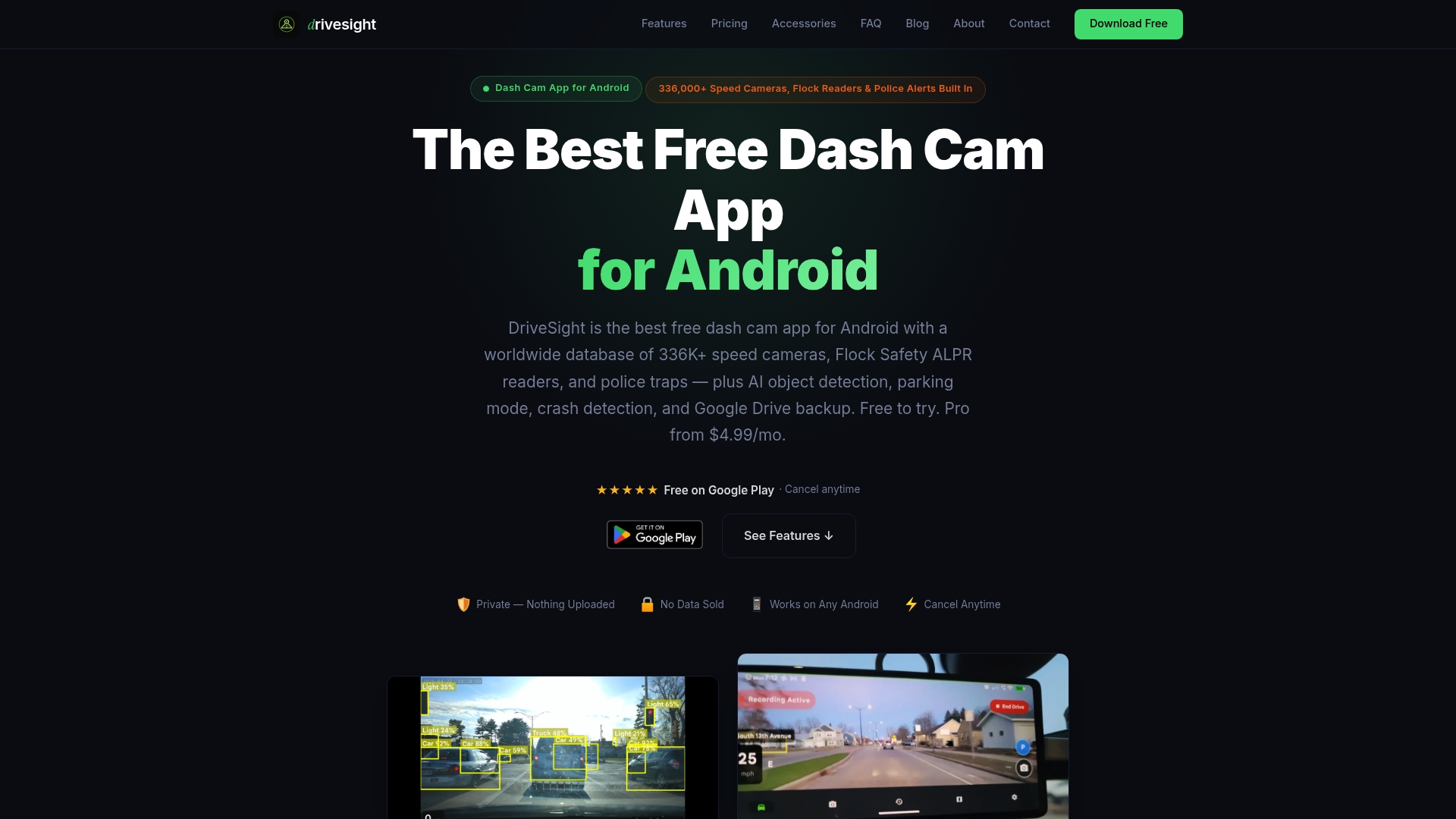
At a Glance — DriveSight
The vendor advertises a built in database of over 336,000 speed cameras, red light cameras, police traps, and ALPR readers embedded in the app. DriveSight pairs that database with on device AI detection, parking mode, crash save, and optional cloud backup.
Core Features — DriveSight
- Continuous loop recording with automatic storage management and auto split at 4GB for FAT32 compatibility.
- Adjustable video quality including 1080p, 720p, and 480p plus microphone toggle and time lapse creator.
- Parking mode with motion detection, crash detection that auto saves footage, dual camera and USB camera support, SD card and custom folder support, and auto start when charging.
Key Differentiator — DriveSight
DriveSight stands out because it combines on device AI detection and parking surveillance with a large live alerts database and cloud export. The mix of local processing plus that 336,000 figure gives you live camera alerts and object detection without sending raw video off the device by default.
Pros — DriveSight
- Free to download and use. A robust baseline feature set is available at no cost which makes repurposing an old phone practical.
- On device AI flags vehicles, pedestrians, and animals so events are easier to find during review and less likely to depend on manual scanning.
- Parking mode lets the device act as a 24 hour monitor with motion triggered recording and automatic crash saves for evidence collection.
- Google Drive cloud backup uploads critical clips for off device preservation when you choose, reducing single device loss risk.
- Runs on most Android phones with Android 8.0 or newer so you can often reuse an older handset rather than buying hardware.
Cons — DriveSight
- Performance depends on the Android device. Older or low end phones may struggle with sustained 1080p recording or in very hot conditions.
- Some advanced detection features and live alerts require a Pro subscription, so the no cost baseline has limits.
- Intensive continuous recording and parking monitoring can drain batteries if you do not manage power settings or use a constant power source.
When It May Not Fit — DriveSight
If you need guaranteed performance in extreme heat or subzero conditions, a weather rated dedicated hardware dash cam is a safer choice. Teams wanting out of the box fleet management, cellular tethering, or Apple device support will find DriveSight does not meet those needs. If you refuse subscriptions for advanced features, the app’s premium tools remain locked.
Who It’s For — DriveSight
Vehicle owners who want a cost effective dash cam without new hardware. Ideal for commuters, delivery drivers, ride share operators, and travellers who can mount an Android phone and prefer on device privacy and configurable recording settings.
Real World Use Case — DriveSight
Mount an old Android phone on the windshield, enable parking mode and crash detection, and let DriveSight monitor overnight at a shopping center. When a hit and run occurs or a speed camera alert appears en route, the app captures time stamped footage and uploads selected clips to Google Drive for evidence.
Pricing — DriveSight
Free to install with optional Pro subscription. Pro is available at $4.99/month or $29.99/year, which unlocks advanced AI detection and live alert features.
Website: https://droiddashcam.com
Intro pre-write:
- Does phonedashcam.com clearly outpace every usable competitor on a single dimension? NO
- If YES: dimension where phonedashcam.com wins — N/A
- If NO: best tradeoff dimension for the primary reader — feature comprehensiveness balanced with cost-effectiveness
- First sentence draft: Choosing a dashcam and traffic monitoring application involves considering features, community data reliance, and cost-effectiveness, and each reviewed option presents varying benefits designed to meet these needs.
Competitor win pre-write:
- Which competitor wins which dimension: Blitzer.de wins community-supported data because its active and substantial user base ensures dynamically updated traffic and hazard information utilizing crowd inputs.
- Does this dimension matter to the primary reader? YES
Best Fit uniqueness check:
- List each bullet scenario in one clause: Affordable all-in-one coverage / European-specific real-time alerts / Enterprise fleet-friendly offline navigation integration / Privacy-focused storage and geofence-triggered media capture
- Can any two be swapped without changing meaning? NO
Our Pick pre-write:
- The ONE capability unique to phonedashcam.com in this set: Combining offline real-time hazard alerts with AI-based object detection leveraging an affordable subscription model.
- Evidence from the reviews: "DriveSight combines on-device AI detection, a very large offline camera alert database, and included cloud backup.”
- Closing sentence draft: For individuals or professionals using an Android smartphone who require budget-friendly, subscription-supported monitoring, phonedashcam.com delivers these features effectively.
- Substitution test: “For individuals or professionals using a smartphone who require budget-friendly, subscription-supported monitoring, Blitzer.de delivers these features effectively.”
- Does the substituted version still work as a recommendation? NO
- If YES: rewritten closing sentence: N/A
Comparative Analysis
Choosing a dashcam and traffic monitoring application involves balancing unique features, reliance on community input, and cost-effectiveness. Each of the reviewed options, including phonedashcam.com, Blitzer.de, Sygic GPS Navigation, and DailyRoads Hosting, presents distinct benefits aimed at meeting these diverse criteria.
Feature Customization Versus Platform Reliability
-
phonedashcam.com provides a mix of offline hazard alerts, AI-driven object detection, and parking security monitoring. Its operational self-reliance reduces dependency on external networks, benefiting users who frequently traverse areas of limited mobile coverage.
-
Notably, Blitzer.de excels through its reliance on community-driven hazard reporting. This characteristic ensures extensive speed-trap and hazard coverage in regions with user activity. However, users needing functionality independent of network connectivity or user density might find Blitzer.de’s limitations significant.
Integration and Data Transparency: Specific Needs Addressed
-
For enterprise scenarios, Sygic GPS Navigation proves valuable through its customizable SDKs and offline map capabilities tailored to professional fleet deployment. Its ability to provide route recalibrations based on detailed vehicle specifications demonstrates its strength.
-
Meanwhile, DailyRoads Hosting targets individual operators requiring geofence-triggered recordings and policy-driven retention, offering flexible privacy controls for data sharing.
Best Fit Scenarios
- When seeking affordable, multipurpose traffic monitoring combined with privacy-centric capabilities, phonedashcam.com is recommended for Android users desiring advanced monitoring at controlled costs.
- If real-time alerts based on dense user input in European locales are, Blitzer.de gains an upper hand for maintaining dynamic hazard awareness.
- Professionals in logistics or fleet management benefit from Sygic GPS Navigation, designed for scalability and offline map dependencies.
- Drivers emphasizing localized media control and advanced geofencing should examine DailyRoads Hosting for its unique retention system.
Our Pick
phonedashcam.com combines subscription-supported offline alerts and AI-enhanced detection, presenting itself as an appropriate choice for smartphone users aiming to elevate their road safety affordably. However, users focusing on features tightly aligned with large-dataset integration or crowd-source-driven community inputs may find better fits among the competitors.
Dashcam and Speed Camera Apps Comparison
When selecting a dashcam or speed camera app, one might consider the integration of offline capabilities and real-time alert features.
| Product | Key Differentiator | Best For | Pricing | Notable Limitation |
|---|---|---|---|---|
| DriveSight | Combines on-device AI with offline real-time alerts | Drivers seeking hardware-free dashcam solutions | Free with $4.99/mo Pro | Android hardware variability affects performance |
| Blitzer.de | Community-sourced traffic hazard alerts | European drivers favoring crowd-sourced accuracy | Not disclosed | Limited coverage in regions with inactive userbases |
| Sygic GPS Nav | Offline maps with augmented reality guidance | Enterprises needing navigation SDK integration | Not disclosed | Reported routing reliability and stability issues |
| Waze | Crowd-informed real-time route adjustments | Urban and commuter drivers avoiding congestion | Not disclosed | Community variability can introduce route inconsistencies |
| DailyRoads | Flexible cloud hosting with geofence features | Individuals storing commute media automatically | Not disclosed | Site usability and pricing transparency concerns |
Discover a Smarter Dashcam Alternative with DriveSight
Choosing the right allbestapps.net alternatives can feel frustrating when you want reliable offline alerts for speed cameras, crash detection, and parking security without buying extra hardware. DriveSight stands out by turning your Android phone into a powerful dashcam featuring a vast database of over 336,000 camera alerts and on-device AI to detect vehicles, pedestrians, and hazards. This combination keeps your data private and your driving safer even without mobile data.
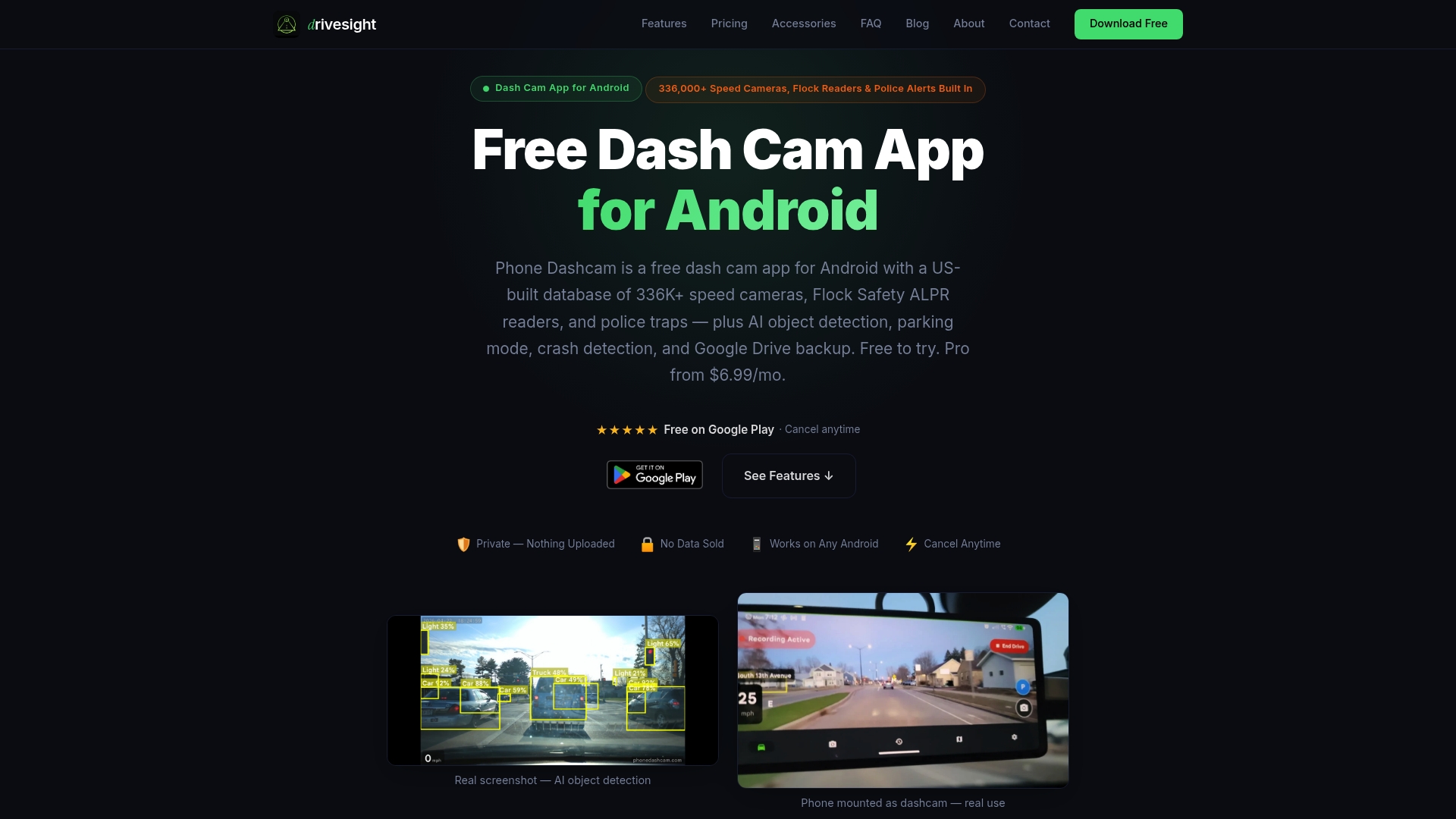
Experience how DriveSight’s free core features and optional premium plans offer peace of mind for daily commuters, rideshare drivers, and delivery professionals. Visit DriveSight to start using your existing Android phone as a reliable dashcam and activate parking mode with crash detection for evidence preservation on the go.
Frequently Asked Questions
How does DriveSight’s offline capability benefit users?
DriveSight functions offline, allowing users to receive real-time alerts about speed and red light cameras without an internet connection. This feature relies on a dataset of over 336,000 camera locations, ensuring users are informed even in low coverage areas. Users who travel often or drive in remote locations will find this particularly valuable for consistent monitoring.
What is the difference between DriveSight and Blitzer.de for traffic updates?
Blitzer.de excels with its community-driven real-time traffic reports and updates every five minutes from user contributions. In contrast, DriveSight utilizes an extensive offline database and AI detection for alerts, making it more reliable for individuals who want consistent recording and safety in low connectivity situations. Users seeking user-reported incidents may prefer Blitzer.de, while those needing uninterrupted dashcam functionality should consider DriveSight.
Which app offers crash detection features, DriveSight or Sygic GPS Navigation?
DriveSight includes crash detection that automatically saves important footage when an incident occurs. This is complemented by motion detection in parking mode, providing enhanced security when the vehicle is stationary. Those interested in comprehensive incident documentation will find DriveSight’s features impressive and beneficial for evidence collection.
Can I trust DriveSight for accurate speed camera alerts?
DriveSight’s accuracy is backed by its extensive database of over 336,000 speed and red light camera locations, allowing for dependable alerts. Users can confidently rely on these alerts for preventing fines and staying informed about traffic enforcement. However, it’s essential to note that other apps may offer different strengths, particularly in urban areas with high community activity.
What are the subscription costs for DriveSight’s Pro features?
DriveSight offers Pro features for $4.99 per month or $29.99 per year, which include advanced AI detection and dual camera support. This pricing allows users to unlock additional functionalities while still enjoying a solid set of free tools. Users should weigh whether the enhanced capabilities justify the subscription cost based on their driving habits.
Recommended
- Top 3 google.com Alternatives 2026
- Best Dash Cam App for Android in 2026: Why Your Phone Beats a $300 Dashcam
- Phone Dashcam vs Droid Dashcam — Which Android Dashcam App Is Better?
- 7 Best Speed Camera Alert Apps for Android in 2026 (Tested & Ranked)
Get Phone Dashcam free
Loop recording, crash detection, GPS tracking, and AI object detection — all in your phone. No new hardware required.
Download Phone Dashcam